

To add product reviews to Shopify, install a reviews app such as Judge.me, Loox, Okendo or Yotpo, add its review widget and star rating blocks to your product and collection templates in the theme editor, import any reviews you already have, then turn on automatic review request emails. Shopify's own free Product Reviews app has been discontinued, so a third-party app is now the way to do it.
Why product reviews matter
Reviews answer the questions a product page can't, like how something fits, how it holds up and whether it arrived on time. New shoppers trust other customers more than they trust your copy. Star ratings on collection pages help products stand out while people browse, and a product with no reviews can look untested next to a competitor's product with fifty.
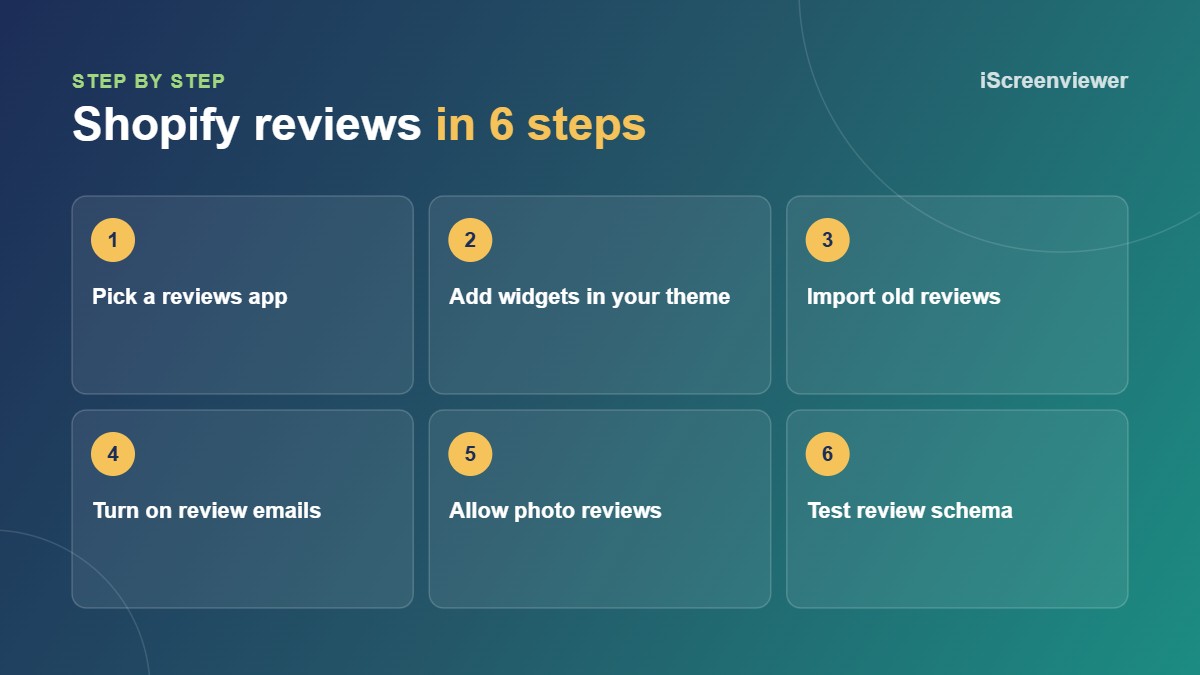
1. Choose a reviews app
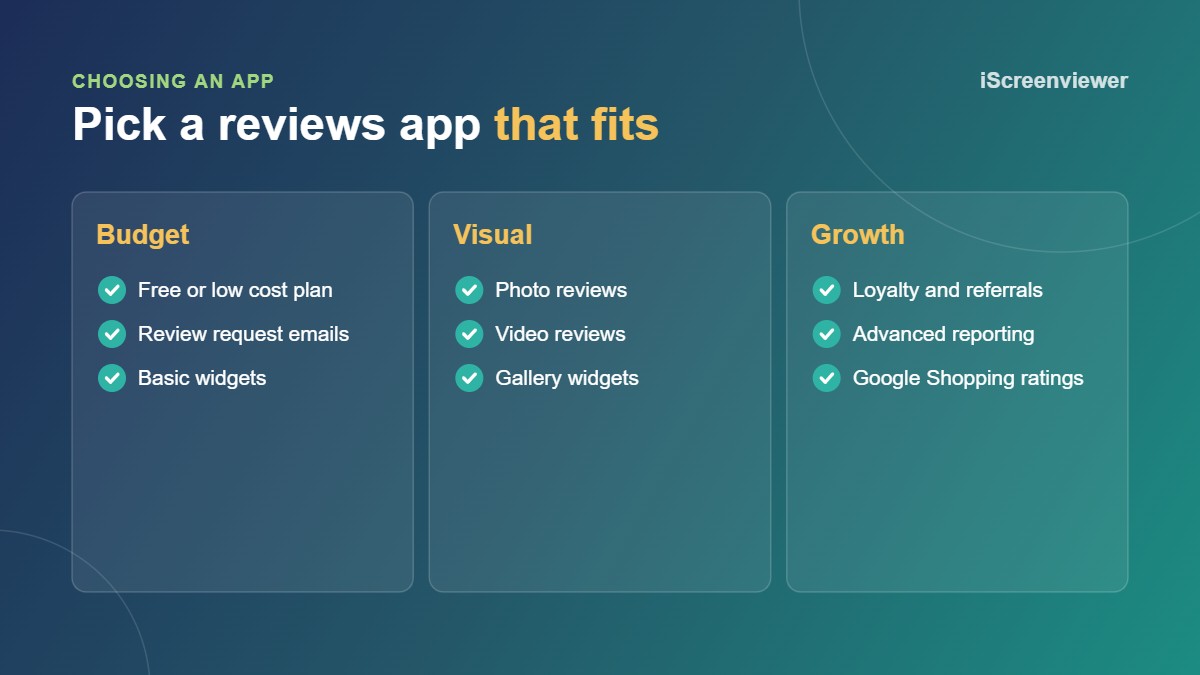
Shopify's old Product Reviews app is no longer available, so you need an app from the Shopify App Store. The main things to compare are:
- Price and order limits on the free or starter plan
- Photo and video reviews
- Review request emails and reminders
- Importing from other apps or marketplaces
- Google Shopping and rich result support
- How well the widget matches your theme
Judge.me is a popular low cost choice for small stores. Loox focuses on photo reviews, while Okendo and Yotpo suit larger stores that want more marketing features.
2. Add the review widgets to your theme
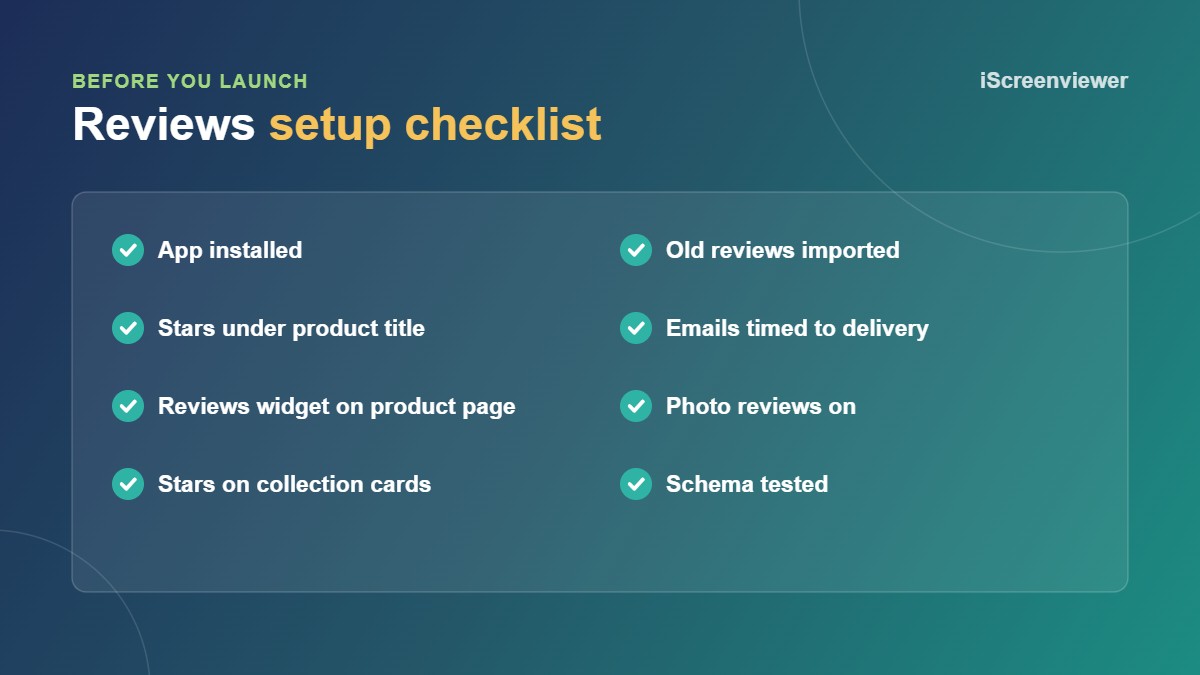
Most review apps add app blocks you place in the theme editor. Add the star rating under the product title, the main reviews widget lower on the product page, and star ratings on product cards in collections. Match the star colour and fonts to your brand so the widget looks part of the store.
3. Import your existing reviews
If you have reviews in another app, on a marketplace or in a spreadsheet, import them by CSV so you don't start from zero. Keep the original dates and only import genuine reviews. Fake or edited reviews can mislead customers under Australian Consumer Law, and they damage trust when shoppers spot them.
4. Turn on review request emails
Most reviews come from a well timed email. Send the first request a few days after delivery, not straight after the order, so customers have used the product. One reminder is enough. Some apps offer a small discount for photo reviews, which can lift the number of photos you collect. Make it clear that honest reviews, good or bad, are welcome.
5. Get star ratings in Google
Review apps add structured data, usually Product schema with an aggregate rating, so Google understands your ratings. Google decides whether to show stars in search results, but correct markup gives you the chance. Test a product page with Google's Rich Results Test after setup. Some apps can also send reviews to Google Merchant Center for product ratings in Shopping.
Responding to reviews
Reply to negative reviews politely and quickly, and explain how you fixed the problem. A store with a few honest four star reviews and good replies often looks more trustworthy than one with only perfect scores. Don't hide negative reviews unless they break your published review rules, such as abusive language.
Want your Google Business reviews on your store as well? See Shopify Custom Google Reviews Display.
Want reviews set up for you?
The Shopify Product Reviews App Setup package covers app setup, styled widgets, review imports, request emails and schema checks for a fixed A$199.
Frequently asked questions
Does Shopify have a built-in reviews feature?
Not any more. Shopify discontinued its free Product Reviews app, so stores now use a third-party reviews app.
What is a good free reviews app for Shopify?
Judge.me has a free plan that suits many small stores. The best choice depends on whether you need photo reviews, imports or Google Shopping ratings.
How do I get more product reviews?
Send an automated review request a few days after delivery, add one reminder, and make leaving a review quick on mobile.
Will my reviews show as stars in Google?
They can. Your reviews app adds the schema, and Google decides when to show the stars.
Can I import reviews from another platform?
Yes. Most review apps import reviews by CSV from other apps, marketplaces and spreadsheets.