

Quick answer: Microsoft Outlook email went down because a number of Microsoft 365 servers became unexpectedly unavailable after failing automated health checks, which overloaded the remaining Exchange Online infrastructure. The outage started at about 5am AEDT on Friday 13 November 2026 (1pm US Eastern Time on Thursday 12 November), hit Outlook email and Teams worldwide, and has now run for more than 18 hours. Microsoft reports steady progress but has not yet declared it fixed. If your inbox is still not working, it is almost certainly Microsoft and not your computer, so switch to another way of contacting clients rather than reinstalling Outlook or resetting your password.
Why Microsoft email is down
Microsoft first reported that users were having trouble accessing Exchange Online mailboxes "through multiple connection methods" in the Americas, then widened the warning to say the issue may affect Microsoft 365 connectivity for users in any region. Exchange Online is the service that runs business email for Microsoft 365, so when it struggles, Outlook on your desktop, phone and browser all struggle with it.
At first Microsoft described the problem as "elevated load" across multiple regions. It later clarified that the load was not caused by extra traffic. Instead, a number of servers became unexpectedly unavailable after failing automated health checks, and the servers left running could not cope with the work. Microsoft said it paused all deployments, moved traffic off the affected infrastructure, restarted servers and rolled out a different method for running those health checks.
Key facts about the outage
- When it started: about 5am AEDT Friday 13 November 2026 (1pm ET Thursday 12 November).
- What was affected: Outlook email through Exchange Online (sending, receiving and loading inboxes), Microsoft Teams, Copilot and other Microsoft 365 services.
- How big: more than 131,000 Outlook problem reports on Downdetector at the peak.
- Cause: servers unexpectedly unavailable after failing automated health checks, straining the rest of the infrastructure. Microsoft says a process that sets up secure connections became overwhelmed and that it has seen no malicious activity.
- Incident IDs: EX1550543 (Exchange Online) and MO1550821 (Microsoft 365), visible in Service health in the Microsoft 365 admin centre.
- Status: recovering but not resolved. As of 10:48pm AEDT Friday 13 November, Microsoft reports improvements in mailbox access and delayed email processing, but warns some intermittent issues may continue. See the latest updates below.
Latest updates on the Outlook outage
All times are Sydney time (AEDT). This section is updated as Microsoft posts new information.
- 10:48pm Fri 13 Nov: Microsoft reports "additional progress toward recovery", with improvements in mailbox access and delayed email processing. It warns that some intermittent issues may continue.
- 8:52pm: Microsoft reports early stabilisation and capacity improvements. Service health remains variable while traffic is carefully reintroduced.
- 8:16pm: A patch on the affected servers shows positive results for stability. Microsoft says it will extend the fix to other services after monitoring. Outlook reports on Downdetector begin to fall.
- Email timeout extended: Microsoft has extended the Outlook email timeout window to 48 hours to protect delayed messages, so email sent to you during the outage has more time to arrive.
- Morning to afternoon: Some servers returned to service became unresponsive again. Microsoft re-isolated parts of its infrastructure, restarted components and temporarily limited the types of traffic reaching affected servers in some locations.
- 9:26am: Microsoft begins returning a portion of affected servers to service.
- 8:42am: Microsoft says its actions so far have not given the expected relief and starts isolating part of the infrastructure.
- 8:08am: A new health check method is validated and a first group of servers returns to service.
- About 6:20am: Microsoft confirms the incident under EX1550543 (Exchange Online) and MO1550821 (Microsoft 365), first for the Americas, later for any region.
Not sure if your problem is this outage or something on your side? Use the 2 minute test in Outlook not sending or receiving emails? How to tell if it is Microsoft or you.
How to check if Outlook is down right now
- Check Microsoft's official service status page or the @MSFT365Status account on X.
- If you manage a business tenant, open Service health in the Microsoft 365 admin centre. It shows the official incident and updates.
- Look at Downdetector to see if other people near you are reporting the same problem.
What to do instead while Outlook is down
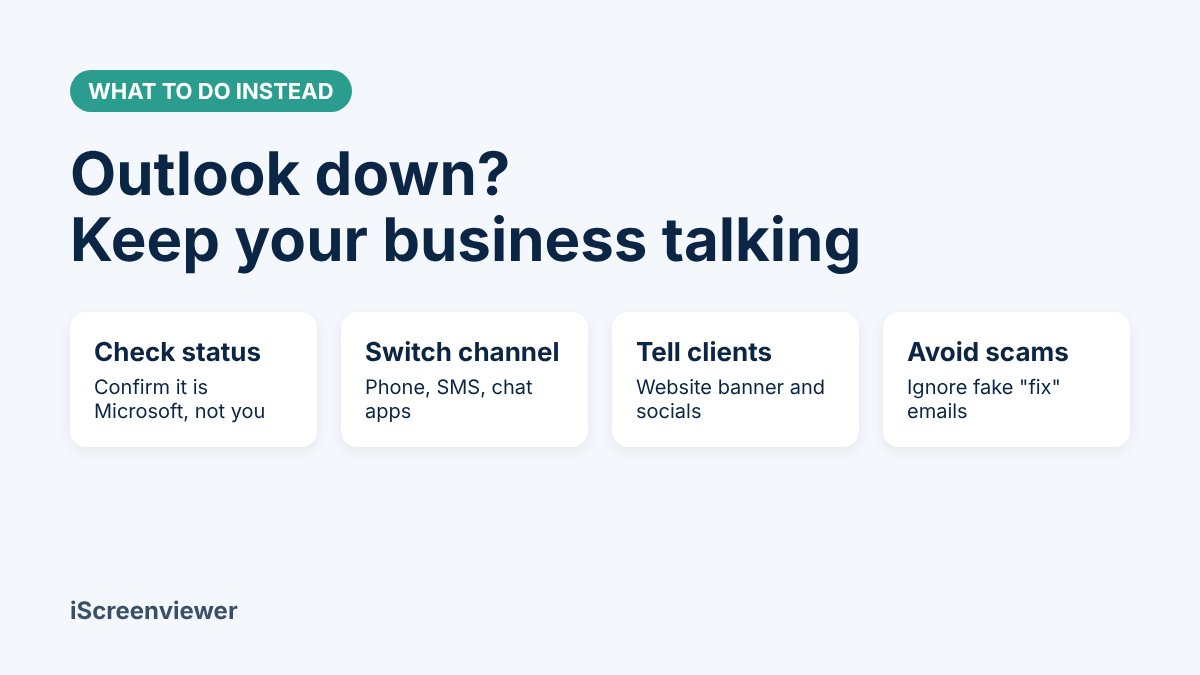
You cannot fix a Microsoft outage yourself, but you can keep your business running while you wait.
- Do not reinstall Outlook or reset your password. When the fault is on Microsoft's side, these steps waste time and can lock you out once the service comes back.
- Try another way in. Outlook on the web, the Outlook mobile app and the desktop app use different connection methods. One may work when another does not. Desktop Outlook in cached mode still lets you read and search email you already have. If webmail works but your app does not, the problem may be your setup, so follow these Outlook sending and receiving fixes.
- Switch urgent conversations to another channel. Call, text or use WhatsApp, Slack or Google Meet for anything time sensitive. Do not rely on Teams as your backup, because it runs on the same Microsoft 365 platform.
- Tell your customers. Add a short notice to your website and social media pages saying email is delayed and giving a phone number. Customers who get no reply assume you are ignoring them.
- Let queued emails send later. Messages sitting in your Outbox will usually send once the service recovers. Check your Sent folder afterwards and resend anything important that is missing.
- Watch for scams. Criminals use big outages to send fake "verify your Microsoft account" or "your mailbox is full" emails and texts. Microsoft will not ask you to log in through a link to fix an outage.
Advice: protect your business from the next email outage
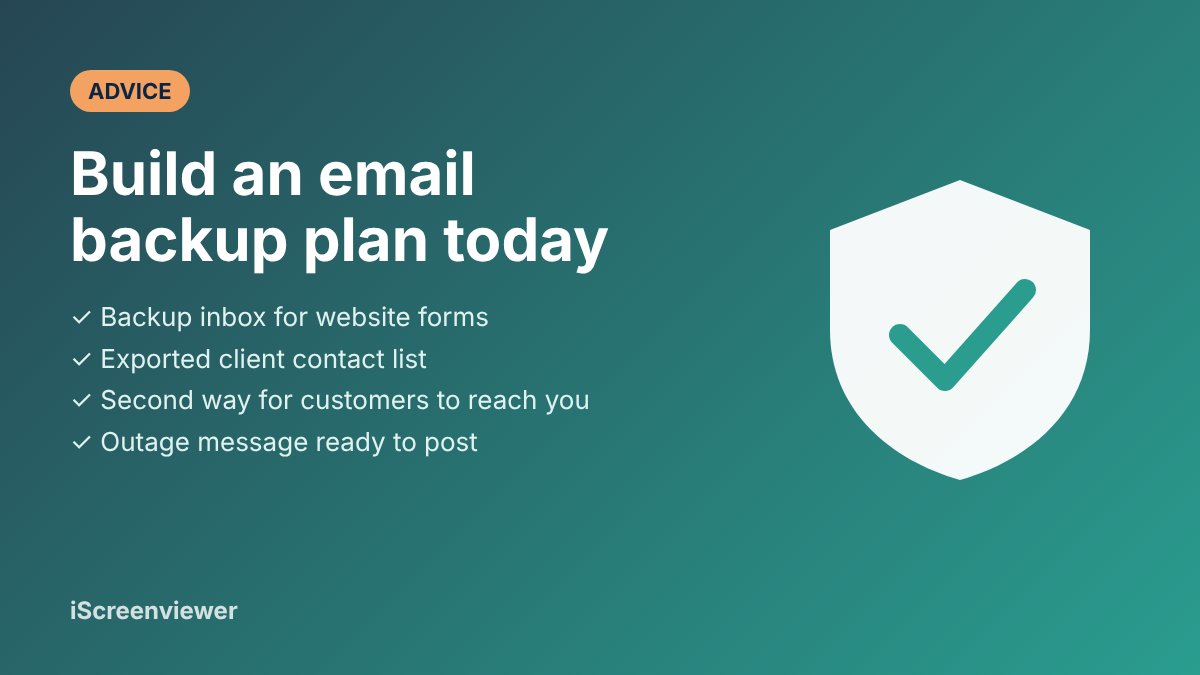
Every big email provider has outages, Google included. The businesses that cope best are the ones that planned for it before it happened. Here is what I recommend to my clients.
- Send website form enquiries to two inboxes. If your contact form only emails your Outlook address, every lead submitted during an outage is at risk. Add a second recipient on a different provider, or store entries in your website as well. My contact form email delivery fix sets this up properly.
- Keep a backup email address on your own domain. A secondary mailbox (for example on a different provider) means staff can keep sending from a professional address. See my domain and business email setup service.
- Export your client contact list regularly. If your only copy of client phone numbers lives inside Outlook, you cannot call them when Outlook is down.
- Know who controls your domain and DNS. Your MX records decide where email is delivered. Make sure you have the login, so changes can be made quickly if you ever need to move providers. My domain, hosting and DNS setup service can tidy this up.
- Write an outage message now. Keep a ready-to-post notice for your website, Google Business Profile and socials so you can publish it in a minute.
- Review whether Microsoft 365 is still the right fit. If outages keep hurting your business, compare providers. I handle email migrations between Google Workspace and Microsoft 365 without losing old emails.
Not sure where your business is exposed? Book a free 15-minute website consultation and I will check your email, forms and domain setup with you.
Frequently asked questions
Is Outlook down for everyone?
During the 13 November 2026 outage, Microsoft said the issue could affect Microsoft 365 users in any region, and nearly 130,000 people reported Outlook problems at the peak. Not every user was affected at the same time, so some people could still send email while others could not.
Will I lose emails sent to me during the outage?
Usually not. Sending mail servers retry delivery for a period of time, so most delayed emails arrive once the service recovers. If you are expecting something important, ask the sender to confirm it arrived or to resend it after the outage.
Should I reinstall Outlook or reset my password?
No. If Microsoft has confirmed an outage, the problem is on their servers. Reinstalling Outlook or changing your password will not help and can create new problems when the service comes back.
Is Teams a good backup when Outlook is down?
Not a reliable one. Teams runs on the same Microsoft 365 platform and was also disrupted in this outage. Use the phone, SMS or a chat app from a different provider instead.
How do I stop losing website leads when email is down?
Set your website contact form to send to a second inbox on a different provider and to save every entry in your website database. That way no enquiry is lost, even if your main email is offline for a whole day.
When will Outlook be back to normal?
Microsoft has not given a resolution time. As of 10:48pm AEDT on 13 November 2026 it reported improvements in mailbox access and delayed email processing, with some intermittent issues still possible. Because Microsoft extended the email timeout window to 48 hours, most delayed messages should still arrive.
How can I tell if Outlook is down or if it is just me?
Check the Microsoft 365 status page, then try Outlook on the web from another device on mobile data. If webmail also fails and Microsoft lists an incident, it is the outage. If webmail works, the problem is your app or setup. See how to tell if Outlook is down or it is just you.
Last updated 13 November 2026, 11:15pm AEDT. Details are based on Microsoft's public status updates as reported by AP, AFP, ABC, TechRadar and SecurityWeek. Check Microsoft's status page for the latest.