

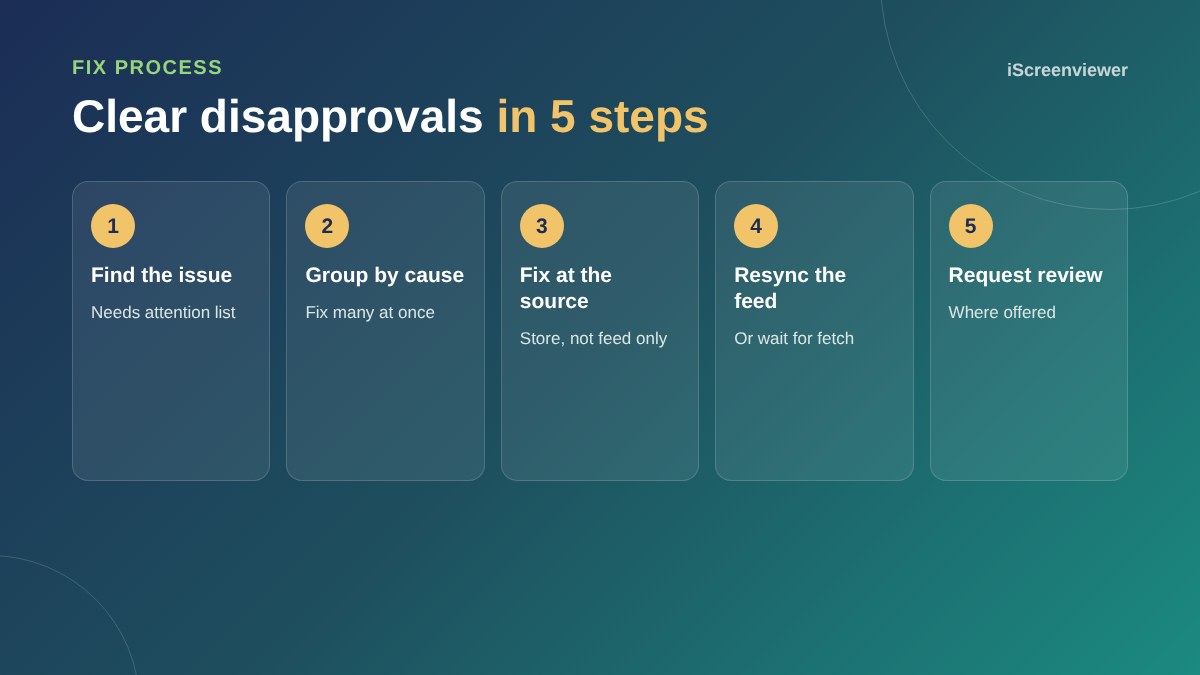
To fix disapproved products in Google Merchant Center, open the list of products that need attention, read the specific issue for each one, fix the cause on your website or in your product data, then resync your feed. Most disapprovals come from a handful of causes: prices that do not match the website, missing GTINs, image problems, broken product pages, missing shipping details or policy issues.
Fix problems at the source, in Shopify or WooCommerce, rather than only in the feed, or they will come back at the next sync.
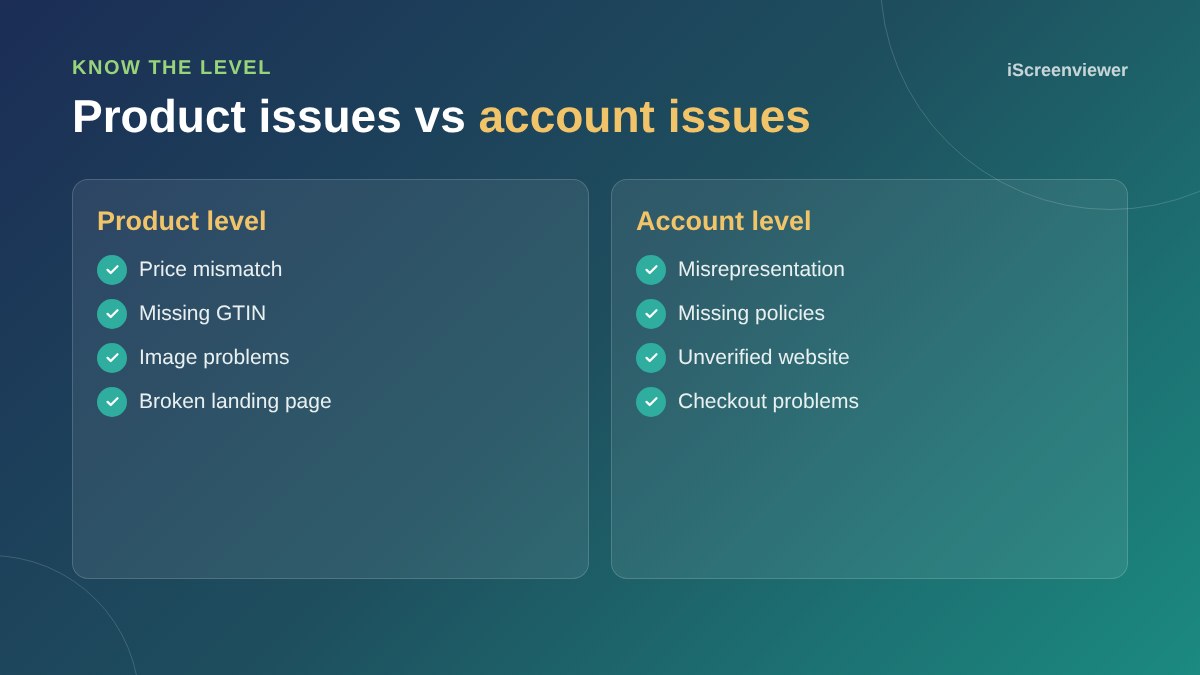
Product-level vs account-level issues
Product-level issues affect individual products and are usually quick to fix. Account-level issues, such as misrepresentation, can stop every product showing. They need changes to your website and a review request.
Price mismatch
Google compares the price in your feed to the price on the product page. Make sure prices include GST, sale prices have start and end dates, and caching is not showing an old price. Currency conversion apps can also cause mismatches.
Missing GTIN or brand
Branded products sold by many retailers need a GTIN (barcode). Add it in the product's barcode field. If your products are handmade or custom, mark them as having no GTIN and include the brand.
Image issues
Main product images should show the product clearly on a plain background, without promotional text, watermarks, borders or placeholder images. Use extra images for lifestyle shots.
Landing page not working
Check the product URL loads, is not blocked by robots.txt or a password page, and shows the same product and price. Out-of-stock products should show as out of stock in the feed too.
Shipping and returns
Shipping costs and delivery times in Merchant Center must match your checkout. A clear returns policy is also needed. See the Google Merchant Center setup guide.
Misrepresentation
This account-level issue means Google does not trust the store enough. Common fixes include adding a physical address or clear contact details, clear shipping and returns policies, an About page, secure checkout, and removing claims you cannot back up. Once fixed, request a review. Repeated failed reviews can lead to longer waiting periods, so fix everything before asking.
How long fixes take
After you fix and resync, Google re-reviews products, which usually takes a few business days. Keep an eye on the diagnostics over the following week.
Keep it healthy
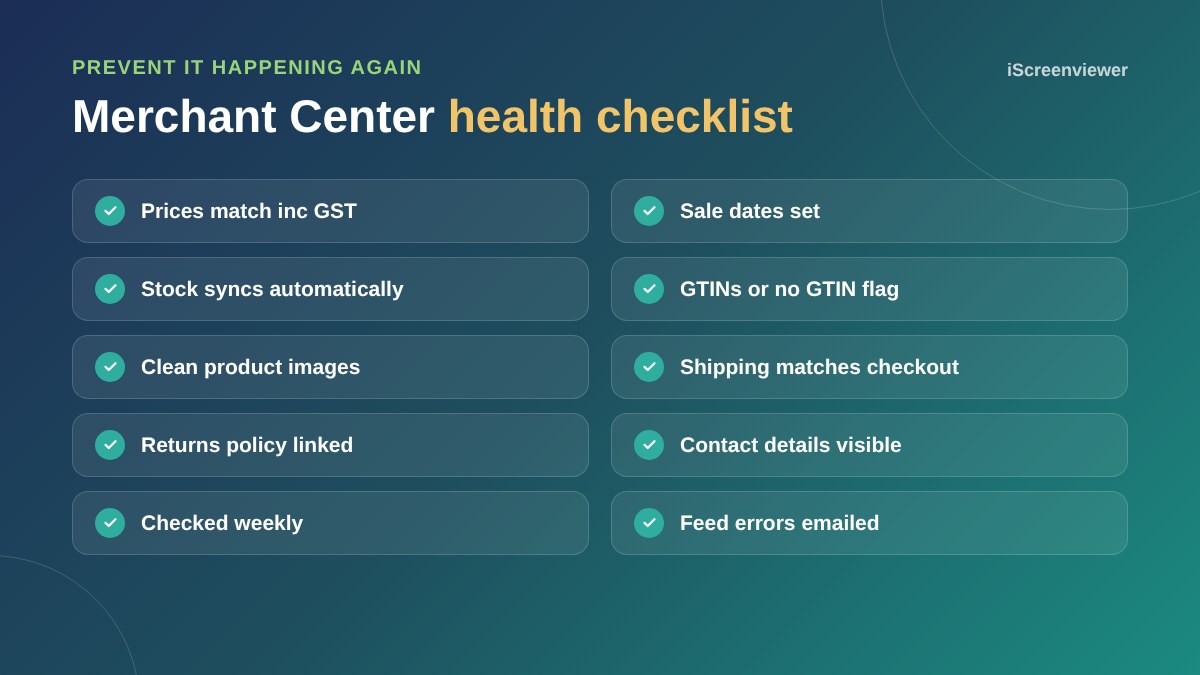
Check Merchant Center weekly, especially after price changes, sales and new product launches. Make sure email notifications go to someone who will act on them. For ongoing product data quality, see the product listing SEO guide.
Want your disapprovals fixed?
The Google Merchant Listing Audit and Fix package finds and fixes disapprovals and account issues so your products show again.
Frequently asked questions
Why are my products disapproved in Merchant Center?
Common reasons are price mismatches, missing GTINs, image issues, broken product pages, missing shipping or returns information and policy problems.
How do I fix a price mismatch?
Make sure the price on the page, including GST, matches the feed, check sale dates, and clear any cache showing old prices.
What does misrepresentation mean in Merchant Center?
Google does not trust the store enough to show its products, often due to missing contact details, policies or unclear business information.
How long after fixing will products be approved?
Usually within a few business days after the product data is updated.
Do I need GTINs for my own products?
No. Handmade and custom products can be marked as having no GTIN.
Can I fix disapprovals in the feed only?
It is better to fix them in your store, or the problem returns at the next sync.