

To optimise your Google Business Profile, choose the most accurate primary category, complete every section, write a clear description, list all your services, add real photos regularly, collect and reply to reviews, and keep your hours and details identical to your website. These steps help you appear in Google Maps and local results, and help customers choose you.
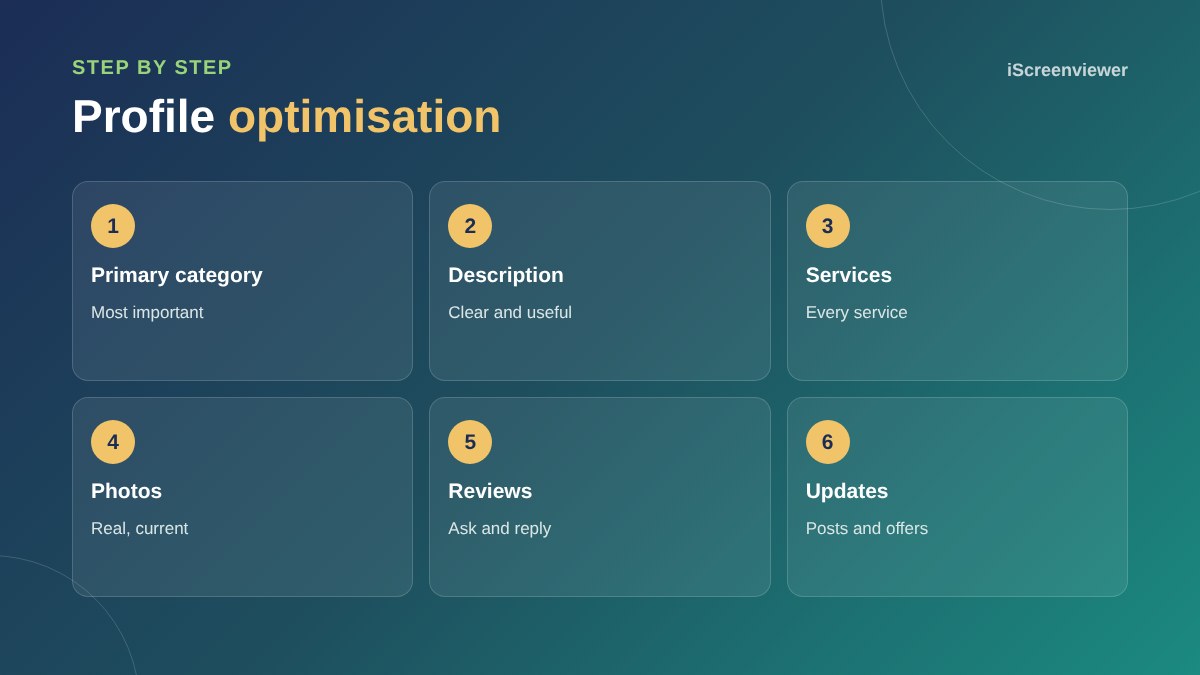
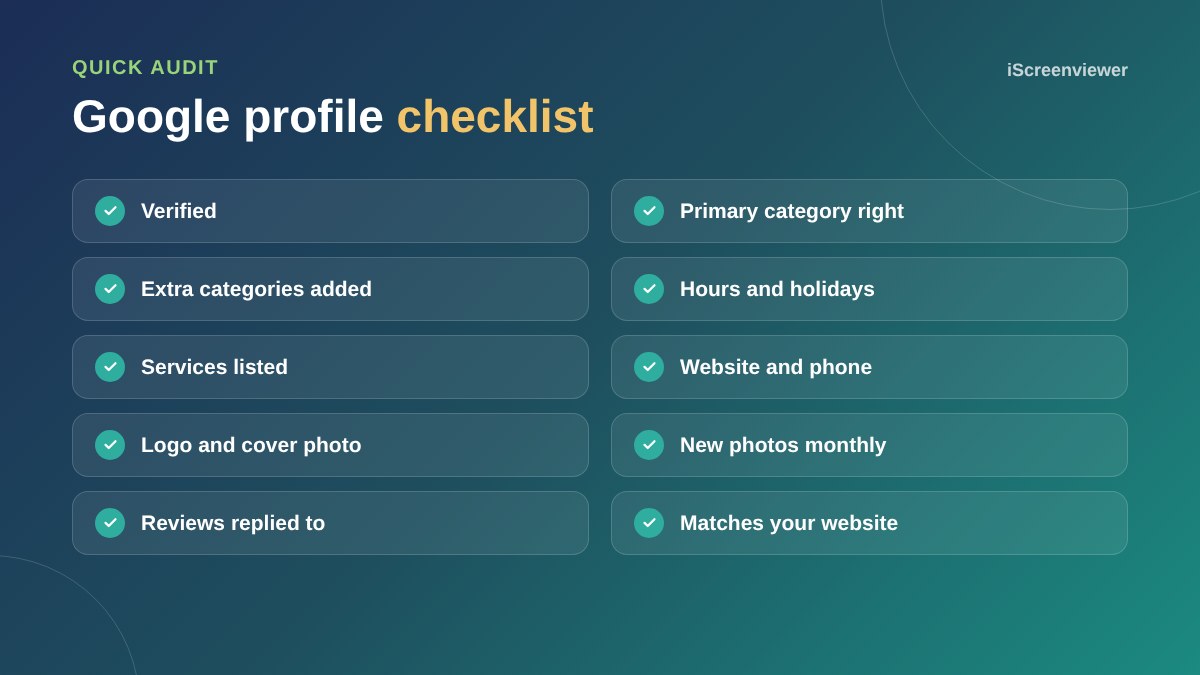
1. Verify your profile
Only verified profiles show fully in Google. Follow Google's verification steps, which may include a video of your premises or tools.
2. Choose the right categories
Your primary category is one of the strongest local ranking factors. Pick the most specific match, such as Emergency Plumber rather than Contractor, then add secondary categories for other services.
3. Write a useful description
Explain what you do, who you help and where, in plain language. Avoid stuffing keywords or adding links.
4. Add services and products
List each service with a short description. Retailers can add products with prices.
5. Photos
Add your logo, cover photo, premises, team and real work. New photos each month show the business is active.
6. Reviews
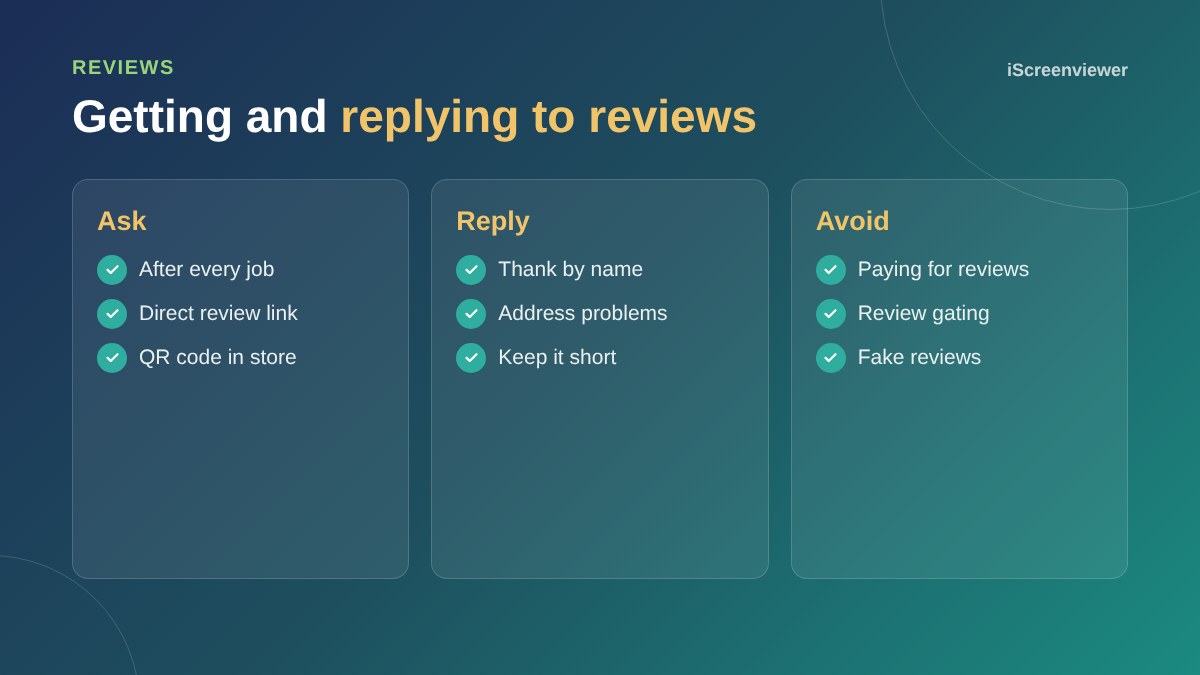
Send your review link after every job and reply to every review. Never buy reviews or only ask happy customers through a filter, as both break Google's policies.
7. Updates and offers
Share news, offers and events as updates. They keep your profile fresh and give customers a reason to get in touch.
8. Keep details consistent
Your name, address, phone and hours should match your website exactly. Update special hours for public holidays.
For the wider picture, read local SEO for Sydney small businesses.
Use the performance reports
Your profile shows how many people found you, called, asked for directions and clicked to your website. Check it monthly. If views are high but actions are low, improve your photos, description and reviews. If views are low, look at categories and services.
Protect your profile
Anyone can suggest edits to a Google Business Profile, and sometimes changes are made without the owner noticing. Check your profile regularly, make sure the right people have owner or manager access, and remove access for former staff or agencies.
Common mistakes
- Adding keywords or suburbs to the business name, which breaks Google's guidelines
- Using a virtual office address for a service business
- Leaving old hours over public holidays
- Ignoring reviews, especially negative ones
- Linking to the home page when a specific service page would be more useful
Want your profile optimised for you?
The Google Business Profile Setup and Optimisation package sets up, verifies and optimises your profile.
Frequently asked questions
How do I rank higher on Google Maps?
Choose the right primary category, complete your profile, get regular reviews and keep your details consistent.
Does my Google Business Profile need a website?
It is not required, but linking a good website helps customers and rankings.
How often should I update my profile?
Add photos or updates at least monthly and keep hours current.
Can I change my primary category?
Yes, but do it carefully, as it can affect where you appear.
Should I reply to negative reviews?
Yes. Reply calmly, acknowledge the issue and offer to resolve it.
Can I hide my address?
Yes. Service-area businesses can hide their address and set service areas.