

To create product bundles in Shopify, install Shopify's free Bundles app for fixed bundles and multipacks, or a third-party bundles app for mix and match and quantity breaks. Pick products that are often bought together, set a bundle price that feels like a deal but protects your margin, and check that stock reduces correctly for each item in the bundle.
Why bundles work
Bundles raise average order value by making the second or third item an easy yes. They also help move slower stock by pairing it with a best seller, make gift buying simple, and make your range look more complete. A well priced bundle often beats a discount code, because the customer spends more, not less.
Types of product bundles
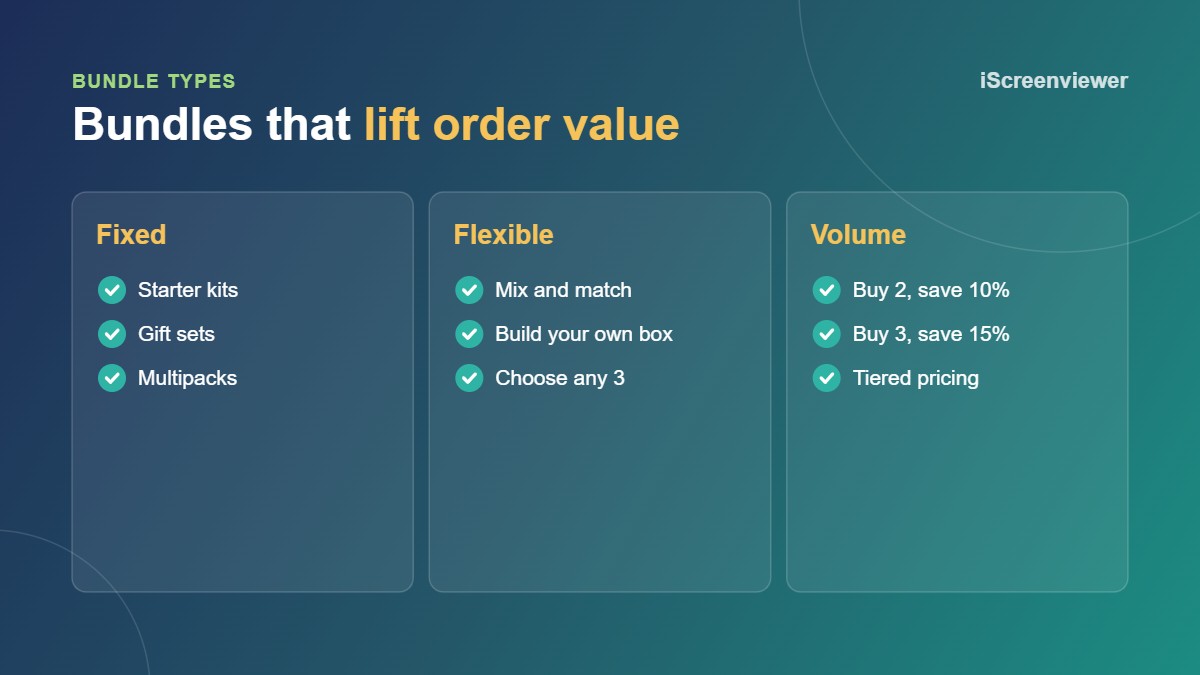
- Fixed bundles: a set group of products sold together, such as a starter kit.
- Multipacks: several of the same product, such as a 3 pack of socks.
- Mix and match: customers choose any items from a group to build their own bundle.
- Quantity breaks: the price per item drops as customers buy more.
- Frequently bought together: suggested add-ons shown on the product page.
1. Find products that sell together
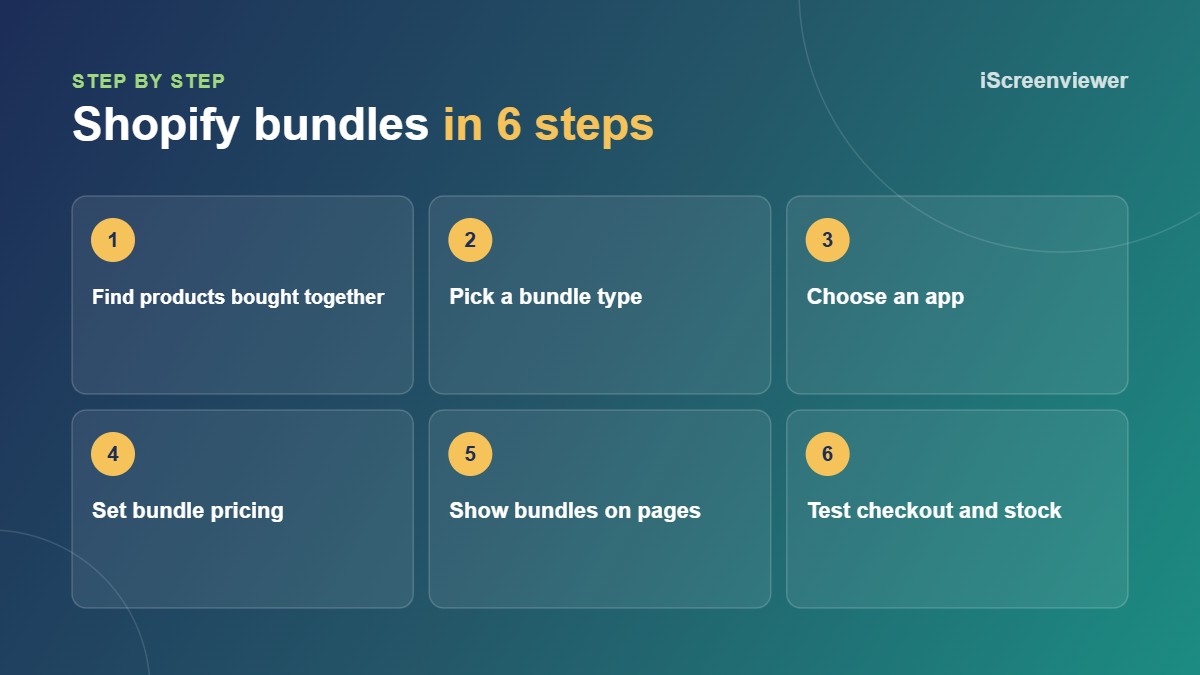
Look at your orders for items that are often bought in the same order. Accessories, refills and complementary products make the best bundles. A bundle should solve a problem or complete a set, not just group random products.
2. Choose the right app
Shopify Bundles is free and made by Shopify. It handles fixed bundles and multipacks, and tracks inventory for each component product. For mix and match, build your own box or quantity break tables, you need a third-party bundles app. Simple volume discounts can also be set up with Shopify's automatic discounts using a minimum quantity.
3. Price your bundles
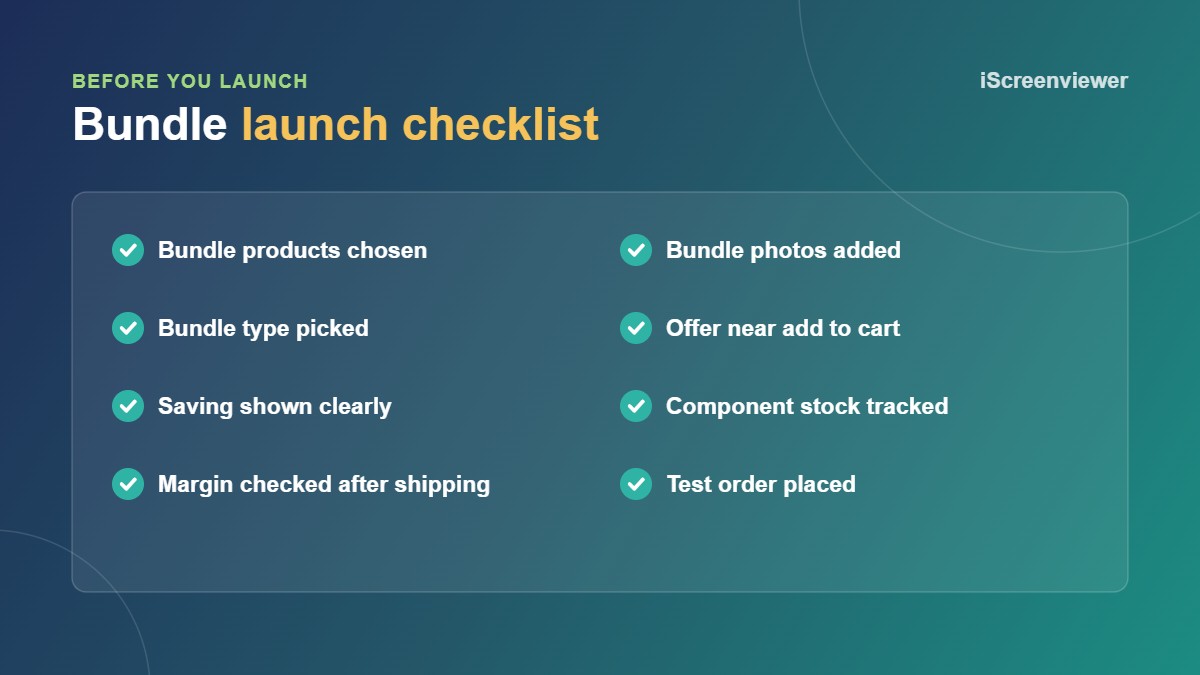
A saving of 10 to 20 percent is common and usually enough to feel worthwhile. Show the saving clearly, such as "Save $25", and check your margin on each bundle after shipping. If a bundle includes a slow mover, you can afford a bigger saving because it clears stock.
4. Show bundles where people decide
Add bundle offers on product pages, in the cart and in a bundles collection. Give fixed bundles their own photos showing everything included. Offers such as "frequently bought together" or quantity break tables work best close to the add to cart button.
5. Get the inventory right
The biggest bundle problem is overselling. Make sure each sale reduces stock for every component product, not just a separate bundle SKU. Place a test bundle order and check stock levels before and after.
How bundles work with discount codes
Decide whether customers can use discount codes on top of bundle prices. Shopify's discount combination settings control which discounts can stack. Test your common codes with a bundle in the cart so you don't give away more than you planned.
Want upsells in the cart too? See Shopify Cart Drawer App Setup.
Want bundles set up for you?
Shopify Product Bundles Setup covers up to 5 bundles, mix and match or volume discounts, styling and inventory checks for a fixed A$290.
Frequently asked questions
Does Shopify have a free bundles app?
Yes. Shopify Bundles is free and handles fixed bundles and multipacks.
Can customers build their own bundle on Shopify?
Yes, with a third-party bundles app that supports mix and match or build your own box.
How much discount should a bundle have?
A 10 to 20 percent saving is common. Check your margin after shipping before you set the price.
Do bundles track inventory in Shopify?
With Shopify Bundles and most bundles apps, yes. Each component's stock reduces when a bundle sells.
Can I use discount codes with bundles?
It depends on your discount combination settings. Test codes with bundles before launch.