

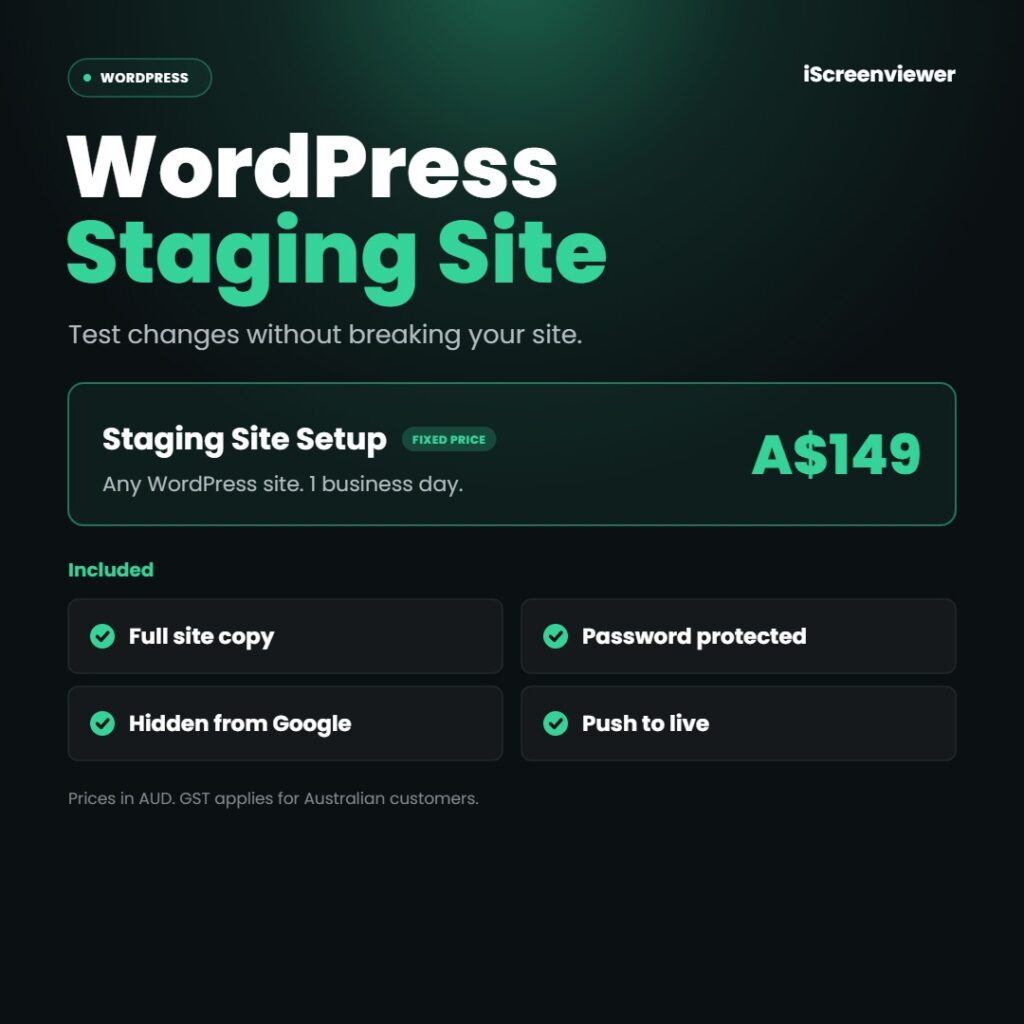
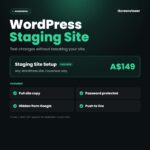
WordPress Staging Site Setup gives you a private copy of your website to test changes safely, for a fixed price of A$149. Updating plugins, changing your theme or adding new features on a live site risks breaking it in front of customers. I set up a staging site that matches your live site, keep it hidden from Google, and show you how to push tested changes live.
At a glance
- Price: A$149 fixed (AUD, GST applies for Australian customers)
- Turnaround: 1 business day
- Platforms: WordPress (most hosts)
- Service area: Delivered online for businesses in Australia, New Zealand, the United States and Canada
What's included
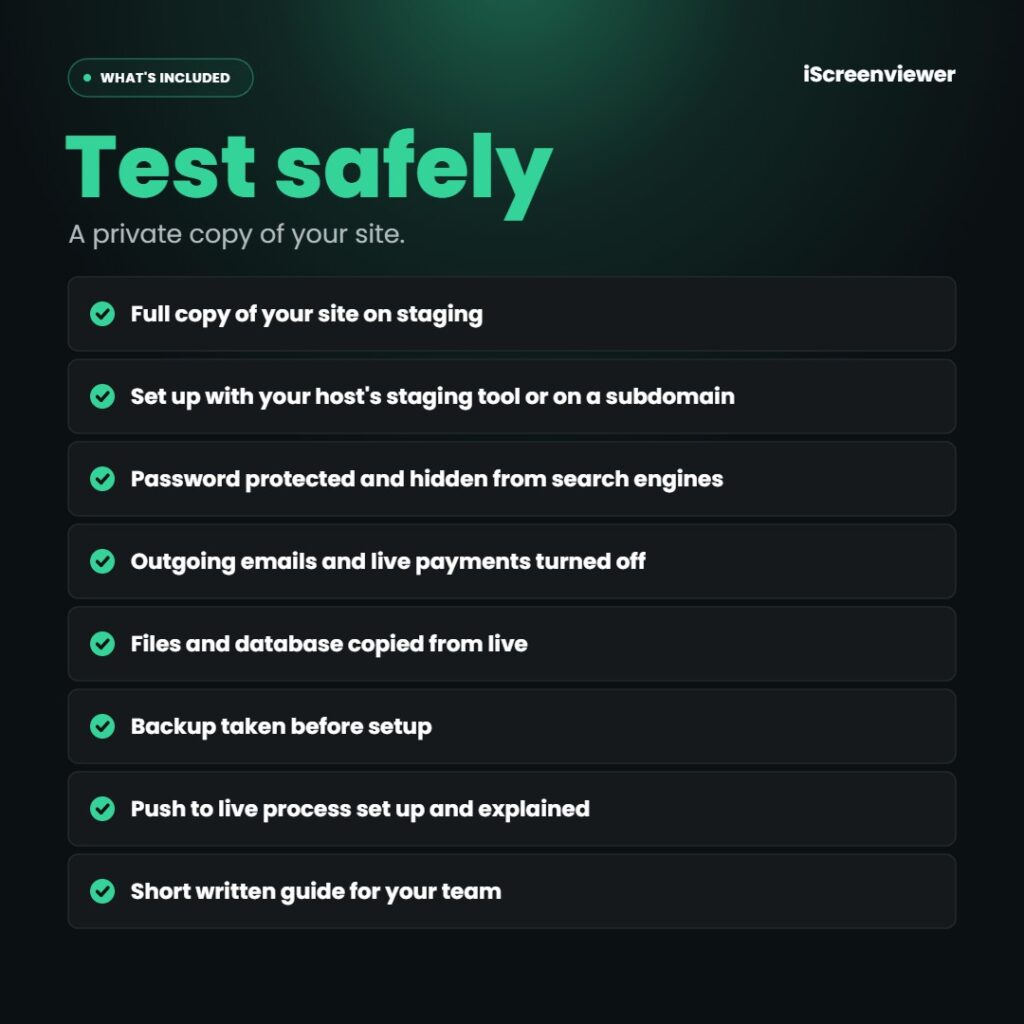
- Full copy of your site on staging
- Set up with your host's staging tool or on a subdomain
- Password protected and hidden from search engines
- Outgoing emails and live payments turned off
- Files and database copied from live
- Backup taken before setup
- Push to live process set up and explained
- Short written guide for your team
What's not included
Hosting upgrades needed to support staging are not included. For updates done for you see WordPress Plugin and Core Updates.
Who it's for
WordPress site owners who want to test updates, redesigns or new plugins without risking the live site.
Delivery
Completed within 1 business day of receiving WordPress admin and hosting access.
How it works
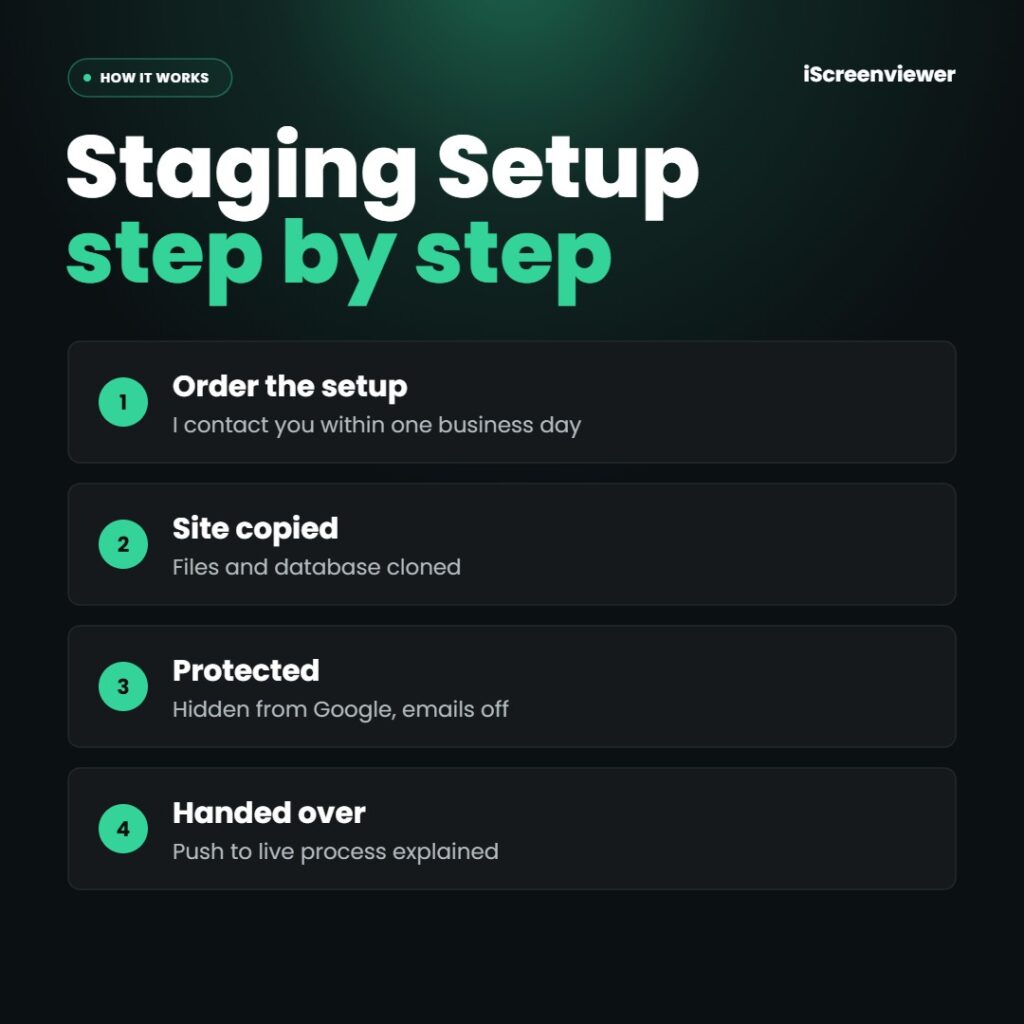
- Order the setup. I contact you within one business day.
- Site copied. Files and database cloned.
- Protected. Hidden from Google, emails off.
- Handed over. Push to live process explained.
Work is completed by Mark Serdina, a Sydney-based Shopify, WordPress and SEO developer.
Want plugins and core updated for you? See WordPress Plugin and Core Updates.
New to ordering? Read how it works and the Shop FAQ, or book a free 15-minute consultation.
Frequently asked questions
Will a staging site affect my SEO?
No. It is password protected and set to noindex, so Google doesn't see duplicate content.
Does my host need to support staging?
Many hosts include a staging tool. If yours doesn't, I set it up on a subdomain instead.
Can customers see the staging site?
No. It is password protected, so only you and your developers can access it.
How do changes go from staging to live?
Tested changes are pushed live with your host's tool or a migration plugin, with a backup taken first.










Reviews
There are no reviews yet.