

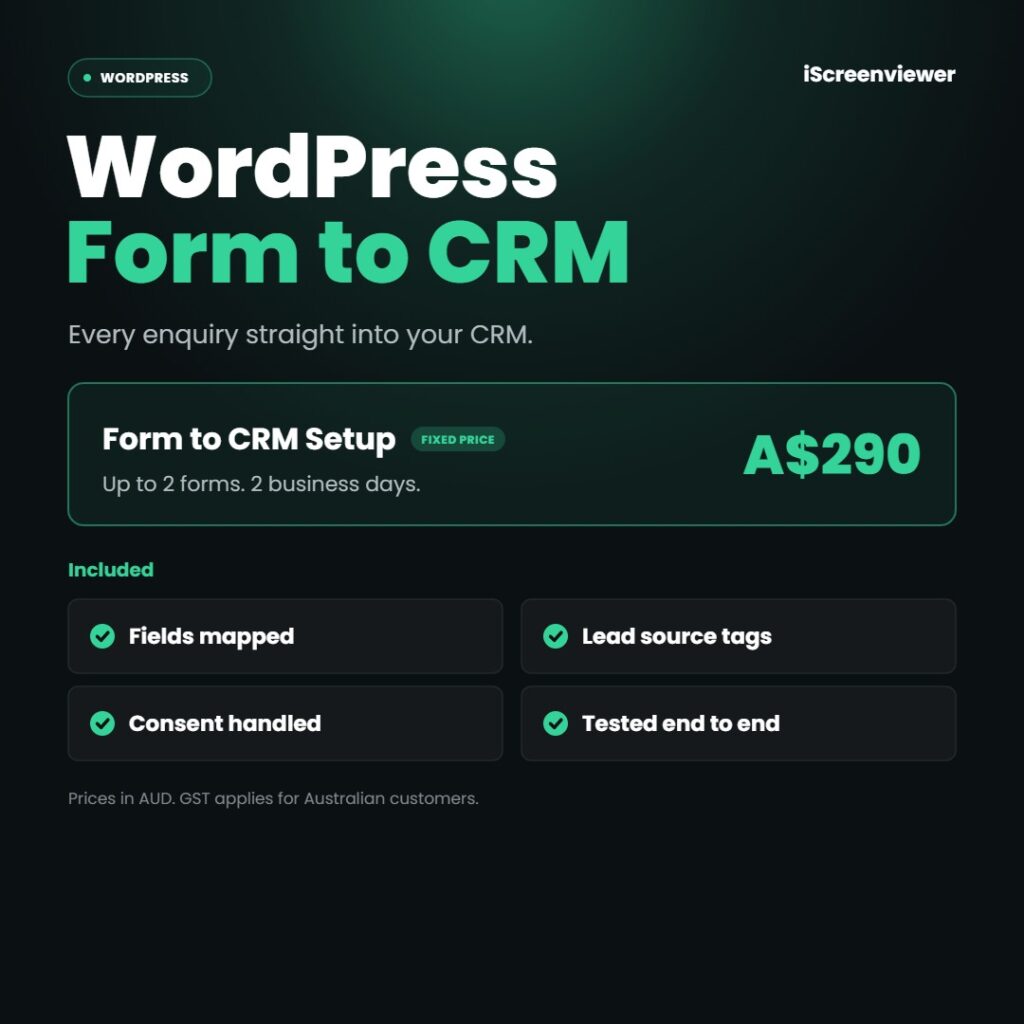
WordPress Form to CRM Integration sends every website enquiry straight into your CRM or email platform, for a fixed price of A$290. Copying leads from an inbox into a CRM wastes time and lets enquiries slip through. I connect up to 2 forms to your CRM, map the fields, tag the lead source and test that every submission arrives.
At a glance
- Price: A$290 fixed (AUD, GST applies for Australian customers)
- Turnaround: 2 business days
- Platforms: WordPress (Gravity Forms, WPForms or Contact Form 7)
- Service area: Delivered online for businesses in Australia, New Zealand, the United States and Canada
What's included
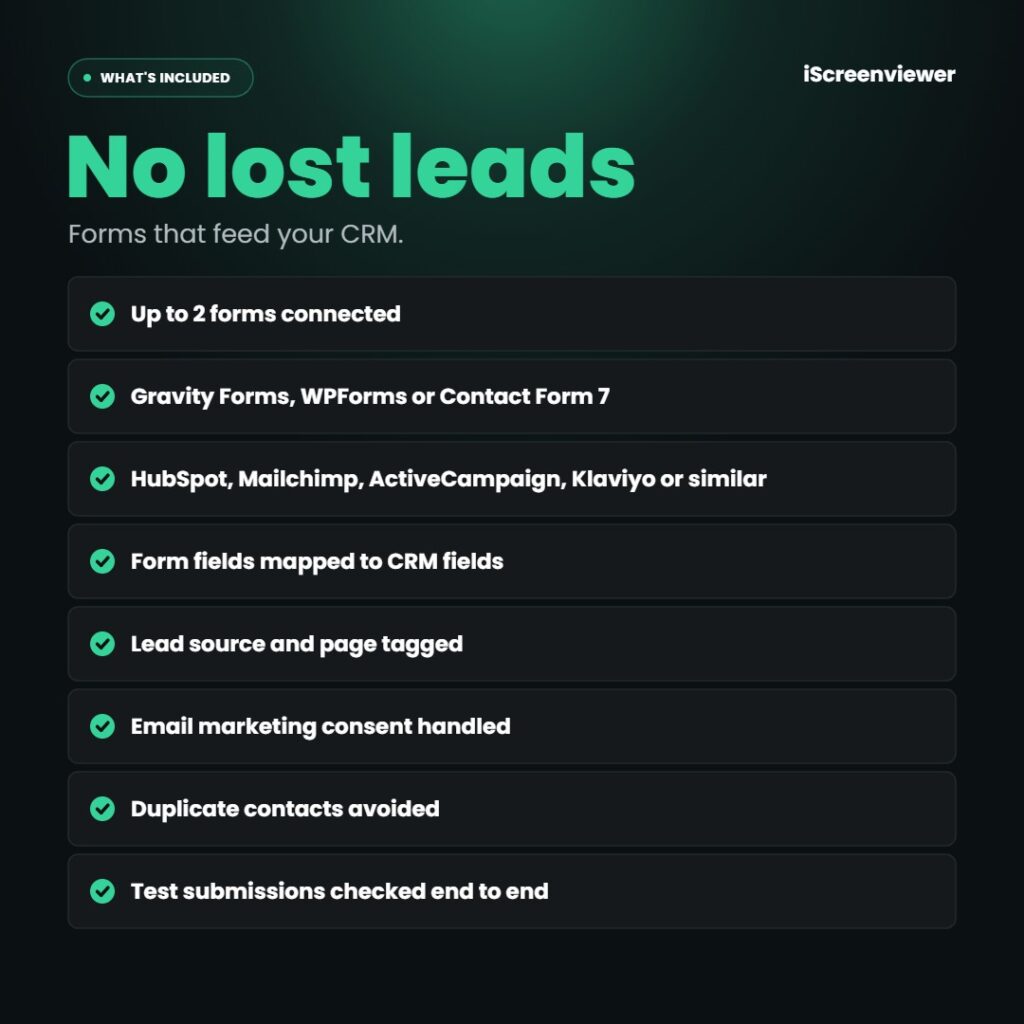
- Up to 2 forms connected
- Gravity Forms, WPForms or Contact Form 7
- HubSpot, Mailchimp, ActiveCampaign, Klaviyo or similar
- Form fields mapped to CRM fields
- Lead source and page tagged
- Email marketing consent handled
- Duplicate contacts avoided
- Test submissions checked end to end
What's not included
CRM subscriptions, form add-on licences and Zapier fees are not included. If form emails aren't arriving, see Contact Form Email Delivery Fix.
Who it's for
Businesses getting enquiries through a WordPress form and copying them into a CRM by hand.
Delivery
Completed within 2 business days of receiving WordPress admin and CRM access.
How it works
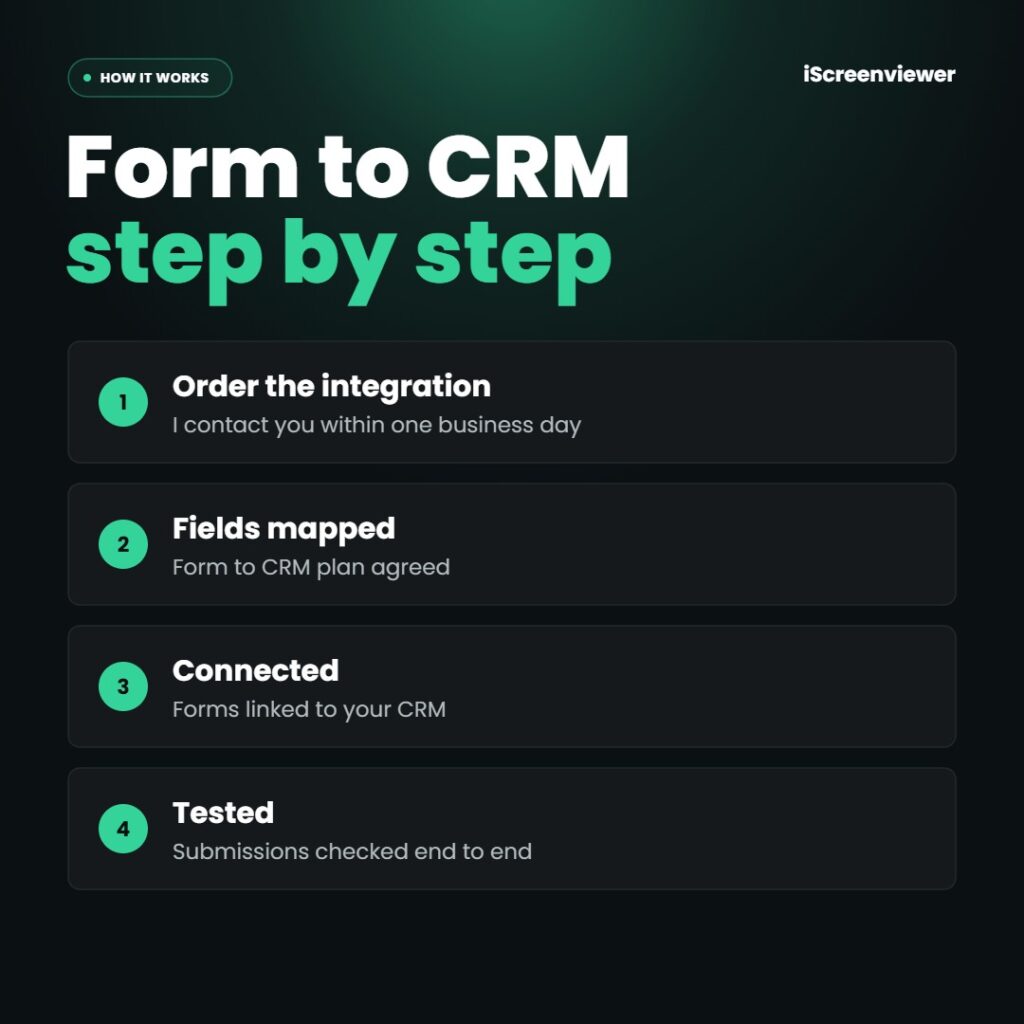
- Order the integration. I contact you within one business day.
- Fields mapped. Form to CRM plan agreed.
- Connected. Forms linked to your CRM.
- Tested. Submissions checked end to end.
Work is completed by Mark Serdina, a Sydney-based Shopify, WordPress and SEO developer.
Want automated follow up emails? See Klaviyo Email Flows Setup.
New to ordering? Read how it works and the Shop FAQ, or book a free 15-minute consultation.
Frequently asked questions
Which CRMs can you connect?
Most popular platforms, including HubSpot, Mailchimp, ActiveCampaign, Klaviyo and Salesforce, plus others through Zapier.
Do I need a paid form plugin?
Not always. Some connections need a paid form add-on or Zapier, which I confirm before starting.
Will I still get email notifications?
Yes. Your existing form notifications keep working alongside the CRM connection.
What if the CRM connection fails?
Form entries can be stored in WordPress as a backup, so no enquiries are lost.













Reviews
There are no reviews yet.