



WordPress Stripe Payment Form lets customers pay you online without setting up a full store, for a fixed price of A$249. Service businesses often need to take deposits, invoice payments or event fees, and bank transfers are slow to reconcile. I set up a secure Stripe payment form with card, Apple Pay and Google Pay, automatic receipts and payment notifications.
At a glance
- Price: A$249 fixed (AUD, GST applies for Australian customers)
- Turnaround: 2 business days
- Platforms: WordPress (any theme)
- Service area: Delivered online for businesses in Australia, New Zealand, the United States and Canada
What's included
- Stripe account connected
- Payment form built
- Fixed, variable or customer entered amounts
- Card, Apple Pay and Google Pay
- Automatic email receipts
- Payment notifications to you
- Thank you page
- Live test payment checked
What's not included
Stripe fees and form plugin licences are not included. For a full online store see WooCommerce Store Setup and Styling.
Who it's for
Service businesses, event organisers and clubs that want to take payments without WooCommerce.
Delivery
Completed within 2 business days of receiving WordPress admin access.
How it works
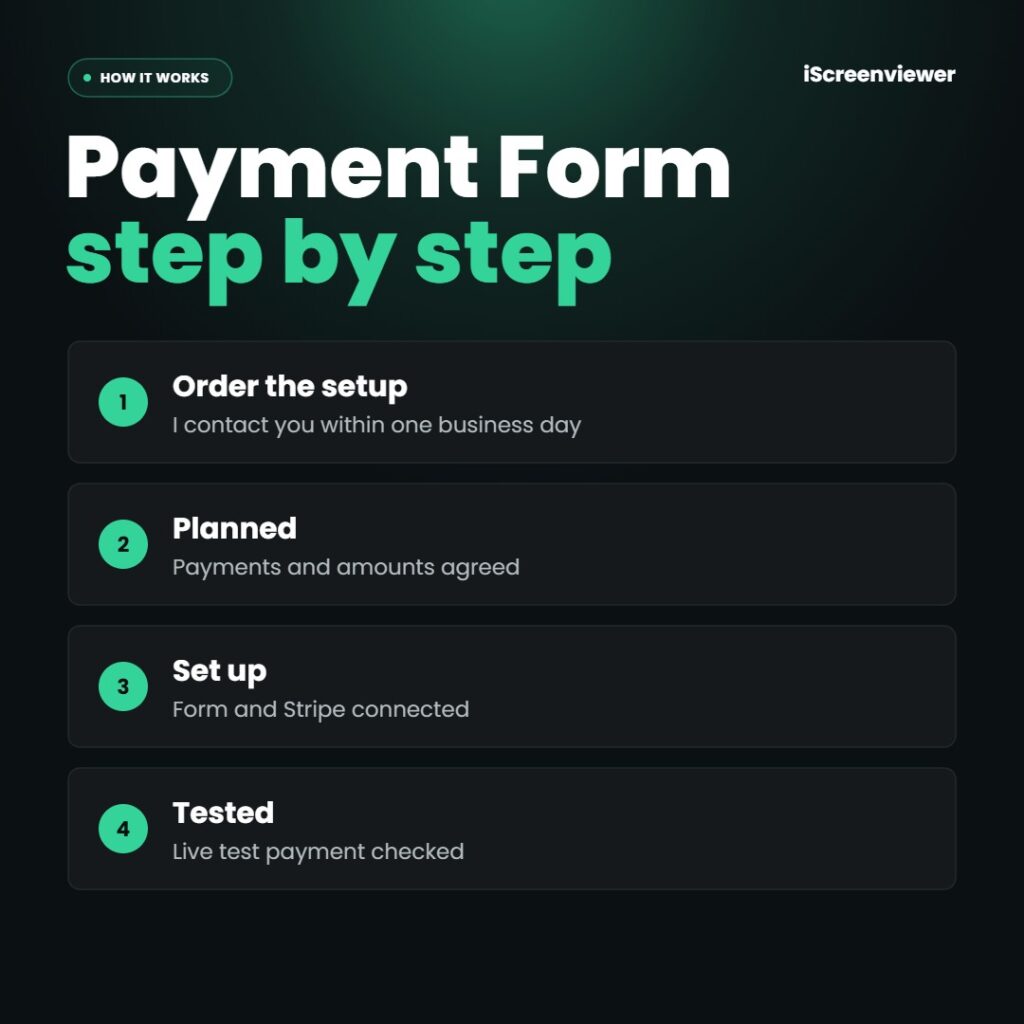
- Order the setup. I contact you within one business day.
- Planned. Payments and amounts agreed.
- Set up. Form and Stripe connected.
- Tested. Live test payment checked.
Work is completed by Mark Serdina, a Sydney-based Shopify, WordPress and SEO developer.
Taking donations? See WordPress Donation Page Setup.
New to ordering? Read how it works and the Shop FAQ, or book a free 15-minute consultation.
Related searches
Frequently asked questions
Do I need WooCommerce?
No. A payment form is simpler when you are not selling products.
What does Stripe cost?
Stripe charges a small fee per transaction and no monthly fee.
Can customers enter their own amount?
Yes. Useful for invoices, deposits and donations.
Is it secure?
Card details are handled by Stripe, so they never touch your website.













Reviews
There are no reviews yet.