

WooCommerce is not just for physical products. To sell a service, create a product and tick Virtual, so no shipping is charged. To sell a digital download, tick Virtual and Downloadable and attach the file, which customers receive straight after payment. Fixed-price packages, consultations, templates, courses and gift vouchers all work this way.
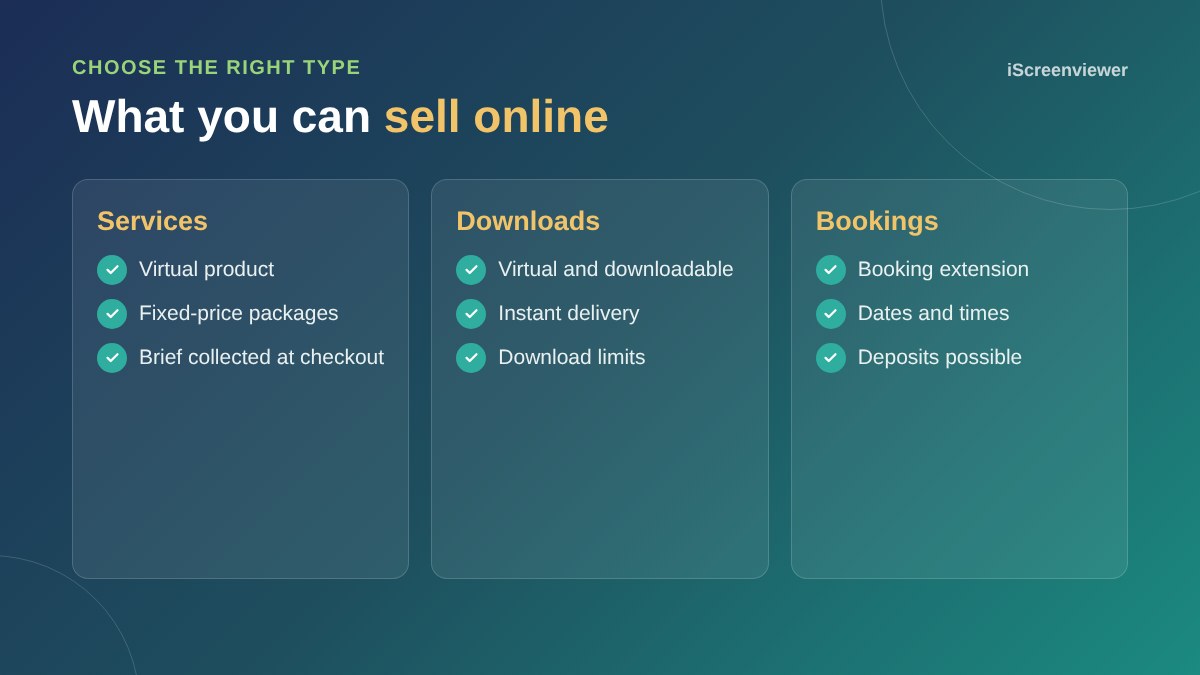
Selling services
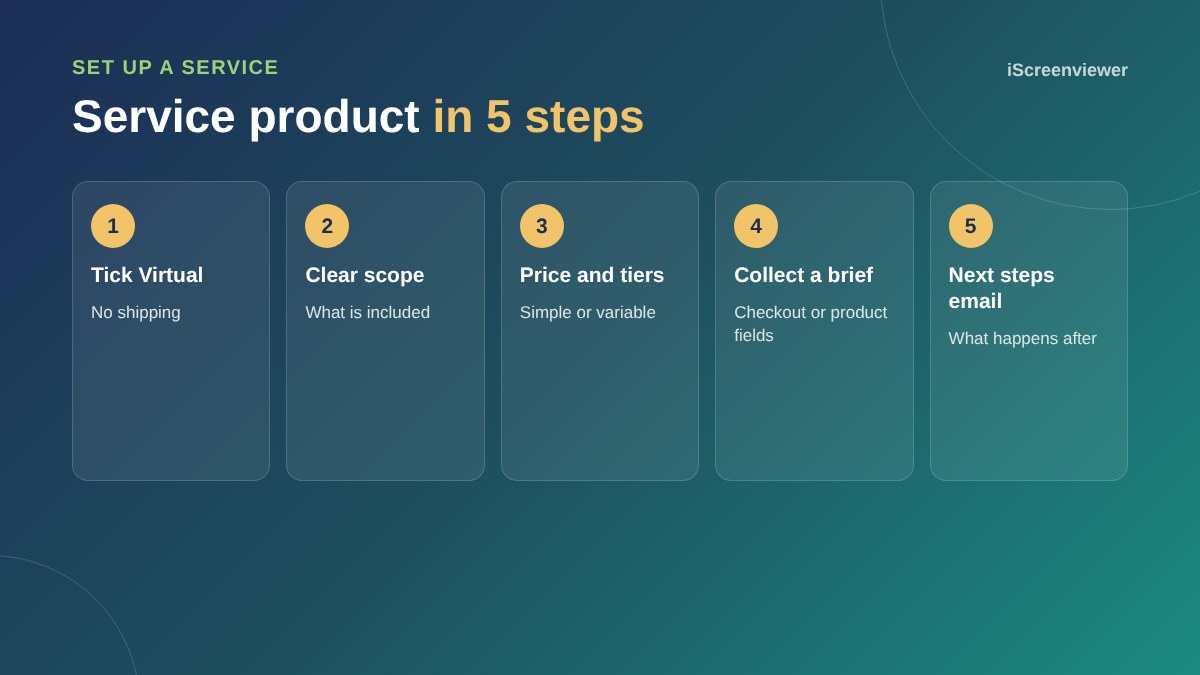
Selling a service online works best when it has a clear scope and a fixed price. Describe what is included, what the customer supplies, how long it takes and what happens after they pay. This is exactly how the iScreenviewer Shop sells web packages.
Use a variable product for tiers, such as Starter, Standard and Premium, so customers choose an option on one page.
Collecting a brief
Add optional fields on the product page or at checkout for details such as a website address or project notes. Keep them optional where you can, because every required field adds friction.
Simplifying checkout
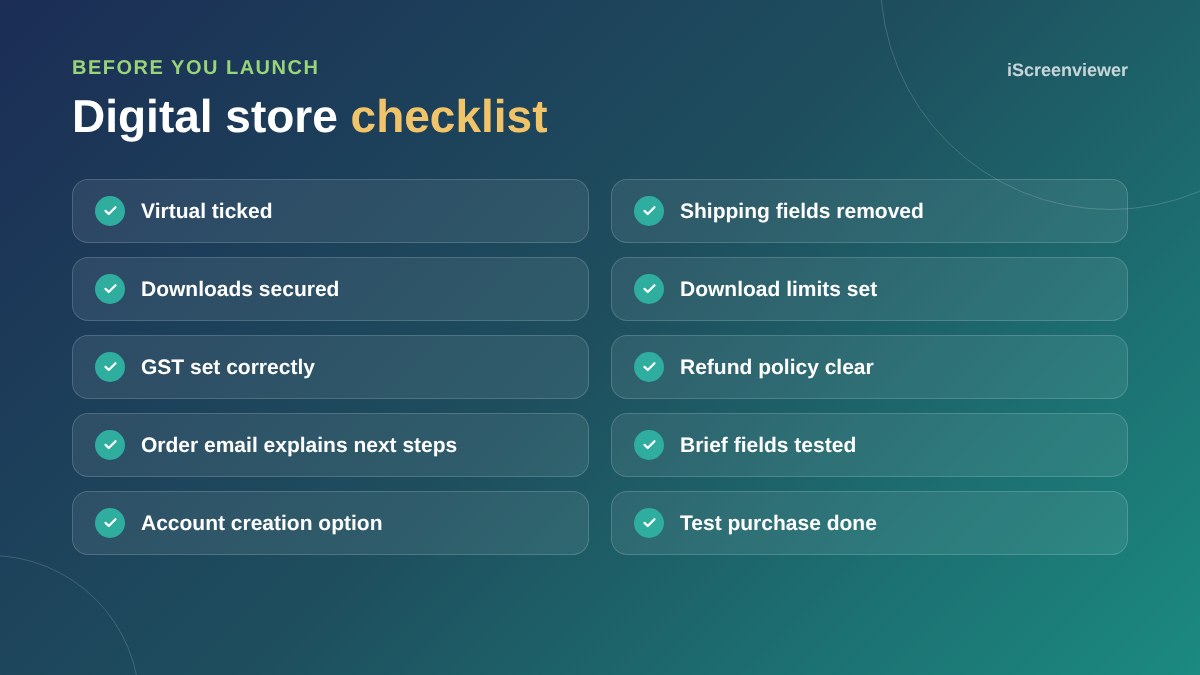
If every product is virtual, WooCommerce hides shipping fields automatically. You can remove other fields you do not need, such as company name, to make checkout faster.
Selling digital downloads
Attach the file on the product, then set a download limit and expiry if you want. Under WooCommerce > Settings > Products > Downloadable products, choose a secure download method so files cannot be shared by direct link.
Bookings, deposits and subscriptions
Appointments, deposits and recurring payments need extensions. Choose them carefully, as they add cost and complexity. For many service businesses, a fixed-price product plus a follow-up call is simpler.
GST on services and downloads
Services and digital products sold to Australian customers usually include GST, and many sold to overseas customers do not. WooCommerce uses the billing address for virtual products. See the WooCommerce GST guide.
Writing a good service product page
A service page has to do the job a sales call would normally do. Start with the outcome the customer gets, list exactly what is included, explain what they need to supply, give a realistic timeline and show the steps after purchase. Finish with FAQs that handle the usual objections, such as what happens if they need changes or want to cancel.
- What is included, in plain language
- What is not included, so there are no surprises
- Delivery time once you have everything you need
- What happens straight after purchase
- Your refund and cancellation terms
After the sale
Edit the order confirmation email so it explains the next step, such as I will contact you within one business day, or here is the link to book your call. Clear next steps reduce anxious follow-up emails and make the experience feel professional.
Upsells and add-ons
Many service customers want a little more. Use linked products or a thank you page offer to suggest relevant extras, such as ongoing support after a website build. Keep it relevant, or it feels pushy.
Want your store set up to sell services?
The WooCommerce Store Setup and Styling package works for services and digital products too, with checkout simplified for virtual products.
Frequently asked questions
Can WooCommerce sell services?
Yes. Create a product, tick Virtual so no shipping is charged, and describe the scope, price and timeline.
How do customers receive digital downloads?
After payment, customers get a download link in their order email and in My Account, within any limits you set.
Can I remove the shipping address from checkout?
Yes. If every product in the cart is virtual, WooCommerce hides the shipping fields automatically.
Can WooCommerce take bookings?
Yes, with a bookings extension that lets customers choose dates and times.
Is GST charged on digital products?
Usually for Australian customers, and usually not for overseas customers. Confirm with your accountant.
How do I stop people sharing download links?
Use a secure download method, set download limits and expiry, and require login for downloads.