

To set up a Shopify store in Australia, add your store details and ABN, connect your domain, set up payments, turn on GST with prices including tax, create shipping rates, publish your policies, choose and style a theme, add products with SEO, then place a test order before removing the password page. This checklist walks through each step.
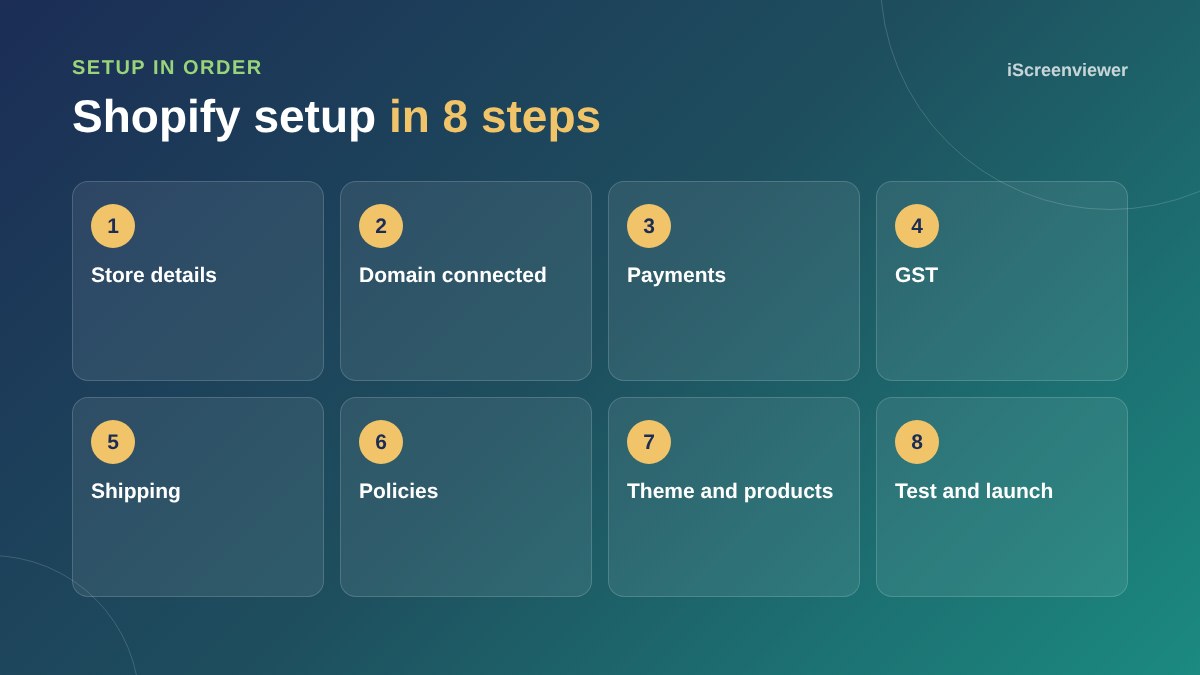
1. Store details
Add your business name, address, contact email and phone, and set the currency to Australian dollars.
2. Domain
Connect your own domain rather than using the myshopify address, and check the SSL certificate is active.
3. Payments
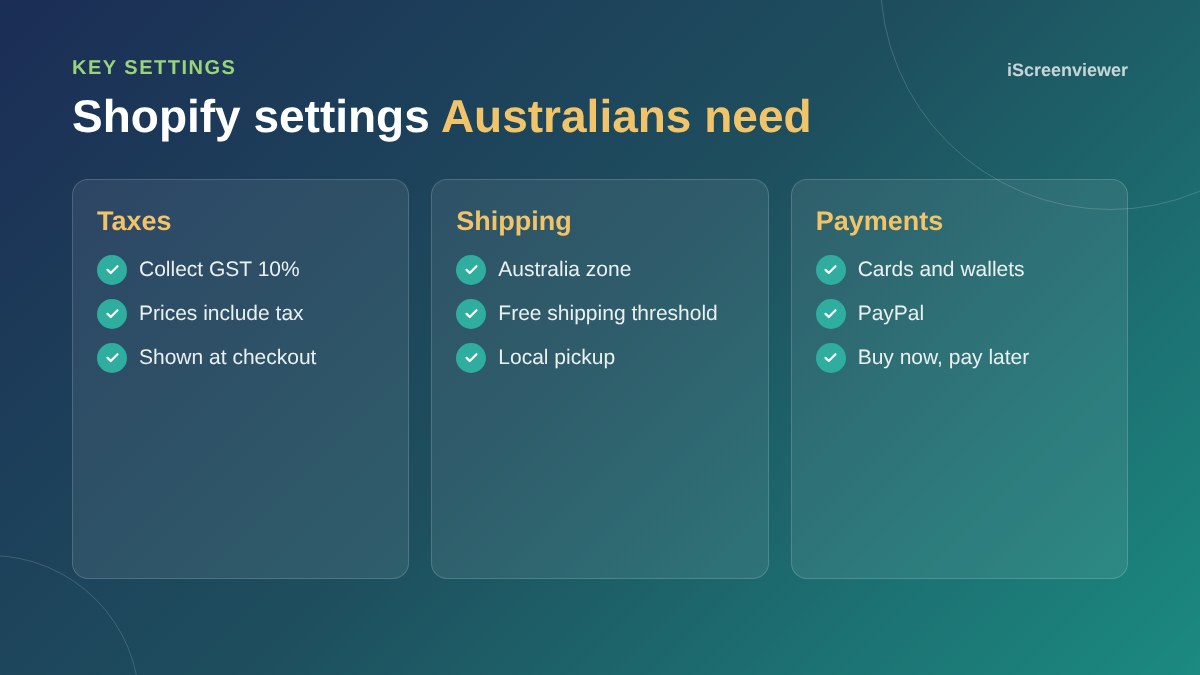
Set up Shopify Payments for cards and wallets, add PayPal, and consider a buy now, pay later option.
4. GST
In the tax settings, collect GST for Australia and choose to show prices including tax, which is what Australian customers expect.
5. Shipping
Create zones and rates that cover your real costs, add a free shipping threshold if it suits your margins, and enable local pickup if you have a location.
6. Policies and contact
Publish refund, shipping, privacy and terms pages, plus a contact page. These also matter for Google Merchant Center approval.
7. Theme and products
Choose a fast theme, style it to your brand and add products with clear titles, descriptions, images and alt text. Follow the Shopify SEO checklist as you go.
8. Test and launch
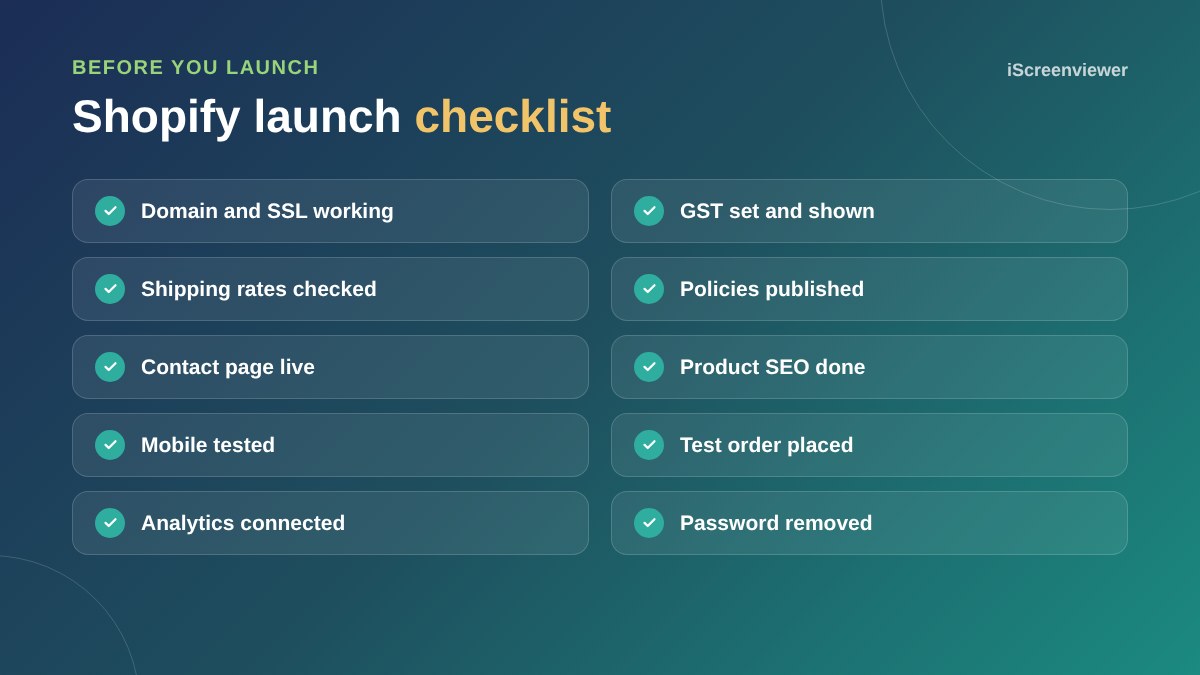
Place a test order, check emails, GST and shipping, test on mobile, connect analytics and then remove the password page.
Choosing apps
Shopify's app store makes it easy to add features, but every app can add cost and slow your store down. Start with only what you need: reviews, email marketing and perhaps a shipping app. Add more once you know what your customers want, and remove apps you stop using, including any code they left in your theme.
SEO basics before launch
- Unique titles and meta descriptions for products and collections
- Descriptive alt text on product images
- Collection pages with a short introduction
- Clean URLs without unnecessary words
- Your sitemap submitted to Google Search Console
Connect your sales channels
Once your store is live, connect Google through the Google and YouTube app to list products for free in Google Shopping, and connect Meta if you sell on Facebook and Instagram. Set up Google Analytics so you can see where customers come from. See the Google Merchant Center setup guide.
Moving from another platform?
If you are moving from WooCommerce or another platform, products, customers and redirects can be migrated so you keep your rankings. See Shopify Store Migration.
Want your Shopify store set up for you?
The Shopify Store Setup package covers settings, payments, GST, shipping, theme styling and products, with test orders before launch.
Frequently asked questions
How do I set up GST in Shopify?
In the tax settings, collect GST for Australia and choose to include tax in your prices.
Do I need my own domain for Shopify?
It is strongly recommended. A custom domain looks more trustworthy and builds your own brand.
Which payment options should a Shopify store offer in Australia?
Cards and wallets through Shopify Payments, PayPal, and a buy now, pay later option if it suits your products.
What policies does a Shopify store need?
At least refund, shipping, privacy and terms of service pages, plus clear contact details.
How do I test my Shopify store before launch?
Place a test order, check emails, tax and shipping, and test on mobile.
How long does Shopify setup take?
A small store can be set up in a week or two, depending on how ready your products and content are.