

Collection pages in Shopify, and category pages in WooCommerce, are often the pages most likely to rank for valuable searches like leather ankle boots or commercial pizza ovens. To optimise them, target one keyword theme per collection, write a clear H1, title tag and meta description, add a short introduction above the products and helpful content below, link to them from your menu and other pages, and stop filter URLs from creating duplicates.
Why collections matter
People searching for a type of product want to compare options, which is exactly what a collection page shows. A well-optimised collection can rank for a whole group of searches that no single product page could.
Choose the right keyword
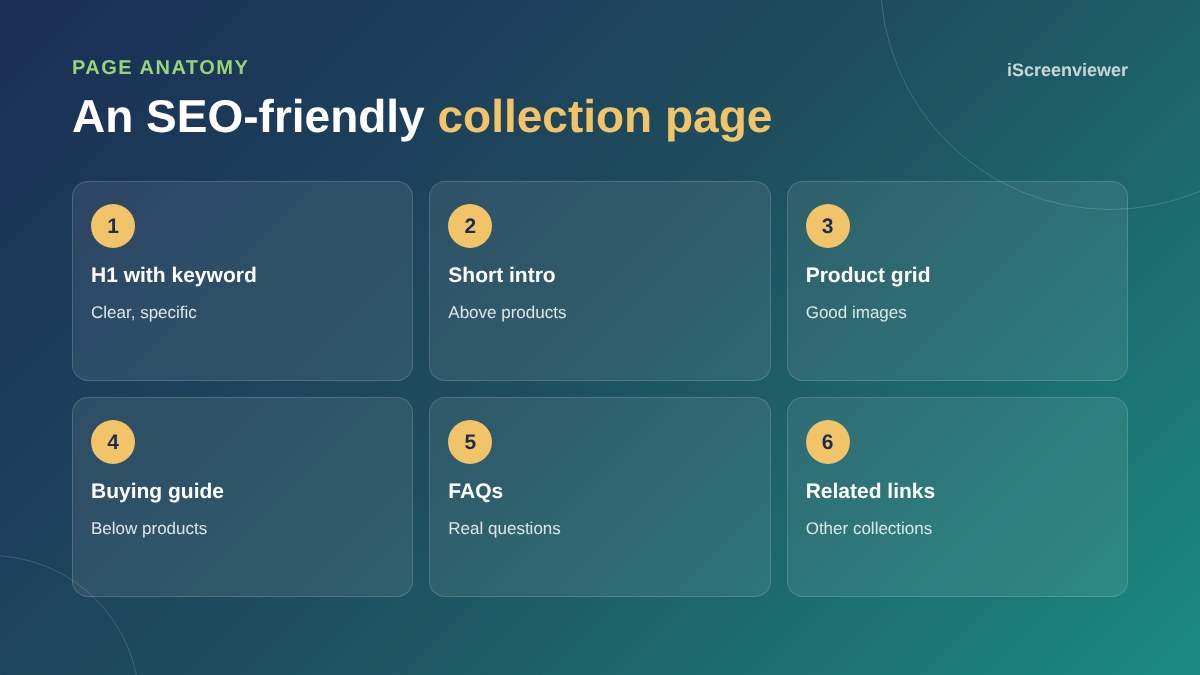
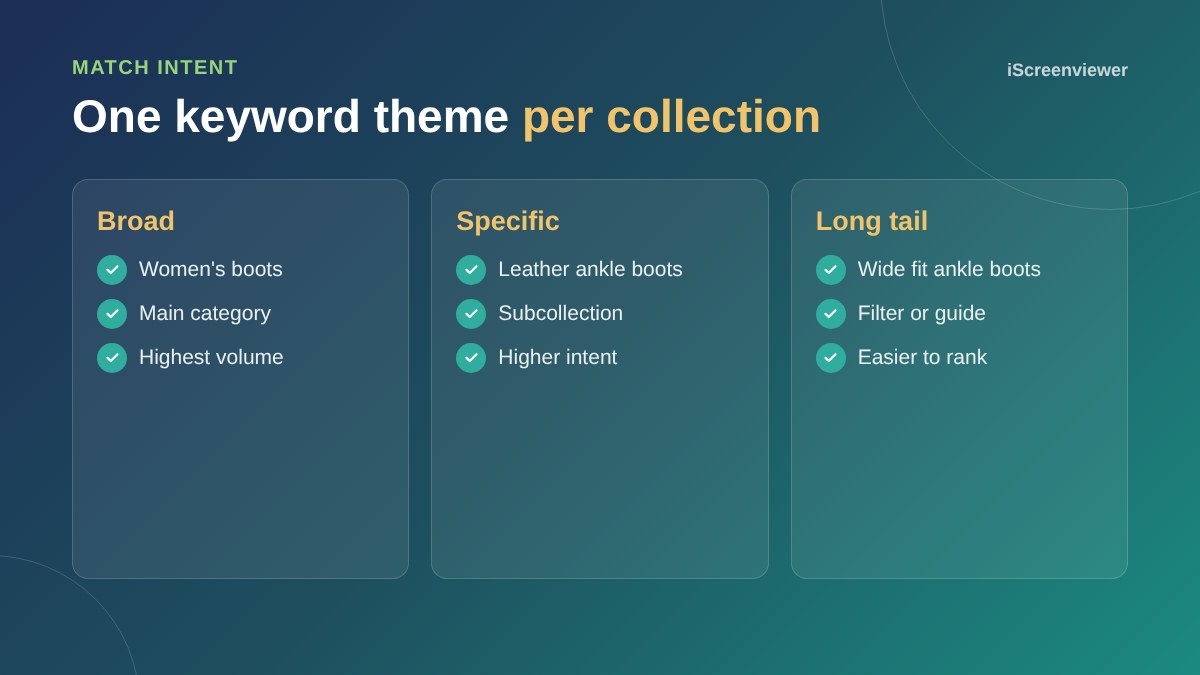
Give each collection one main keyword theme. Use the words customers search for, not internal names. Check what already ranks in Google: if the top results are collection pages, a collection page is the right type of page to target that search.
Write a short intro and a helpful guide
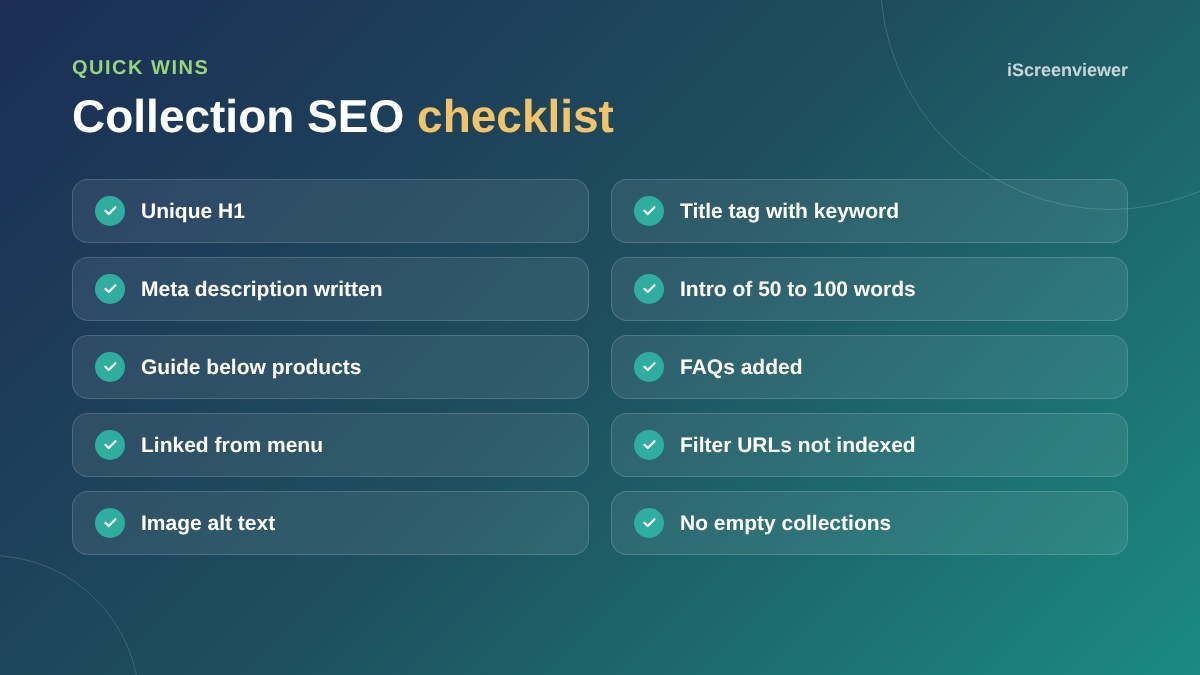
Add 50 to 100 words above the products explaining what the collection includes and who it suits. Put longer content, such as a buying guide, size advice and FAQs, below the products so shoppers see products first.
Titles, meta descriptions and URLs
Write a unique title tag and meta description for every collection. Keep URLs short and descriptive. See how to write meta titles and descriptions.
Internal links
Link collections from your main menu, home page, related collections and blog articles. Internal links tell Google which pages matter most.
Filters and duplicates
Filters such as colour and size can create thousands of URL variations. Make sure filtered URLs point to the main collection with a canonical tag or are kept out of the index, unless a filter is a popular search worth its own page.
For product pages, see the product listing SEO guide and the Shopify SEO checklist.
Common collection page mistakes
- No text at all, just a product grid
- The same intro copied across several collections
- Collections with only one or two products
- Out-of-stock products filling the first rows
- Generic titles such as Shop or All products
- Collections not linked from anywhere except the menu
Use collection FAQs
Answer the questions shoppers ask before choosing from the collection, such as how to pick a size, which material lasts longest or what is included. FAQs help buyers decide and give search engines and AI tools clear, useful text to understand the page.
Want your collections optimised?
The Collection and Category SEO: 10 Collections package writes and optimises content for 10 collection or category pages.
Frequently asked questions
What is collection page SEO?
Optimising Shopify collections or WooCommerce category pages so they rank for searches about a type of product.
How much text should a collection page have?
A short intro of 50 to 100 words above the products, and more helpful content such as a guide and FAQs below them.
Should text go above or below products?
Keep a short intro above and longer content below, so shoppers see products straight away.
Do filter pages hurt SEO?
They can create duplicate URLs. Use canonical tags or noindex for most filters.
How many keywords should a collection target?
One main keyword theme, plus close variations.
Is collection SEO better than product SEO?
Both matter. Collections often rank for broader, higher-volume searches, while products rank for specific ones.