

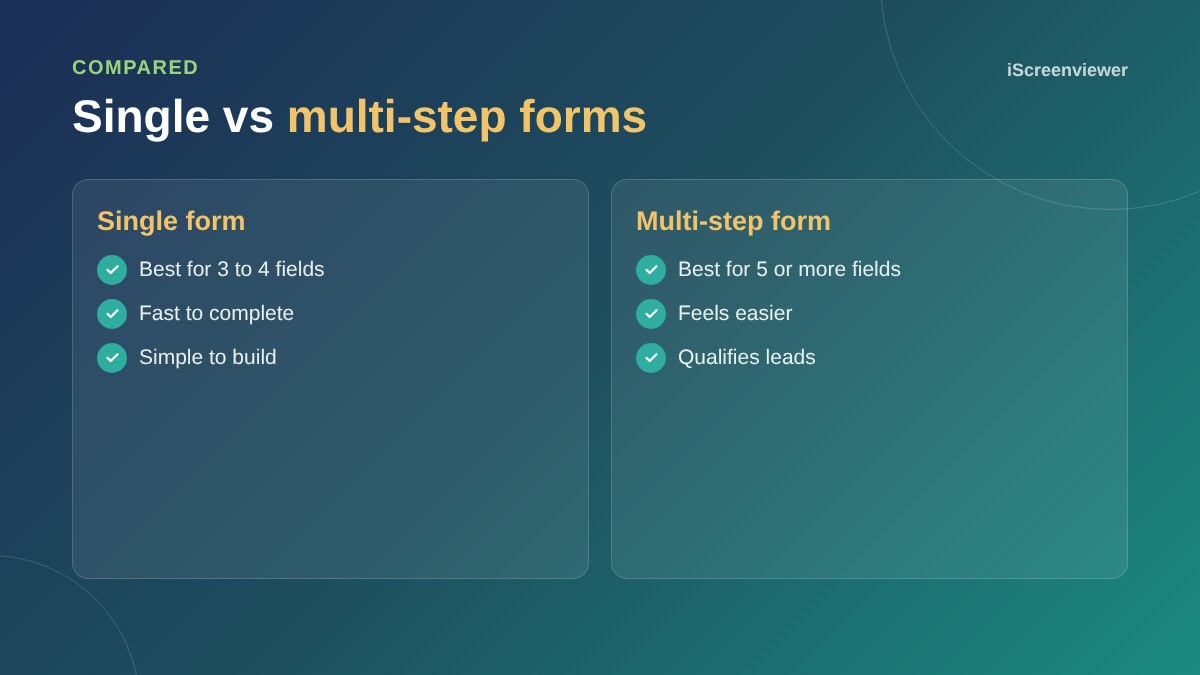
For short forms with three or four fields, a single form is usually best. For longer forms, such as quote requests, a multi-step form that asks one or two easy questions at a time often gets more completions, because it feels easier, builds commitment and asks for contact details at the end. The right choice depends on how much you need to know before following up.
Why multi-step forms work
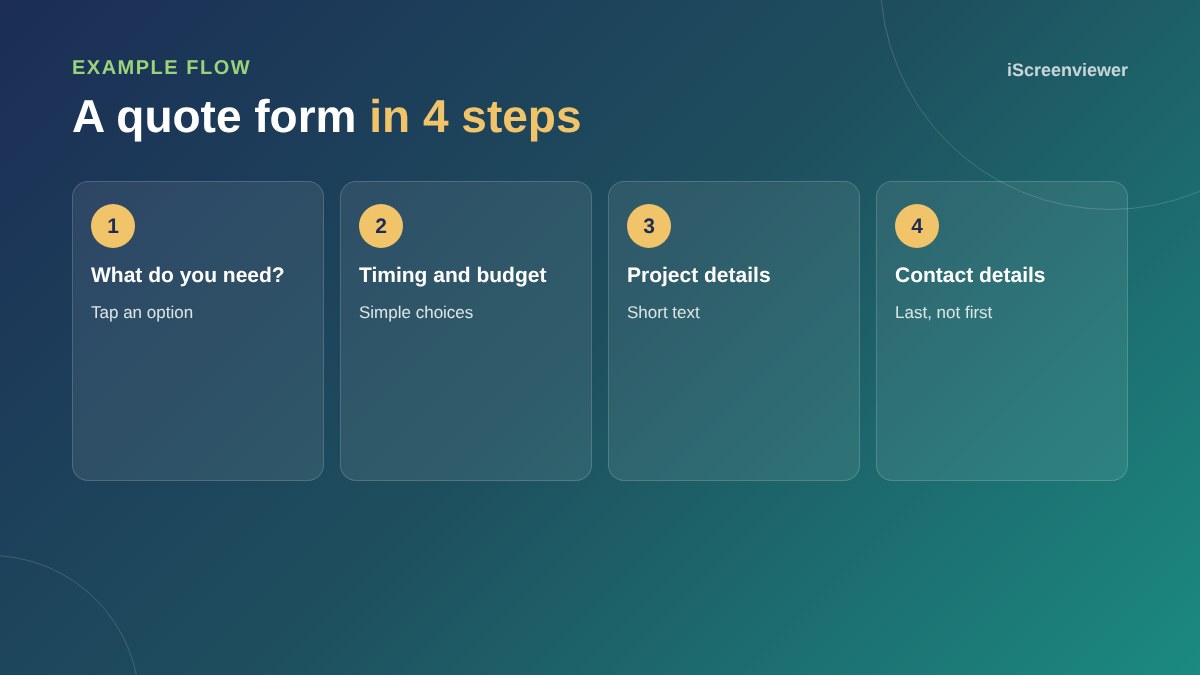
A long form can look like hard work before anyone starts. Breaking it into steps, starting with simple multiple-choice questions, lowers the effort of getting started. Once people have answered a couple of questions, they are more likely to finish.
When a single form is better
For a simple enquiry such as name, email and message, extra steps just add clicks. Keep it on one screen.
Design tips
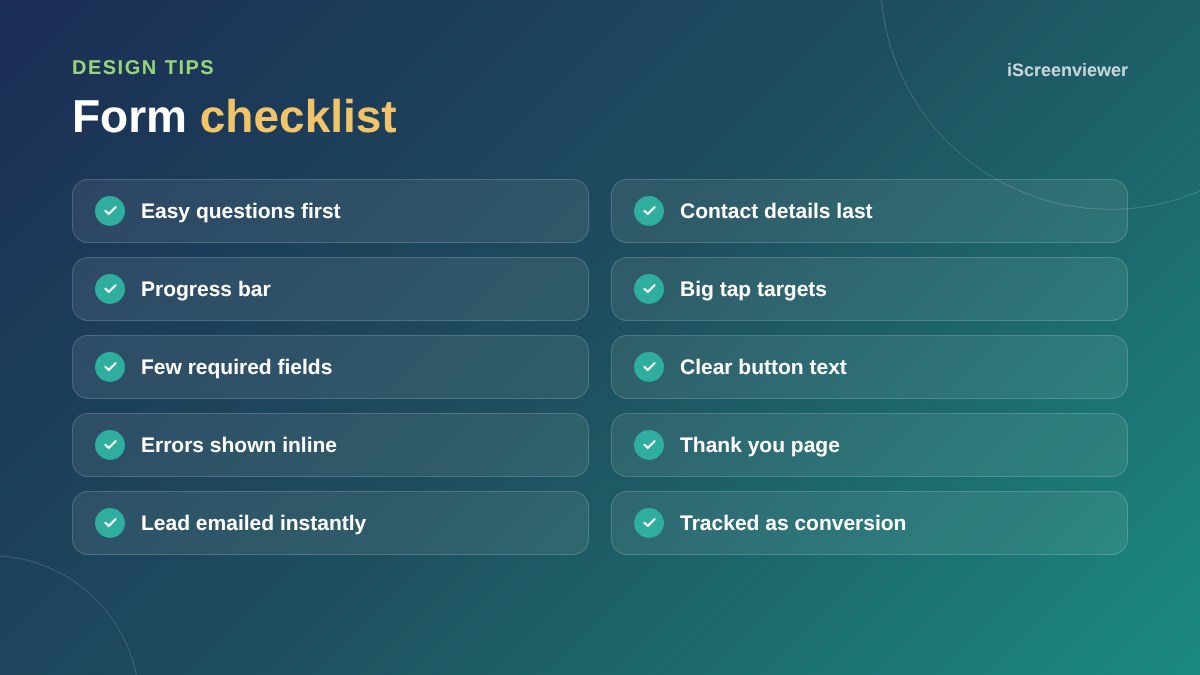
- Start with easy, clickable options rather than typing
- Ask for contact details last
- Show progress, such as Step 2 of 4
- Use large buttons that are easy to tap on mobile
- Only make essential fields required
- Use button text that describes the result, such as Get my quote
Qualify your leads
Questions about budget, timing or service type help you prioritise follow-ups and route enquiries to the right person.
Track and improve
Track form submissions as a conversion and, if possible, see where people drop off between steps.
Forms work best on focused pages. See what makes a high-converting landing page.
Where to put your form
Place the form, or a button that opens it, near the top of the page and again at the end. On service pages, put it next to the most persuasive content, such as reviews or pricing. Avoid hiding the form on a separate contact page that people have to find.
What happens after submission
Show a clear thank you message or page that says what happens next and when. Send an automatic confirmation email so people know their enquiry arrived. Then follow up quickly: enquiries answered within an hour are far more likely to turn into customers than those answered the next day.
Avoid spam without hurting conversions
Use invisible spam protection such as a honeypot field or a modern anti-spam service rather than puzzles that annoy real people. Test the form regularly to make sure messages are still arriving in your inbox.
Want a step-by-step form built?
The Lead Funnel Step by Step Form package designs and builds a multi-step form connected to your email and tracking.
Frequently asked questions
Do multi-step forms convert better?
For longer forms they often do, because they feel easier and ask for contact details last.
How many steps should a form have?
Usually three to five short steps. More can feel tedious.
Should contact details go first or last?
Last, after people have committed by answering easier questions.
Are multi-step forms good on mobile?
Yes, they suit small screens well when buttons are large and steps are short.
Can a multi-step form qualify leads?
Yes. Questions about budget, timing or service type help you prioritise.
How do I track form conversions?
Send users to a thank you page or fire an event in Google Analytics when the form is submitted.