

An accessible website can be used by people with disabilities, including those who use screen readers, keyboards instead of a mouse, or need larger text and higher contrast. In Australia, the Disability Discrimination Act applies to websites, and the Web Content Accessibility Guidelines (WCAG), currently version 2.2, level AA, are the recognised standard to aim for. Good accessibility also improves usability and SEO for everyone.
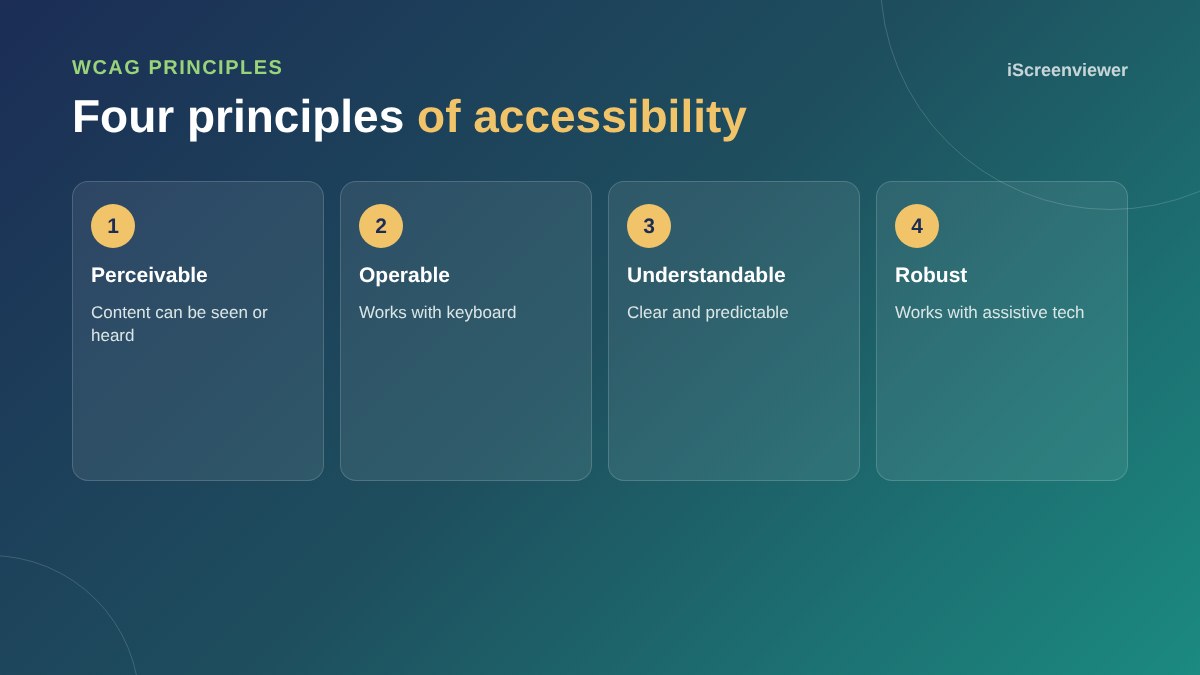
Why it matters
Millions of Australians live with disability, and many more have temporary or age-related needs. An inaccessible site turns away customers and can expose a business to complaints. Accessible sites are usually clearer, faster and easier to use for everyone.
Start with these fixes
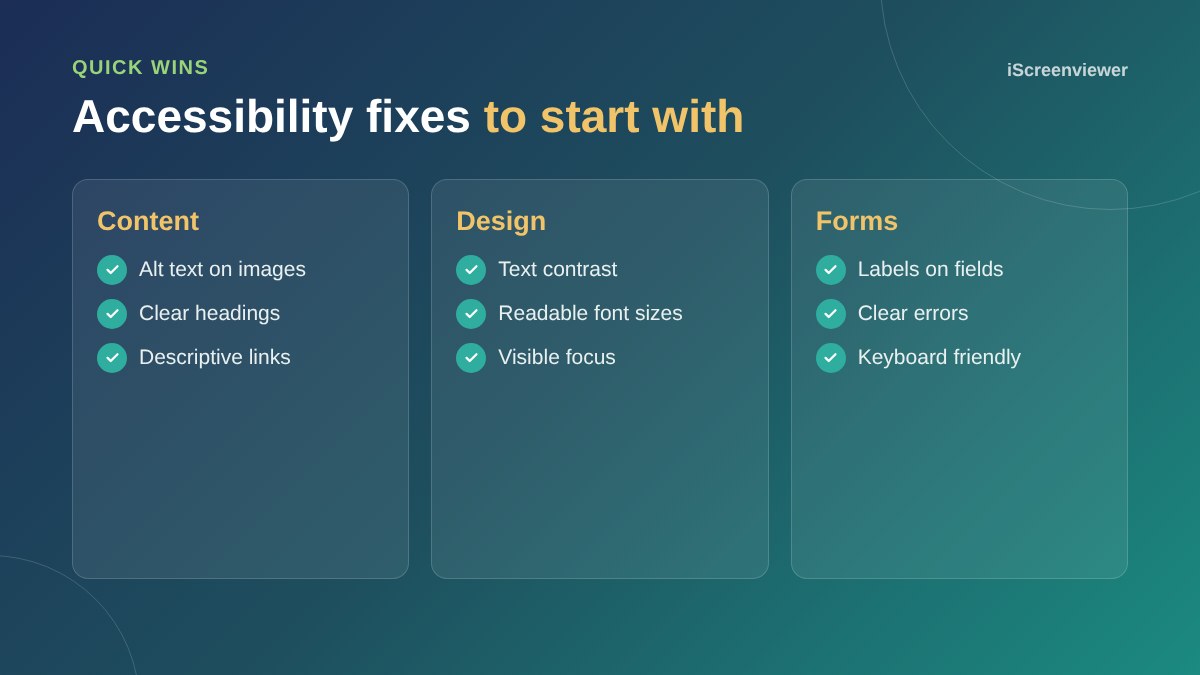
- Alt text: describe meaningful images. See the alt text guide
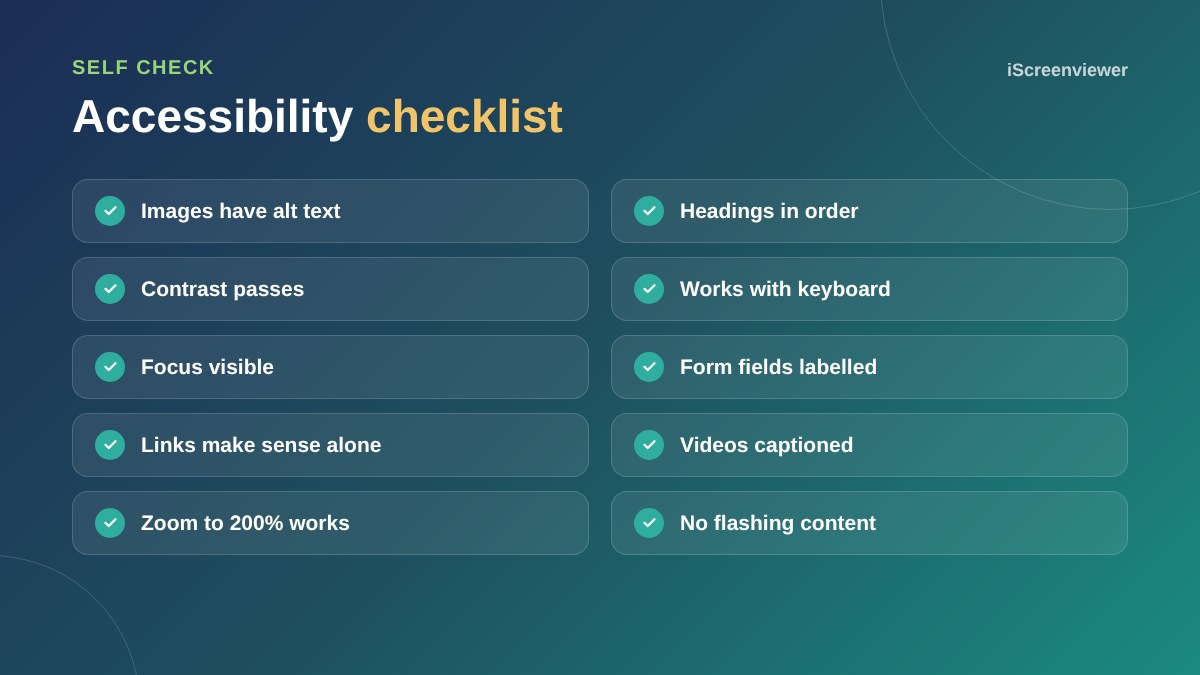
- Headings: use one H1 per page and headings in a logical order
- Contrast: normal text needs a contrast ratio of at least 4.5 to 1 against its background
- Keyboard: every link, button and form should work with the Tab and Enter keys, with a visible focus outline
- Forms: every field needs a label, and errors should explain how to fix them
- Links: use descriptive text instead of click here
- Video: add captions
How to test
Try using your site with only a keyboard. Run free automated checkers such as Lighthouse in Chrome, which catch common issues. Automated tools only find part of the problems, so a manual review is needed for a proper audit.
Accessibility overlays
Widgets that promise instant accessibility do not fix the underlying code and are not a substitute for building the site properly. Fixing issues at the source is more reliable.
Make it ongoing
Accessibility is not a one-off task. New pages, images and plugins can introduce new issues. Build accessibility into how you add content: alt text on every image, proper headings and descriptive links. Review the site at least once a year and after major changes.
Accessibility goes hand in hand with good mobile design. See mobile-first web design.
Want an accessibility audit?
The Website Accessibility Audit (WCAG) checks your site against WCAG 2.2 AA and gives you a prioritised list of fixes.
Frequently asked questions
Is website accessibility a legal requirement in Australia?
The Disability Discrimination Act applies to websites, and WCAG is the recognised standard. Get legal advice for your specific situation.
What is WCAG?
The Web Content Accessibility Guidelines, an international standard for accessible web content. Version 2.2 level AA is the common target.
What contrast ratio does text need?
At least 4.5 to 1 for normal text and 3 to 1 for large text under WCAG AA.
Do accessibility overlays work?
They do not fix the underlying code and are not a reliable substitute for an accessible build.
Does accessibility help SEO?
Yes. Alt text, clear headings and descriptive links help search engines as well as users.
How do I test accessibility?
Use keyboard-only navigation, automated tools like Lighthouse and a manual audit against WCAG.