

To sell wholesale on Shopify, use Shopify's native B2B features to create company profiles for your trade buyers, build a catalog with wholesale prices, add quantity rules and volume pricing, set payment terms, then invite approved buyers to log in. Since April 2026 these B2B tools are included on every Shopify plan, so you can sell to retail and trade customers from the same store.
Why sell wholesale from your Shopify store
Many brands take wholesale orders by email, spreadsheet and phone, which means retyping orders and chasing payments. Selling B2B from Shopify keeps one product catalog and one inventory, lets trade buyers reorder themselves, and puts every order in one place.
Shopify B2B is now on every plan
In April 2026 Shopify made its key B2B features available on Basic, Grow and Advanced plans at no extra cost. Before that, native B2B was only on Shopify Plus. Here is how it splits:
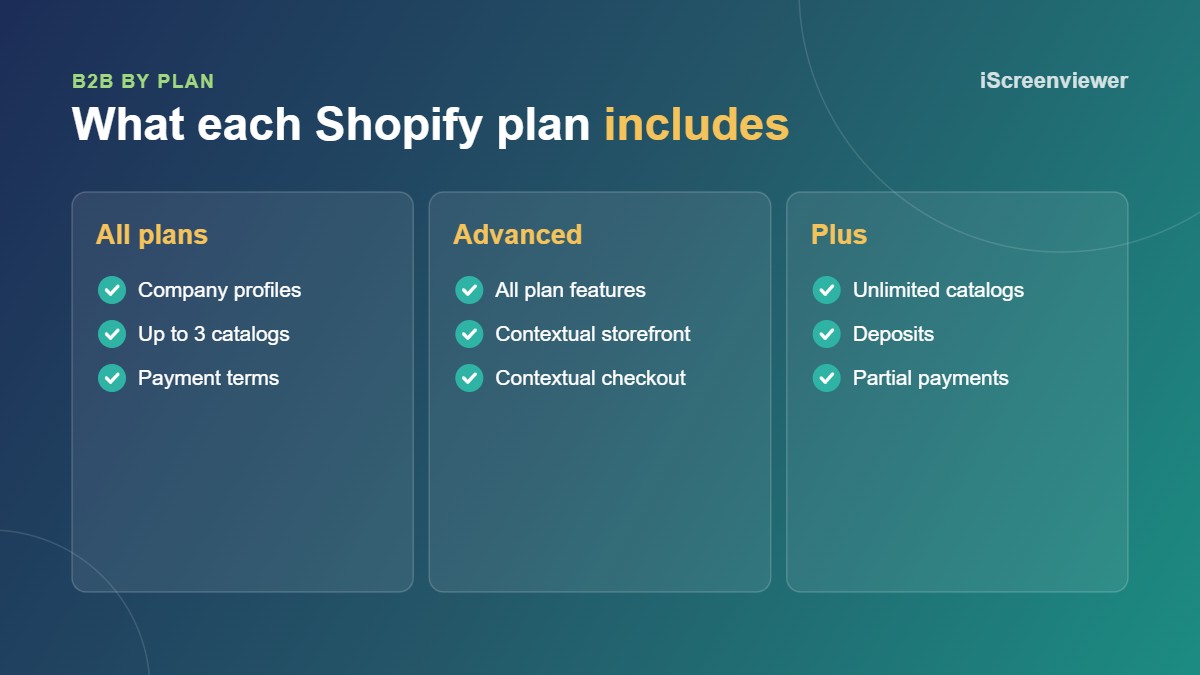
- Every plan: company profiles, up to 3 active B2B catalogs, quantity rules, volume pricing, payment terms, vaulted cards, draft order invoicing and a quick order list.
- Advanced and Plus: a contextual storefront and checkout through Shopify Markets.
- Plus only: unlimited catalogs, catalogs assigned directly to a company, deposits and partial payments.
For most small wholesalers three catalogs is enough, such as trade, distributor and VIP pricing.
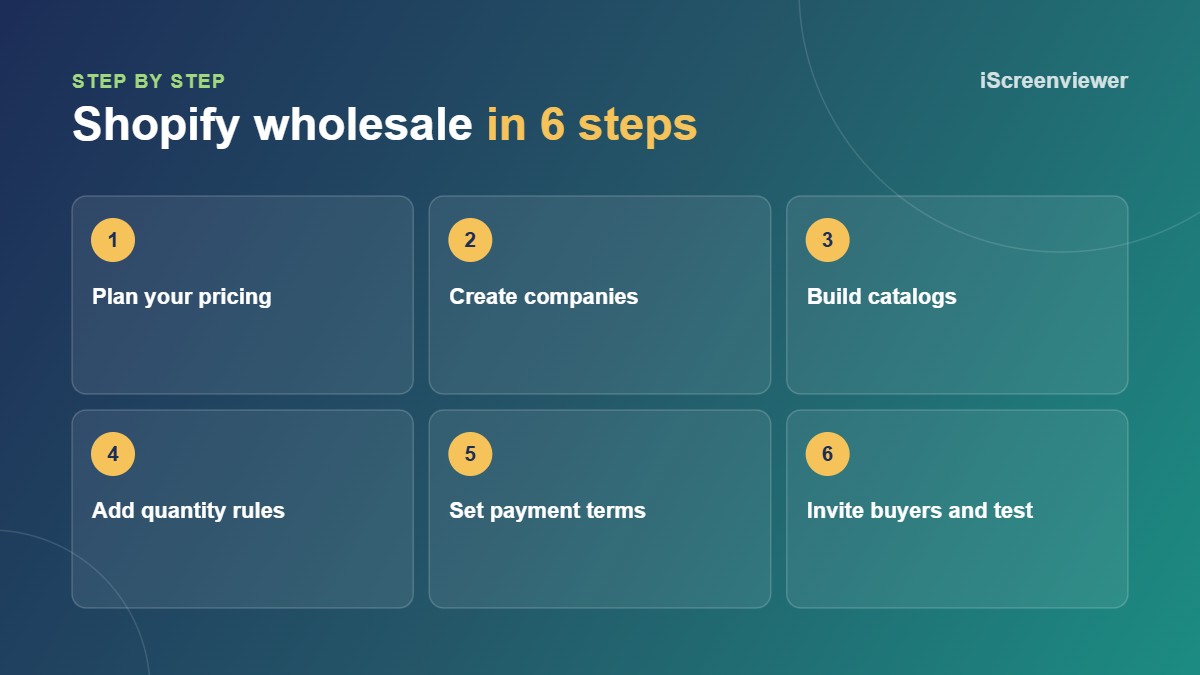
1. Plan your wholesale pricing
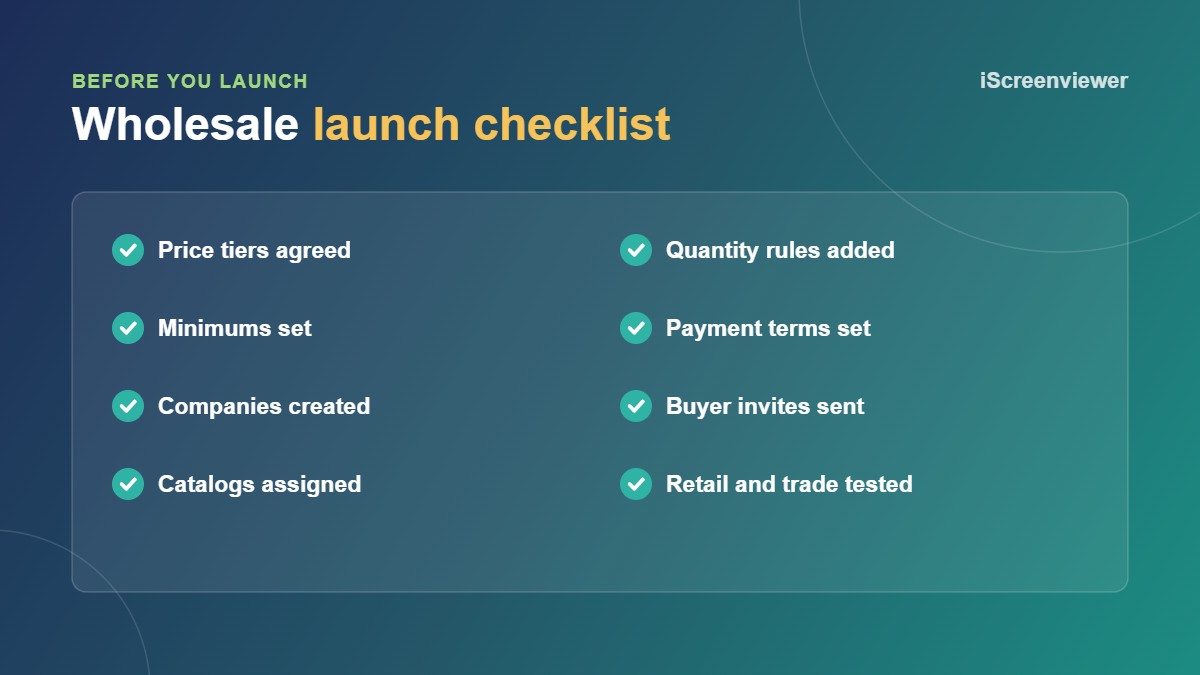
Decide your price tiers before touching any settings. Many brands set wholesale as a percentage off retail, with a better tier for larger accounts. Set minimum order values or quantities so small orders still make sense after picking and shipping.
2. Create companies and locations
In Shopify, each trade customer is a company with one or more locations and contacts. A cafe group could have three locations, each with its own shipping address, buyers and payment terms. You can create companies yourself or approve buyers who apply through a wholesale sign-up form.
3. Build catalogs and quantity rules
A catalog sets which products a company can see and the price they pay, either as a percentage adjustment or fixed prices per product. Add quantity rules, such as a minimum of 6 units or ordering in multiples of 12, and volume pricing that lowers the unit price as quantity goes up.
4. Set payment terms
Payment terms let approved buyers order now and pay later, such as net 30. Orders show as payment due and you can send reminders. For new accounts, you might require card payment at checkout until they have ordered a few times.
5. Invite buyers and test
Send customer account invitations to your buyers. When they log in, they should see their wholesale prices and rules. Test as a retail customer and as a trade buyer to make sure retail shoppers never see trade prices.
When you still need a wholesale app
Native B2B covers most needs, but an app can still help if you need more than three price lists without Plus, a custom registration form with an approval workflow, or pricing by customer tag. If buyers need custom pricing per job, a request a quote app may suit better than fixed prices.
Want wholesale set up for you?
Shopify Wholesale and B2B Pricing Setup covers buyer registration, up to 3 price tiers, minimums, payment terms and retail and trade test orders for a fixed A$490.
Frequently asked questions
Do I need Shopify Plus to sell wholesale?
No. Since April 2026, core B2B features are on every Shopify plan. Plus adds unlimited catalogs, deposits and partial payments.
How many wholesale price lists can I have without Plus?
Up to 3 active B2B catalog assignments on Basic, Grow and Advanced plans.
Can retail and wholesale customers use the same store?
Yes. Retail shoppers see normal prices, and logged in trade buyers see their catalog prices and rules.
Can wholesale customers pay on account?
Yes. Payment terms such as net 30 are available on every plan for B2B companies.
Can I set minimum order quantities for wholesale?
Yes. Quantity rules let you set minimums, maximums and order increments for products in a catalog.