

Every online store should set up seven automated email flows: a welcome series for new subscribers, abandoned checkout, abandoned cart, browse abandonment, post-purchase, win-back for lapsed customers and back in stock alerts. In Klaviyo, these run automatically once your Shopify or WooCommerce store is connected, and they often bring in a meaningful share of email revenue with no ongoing effort.
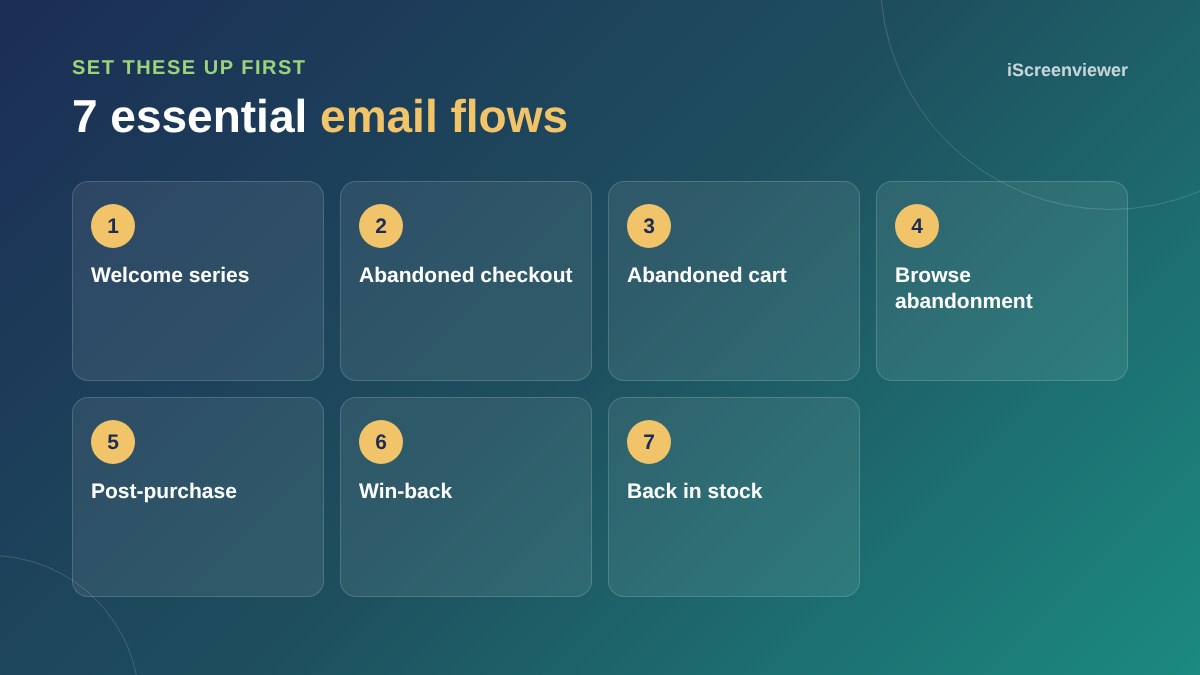
1. Welcome series
Sent when someone joins your list. Introduce your brand, best sellers and what makes you different. If you offered a sign-up discount, deliver it here.
2. Abandoned checkout
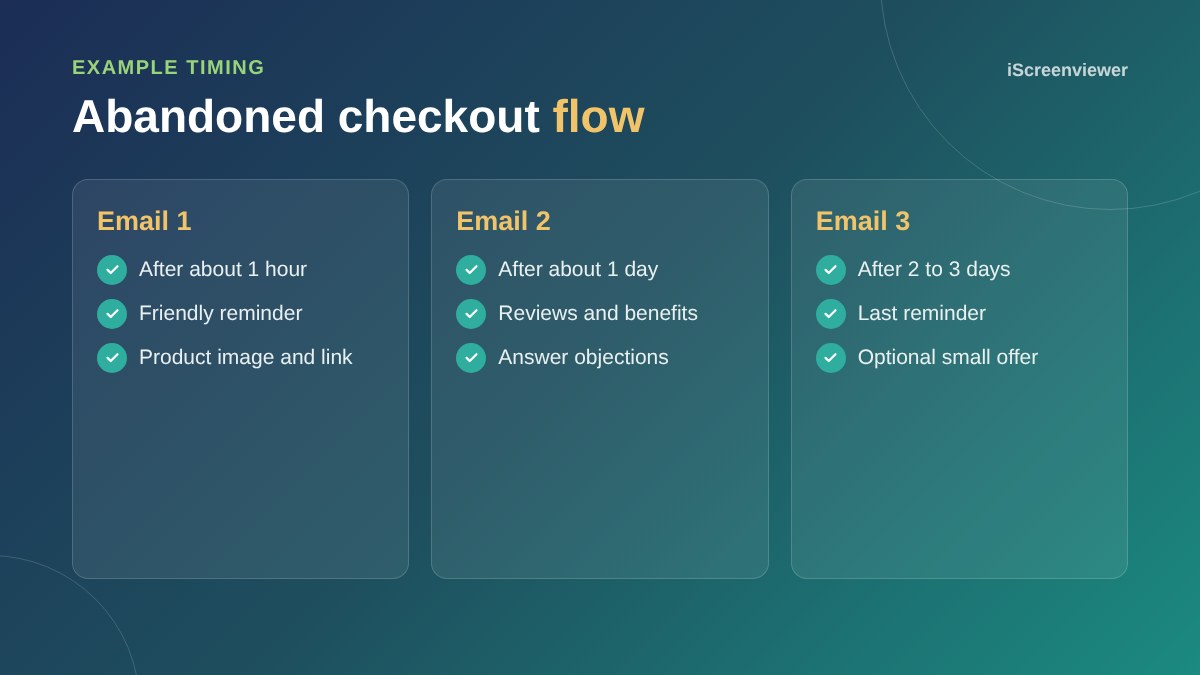
Sent when someone starts checkout but does not finish. These are your warmest leads, so send the first reminder within a few hours.
3. Abandoned cart
Similar to checkout, but triggered when products are added to the cart. Show the products, reviews and a clear link back.
4. Browse abandonment
Sent when a known subscriber views a product but does not add it to the cart. Keep it light and helpful.
5. Post-purchase
Thank customers, set delivery expectations, share care tips and ask for a review once the product has arrived.
6. Win-back
Reach customers who have not bought in a while with new arrivals or a reason to return.
7. Back in stock
Let customers sign up for alerts on sold-out products, then email them automatically when stock returns.
Tips that make flows work
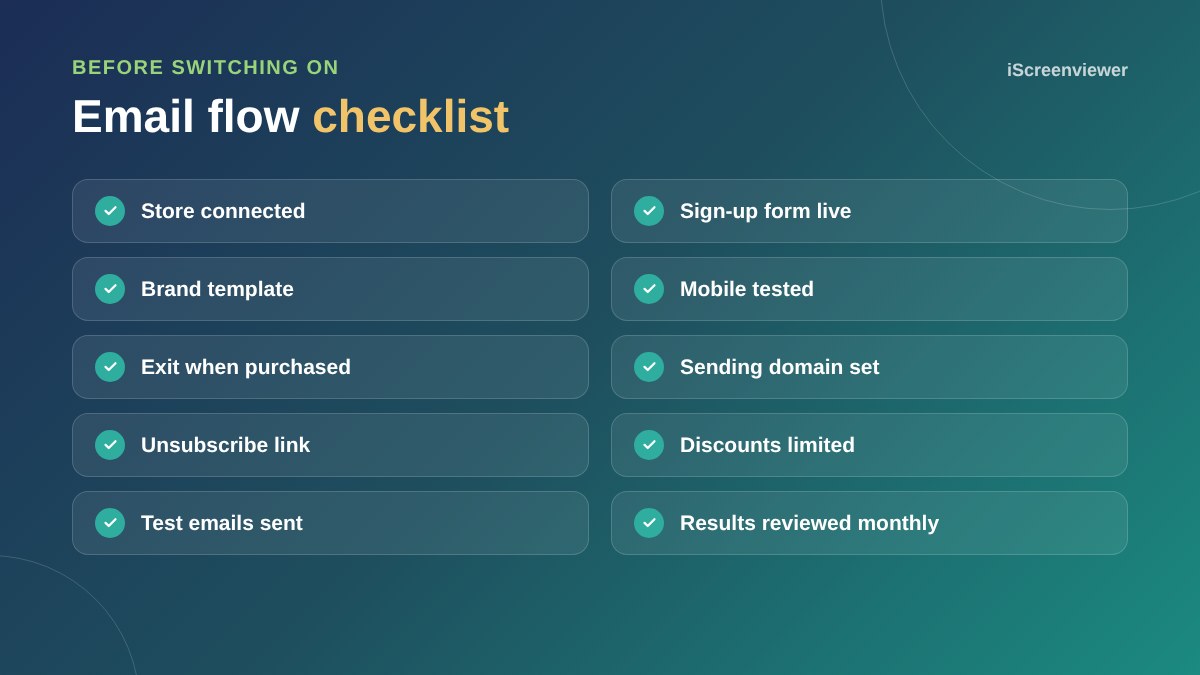
- Make sure people exit the flow once they purchase
- Do not lead every email with a discount
- Write subject lines that are clear rather than clever
- Check emails on mobile
- Review results monthly and improve one email at a time
Grow your list
Flows only work if people are on your list. Add a sign-up form or popup with a clear reason to join, and collect consent at checkout.
Abandoned cart emails help recover lost sales, but fixing your checkout helps more. See checkout mistakes that lose sales.
Design emails that work on mobile
Most emails are opened on phones. Use a single column, large buttons, short paragraphs and product images that load quickly. Keep your branding consistent with your website so emails feel familiar.
Measure what matters
Look at revenue per recipient and conversion rate for each flow, not just open rates, which are less reliable now that some email apps open emails automatically. Improve the weakest flow first, then move on to the next.
Want your flows set up for you?
The Klaviyo Email Flows Setup package builds and tests your essential flows in your brand style.
Frequently asked questions
What is a Klaviyo flow?
An automated sequence of emails triggered by an action, such as signing up, abandoning a cart or making a purchase.
Which Klaviyo flow should I set up first?
Abandoned checkout and welcome series usually bring the quickest results.
Does Klaviyo work with WooCommerce?
Yes. Klaviyo connects to both Shopify and WooCommerce.
How many emails should an abandoned cart flow have?
Usually two or three, spread over a few days.
Should I offer discounts in abandoned cart emails?
Not always. Try reminders first, and use discounts sparingly so customers do not learn to wait for them.
Do I need consent to email customers?
Yes. Only send marketing emails to people who have agreed, and include an unsubscribe link.