

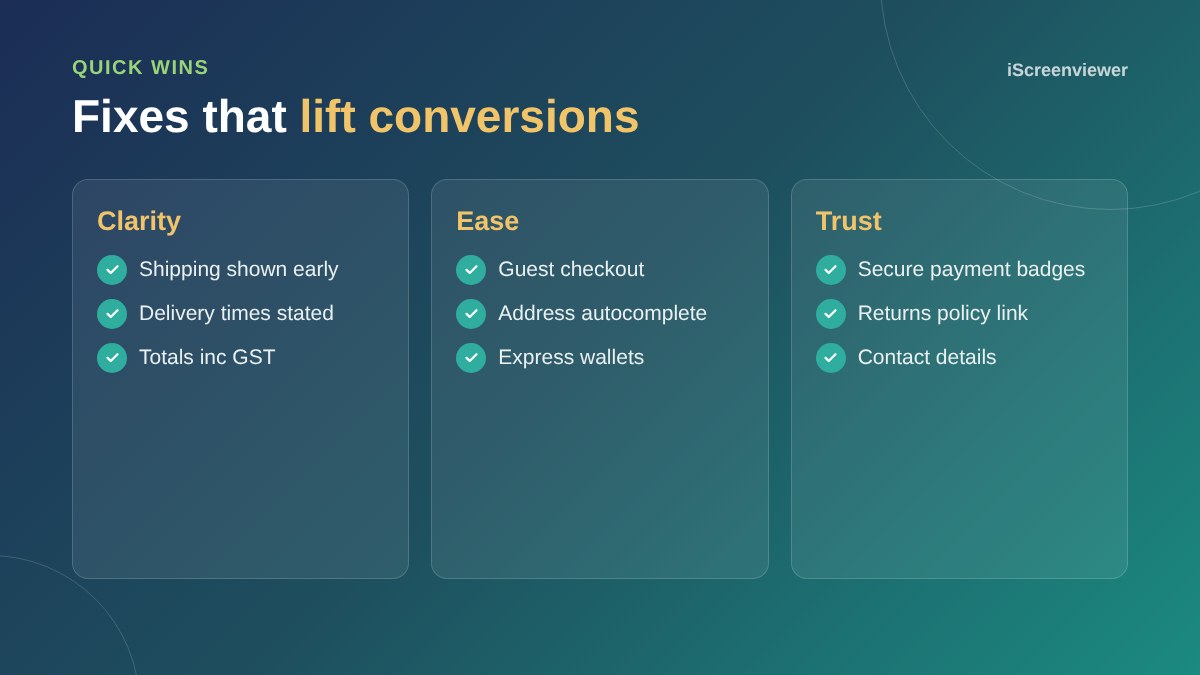
Most lost sales at checkout come from surprise costs, being forced to create an account, long forms, limited payment options and a lack of trust. Show shipping costs early, allow guest checkout, offer Apple Pay, Google Pay and PayPal, ask only for what you need and test the whole process on a phone.
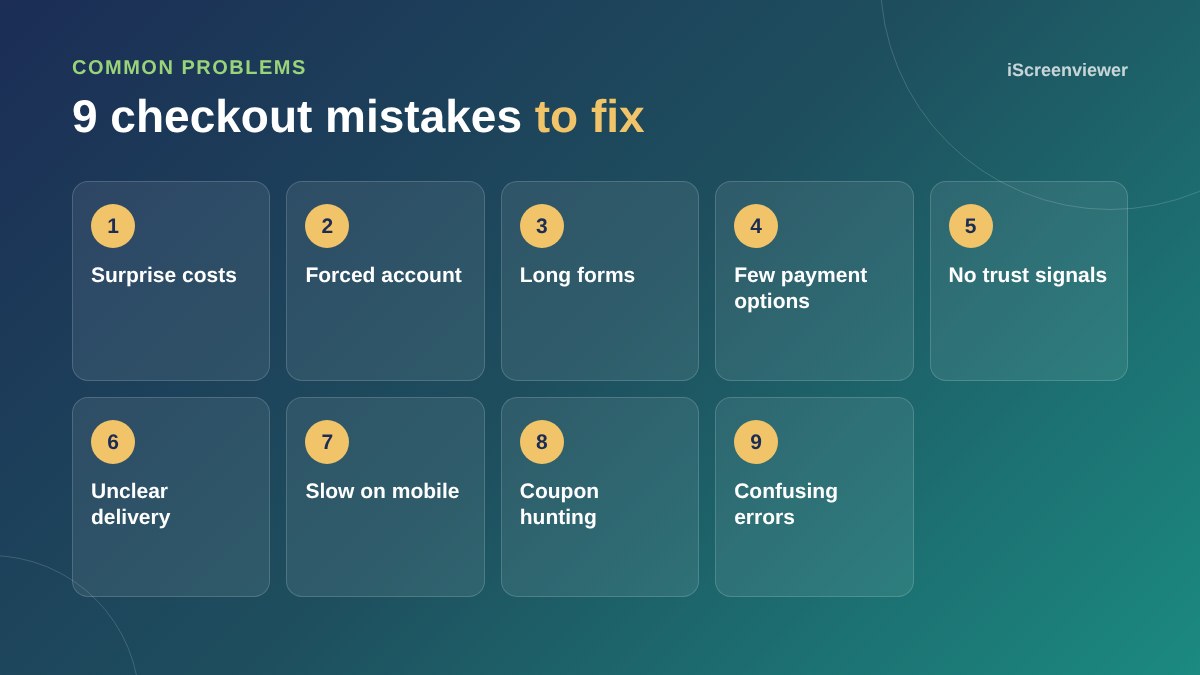
1. Surprise costs
Shipping or fees that appear only at the last step are the biggest reason people abandon carts. Show shipping costs or a free shipping threshold on product pages and in the cart.
2. Forcing an account
Let customers check out as a guest and offer to create an account after the order.
3. Long forms
Remove fields you do not need, use address autocomplete and keep the form on as few steps as possible.
4. Too few payment options
Express wallets like Apple Pay and Google Pay save typing on mobile. See WooCommerce payment gateways in Australia.
5. No trust signals
Show secure payment, your returns policy and contact details near the payment step.
6. Unclear delivery times
Tell customers when their order will arrive, especially before Christmas and sale periods.
7. Slow or broken on mobile
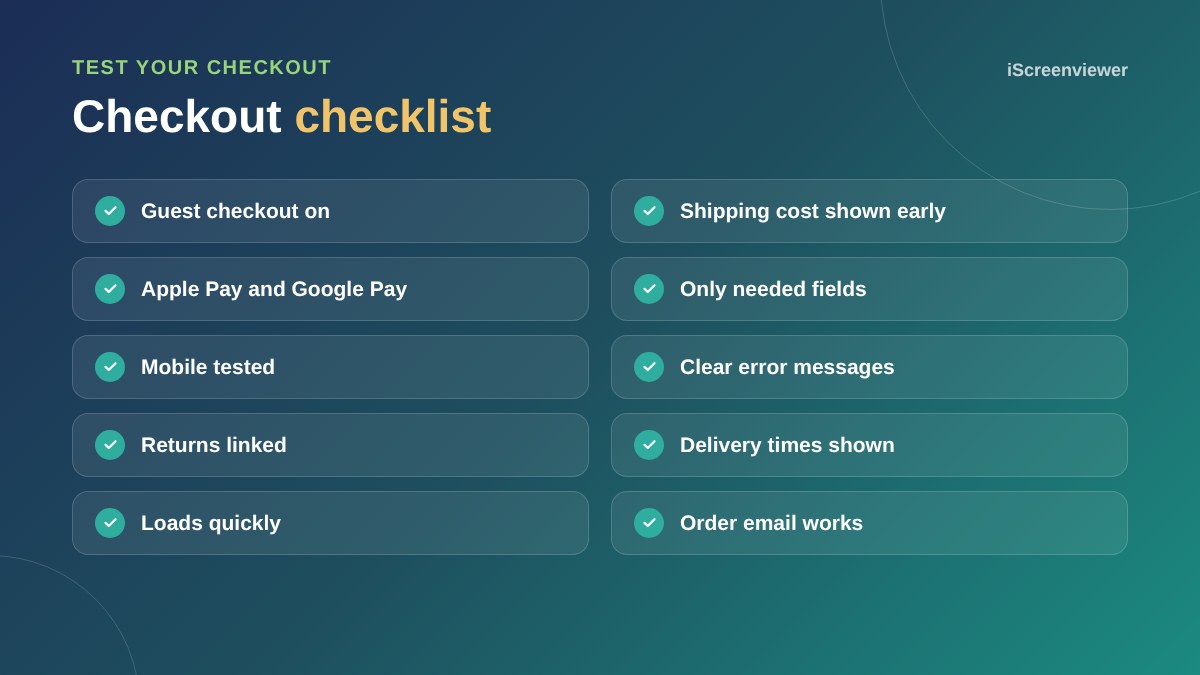
Test checkout on a real phone. Buttons should be easy to tap and fields should use the right keyboard.
8. Coupon hunting
A prominent coupon field sends people off to search for codes. Keep it available but understated.
9. Confusing errors
Error messages should say exactly what to fix, next to the field, without clearing what was entered.
Measure abandonment
Track begin checkout and purchase events in Google Analytics to see where people drop off. See the GA4 ecommerce tracking guide.
Recover abandoned carts
Even with a great checkout, some customers leave. Shopify includes abandoned checkout emails, and WooCommerce can send them with an extension or an email marketing tool such as Klaviyo. A short reminder an hour or so later, with a link straight back to their cart, recovers a share of those sales without discounting.
Show shipping and delivery before checkout
A shipping calculator in the cart, or a simple shipping table on product pages, answers the question before it becomes a reason to leave. If you offer free shipping over a set amount, show a message in the cart such as You are $20 away from free shipping.
Test like a customer
Once a month, buy something from your own store on your phone, using mobile data, as a guest. Note every moment of confusion. It is the simplest way to catch broken payment options, confusing messages and slow pages before customers do.
For a full store review, see the Black Friday checklist, which works for any big sale.
Want your checkout fixed?
Checkout styling and testing are part of WooCommerce Store Setup and Shopify Store Setup. For an existing store, a health check can find what is costing you sales.
Frequently asked questions
Why do customers abandon their cart?
The most common reasons are unexpected costs, forced account creation, long forms, few payment options and concerns about trust.
Should I allow guest checkout?
Yes. Let customers buy without an account and offer account creation after the order.
Do Apple Pay and Google Pay increase conversions?
They make mobile checkout much faster, which usually helps more people finish their purchase.
Where should I show shipping costs?
As early as possible: on product pages, in the cart and with any free shipping threshold.
How do I find where people leave checkout?
Track checkout events in Google Analytics 4 and compare begin checkout with completed purchases.
Should I remove the coupon field?
Not usually, but keep it understated so it does not send customers off to search for codes.