

For most Australian WooCommerce stores, the best setup is one card gateway, such as Stripe or WooPayments, plus PayPal, plus a buy now, pay later option like Afterpay if your products suit it. That combination covers cards, Apple Pay, Google Pay and the payment methods Australian shoppers expect, without cluttering your checkout.
Here is how the main options compare and how to choose the right mix for your store.
Stripe
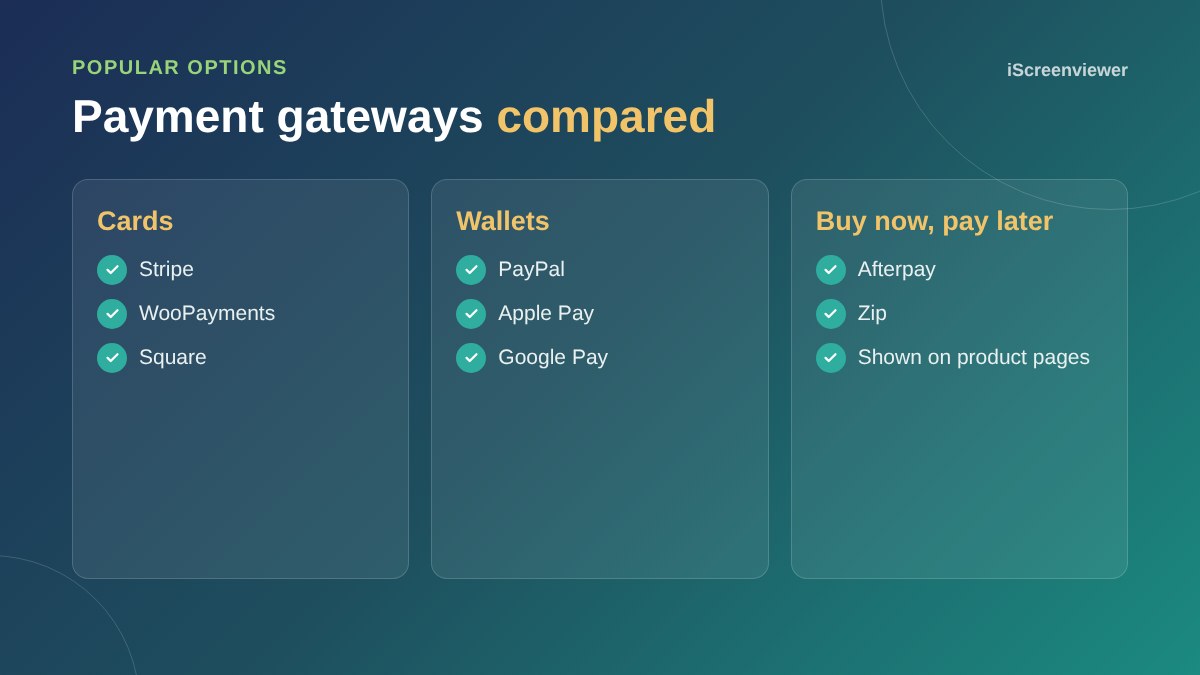
Stripe is one of the most popular choices for Australian WooCommerce stores. The free WooCommerce Stripe plugin takes Visa, Mastercard and American Express, plus Apple Pay and Google Pay, and pays out to your Australian bank account. Stripe also supports Afterpay in Australia, so you can offer instalments without a separate plugin.
WooPayments
WooPayments is built by the team behind WooCommerce and is available in Australia. You manage payments, payouts and disputes inside your WordPress dashboard. It suits store owners who want everything in one place.
PayPal
Many shoppers trust PayPal and would rather not type card details into a site they have not used before. Adding PayPal as a second option can lift conversions, especially for first-time customers and overseas buyers.
Square
If you already use Square in a physical shop, the Square plugin can sync products and stock between your store and your point of sale, which saves double handling.
Afterpay and Zip
Buy now, pay later options let customers split a purchase into instalments while you are paid upfront, minus the provider's fee. They tend to suit fashion, homewares, beauty and other products where customers spend a bit more. Read how to add Afterpay to WooCommerce for the setup steps.
How to choose
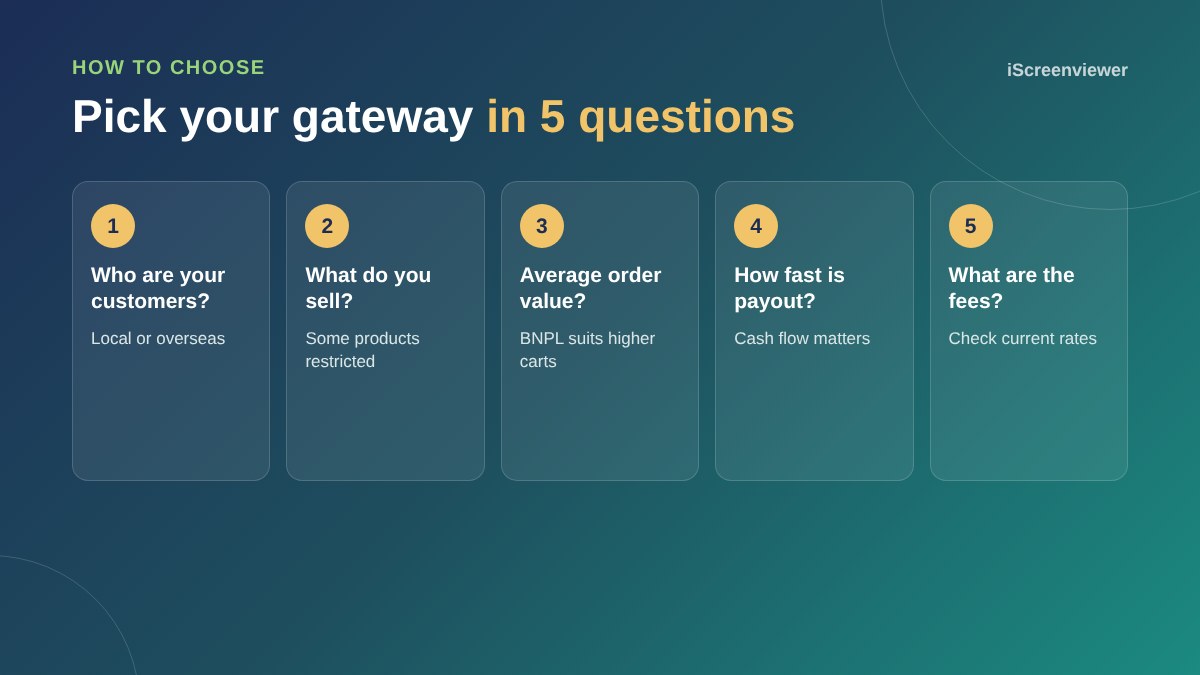
- Fees: compare current rates on each provider's website, including international card and currency fees
- Payout speed: how quickly money lands in your account affects cash flow
- Product rules: some providers restrict certain products, so check their acceptable use policy
- Customer location: overseas customers may prefer PayPal or local wallets
- Admin: fewer gateways means fewer dashboards to reconcile
Do not add too many
Every extra option adds another logo, another plugin to update and another account to reconcile. Two or three well-chosen methods usually convert better than six. Watch your analytics and add options when customers ask for them.
Set up your gateway properly
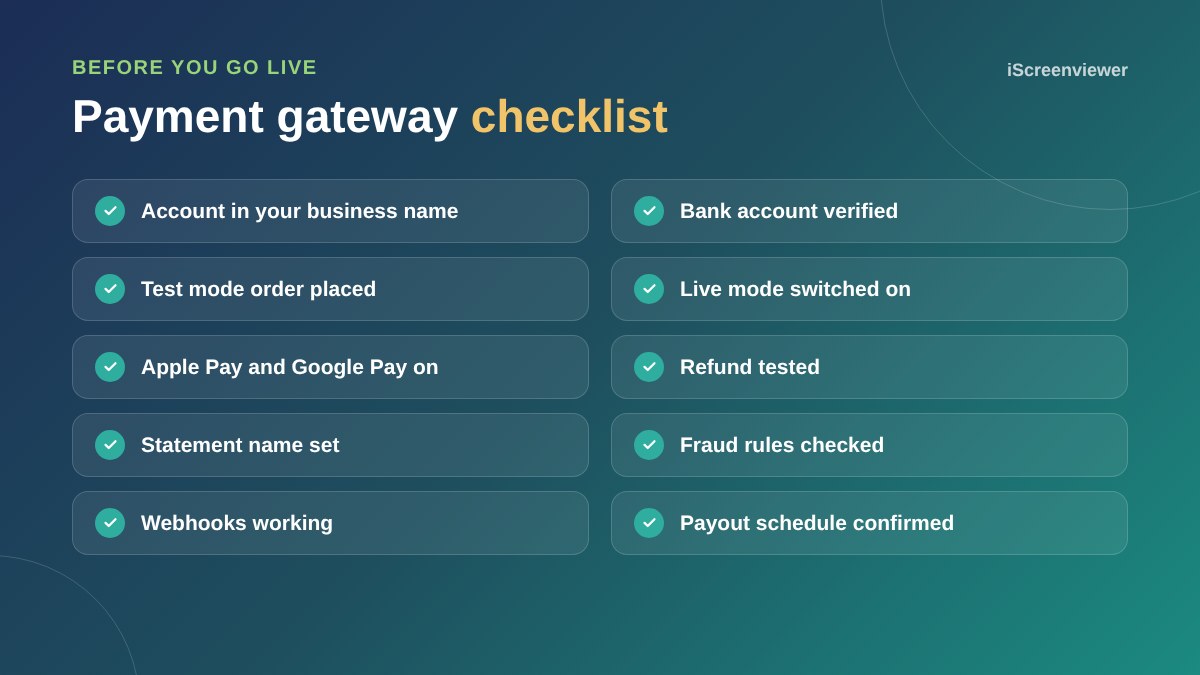
Open the account in your business name, connect your own bank account, set the name that appears on customer statements, and test in test mode before switching to live. Then place one small live order and refund it. Make sure GST is set up first, as your gateway charges whatever total WooCommerce calculates. See the WooCommerce GST setup guide.
Card fees, surcharges and the customer experience
Some businesses add a card surcharge to cover fees. In Australia, surcharges must not be more than what it costs you to accept that payment method, and they should be clear before the customer pays. Many online stores simply build fees into their prices instead, which keeps checkout simple and avoids a surprise at the last step.
Fraud and chargebacks
Card gateways include fraud screening, but it pays to review the settings. Turn on address and security code checks, watch for unusual orders such as several failed attempts or large orders to a new address, and respond to disputes quickly with tracking and order details. Clear product descriptions and an easy returns process prevent many disputes in the first place.
Reconciling payments
Each gateway pays out on its own schedule and charges its own fees. Connect your gateways to your accounting software, or export payout reports monthly, so your bookkeeper can match payouts to orders. This is another reason to keep the number of gateways small.
Want your payments set up for you?
The WooCommerce Store Setup and Styling package connects Stripe, PayPal or Afterpay to your own accounts, with test orders completed before launch.
Get WooCommerce payments set up →
Frequently asked questions
What is the best payment gateway for WooCommerce in Australia?
Stripe and WooPayments are popular card gateways for Australian stores. Most stores add PayPal and, if it suits their products, Afterpay.
Can I use more than one payment gateway in WooCommerce?
Yes. WooCommerce lets you enable several gateways and choose the order they appear at checkout.
Does Stripe support Apple Pay and Google Pay on WooCommerce?
Yes. The WooCommerce Stripe plugin supports Apple Pay and Google Pay once your domain is verified.
How much do WooCommerce payment gateways cost?
The plugins are free. Each provider charges transaction fees, which change over time, so compare current rates on their websites.
Should I offer Afterpay on my store?
Afterpay suits products where customers spend more and like to spread the cost. It adds a fee per transaction, so weigh that against the extra sales.
How do I test a payment gateway?
Use the gateway's test mode with test card numbers, then place one small live order and refund it before you launch.