


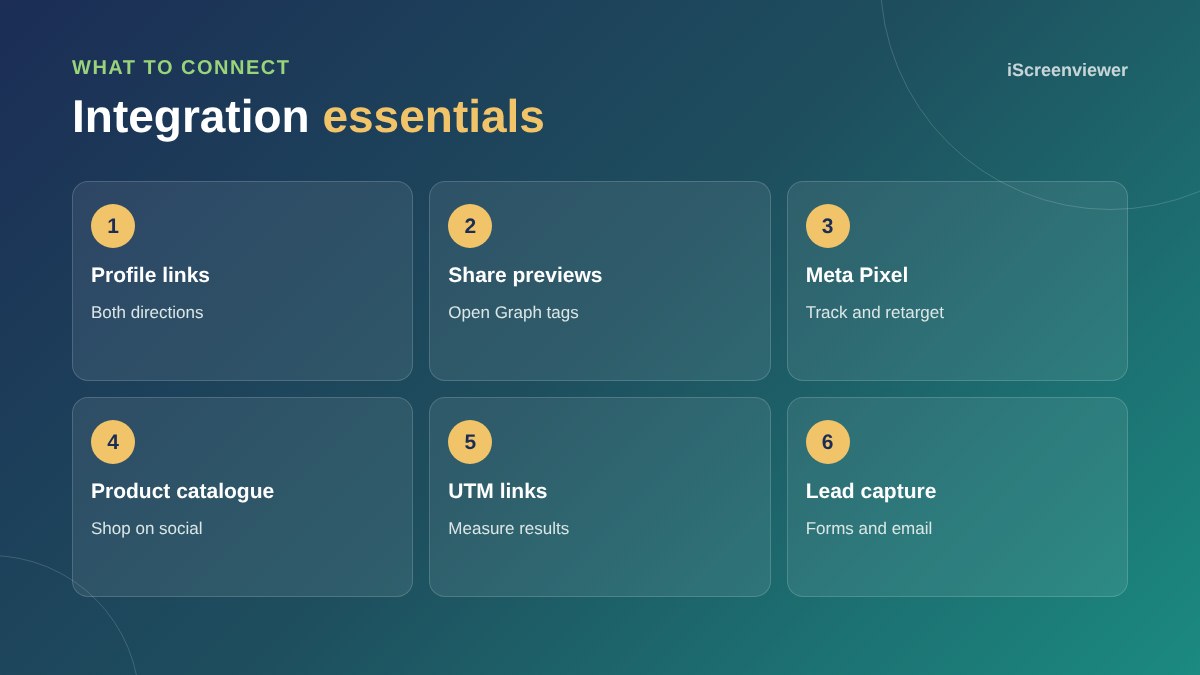
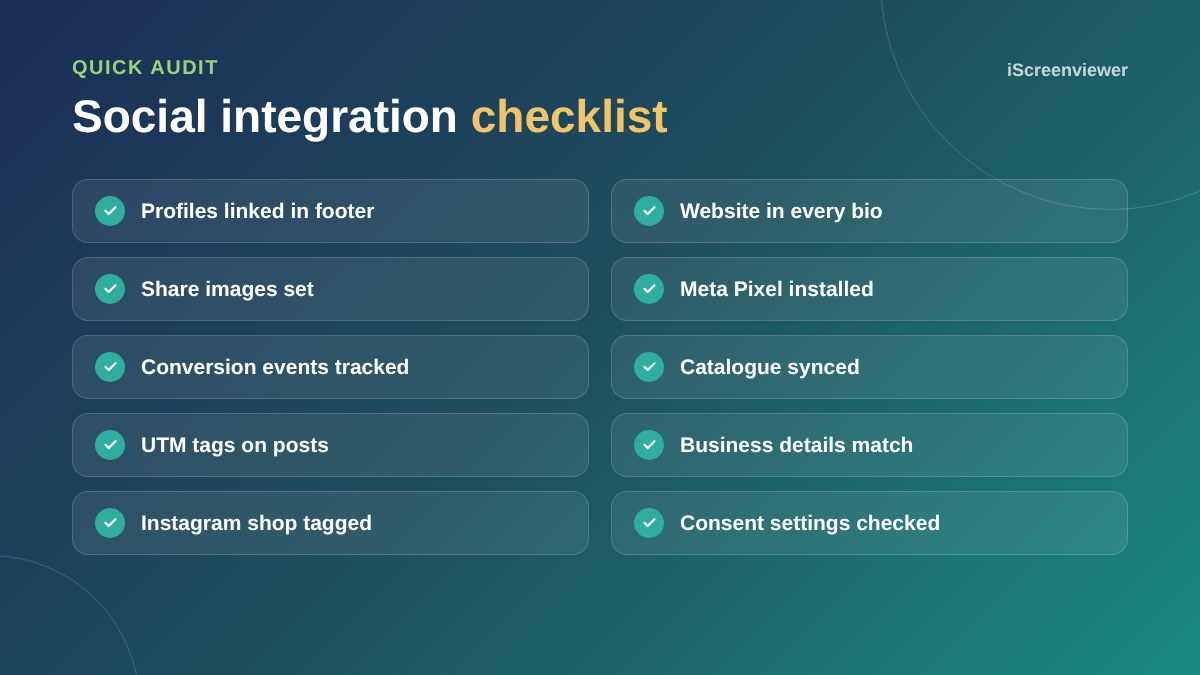
To integrate social media with your website, link your profiles both ways, set up share previews so your pages look good when posted, install the Meta Pixel and conversion tracking, connect your product catalogue if you sell online, use UTM tags on social links so you can measure results, and capture leads on your website rather than relying only on followers.
Profile links
Add your social profiles to your website footer or contact page, and add your website to every social bio. Use the same business name and details everywhere.
Share previews
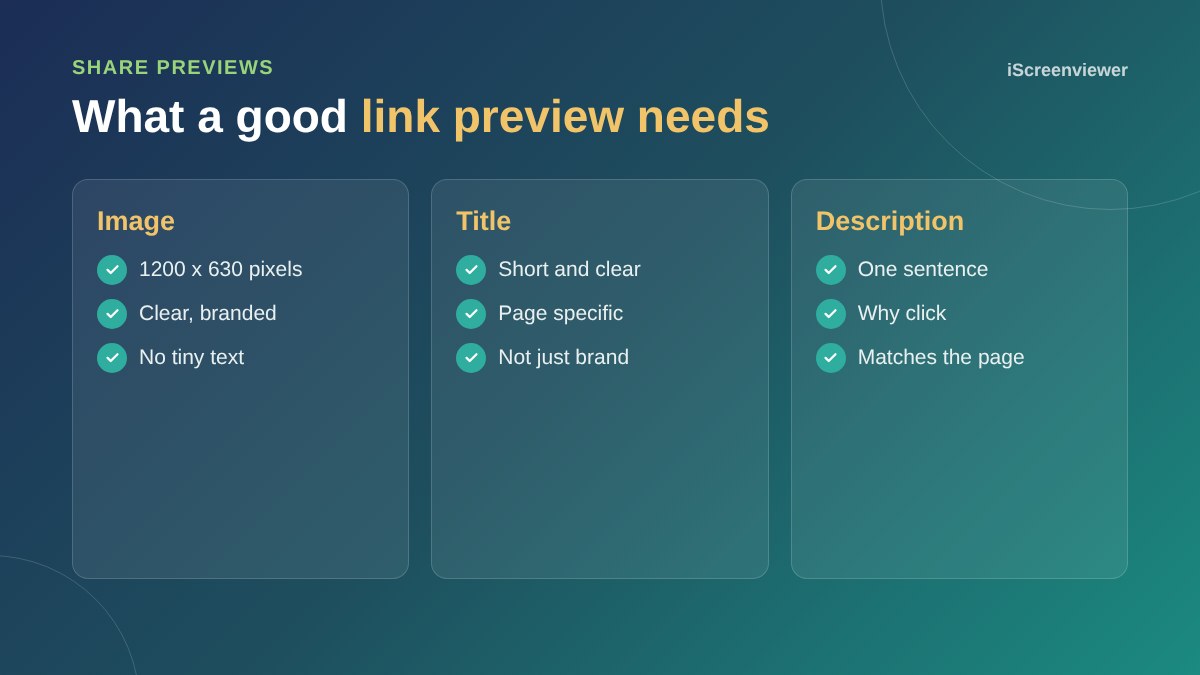
When someone shares your page, social platforms show an image, title and description from your Open Graph tags. Set them for key pages, with an image around 1200 by 630 pixels.
Meta Pixel and conversions
The Meta Pixel, together with the Conversions API, lets you measure what social visitors do on your website and build audiences for ads. Track key actions such as leads and purchases.
Product catalogues
Shopify and WooCommerce stores can sync products to Meta, so you can tag products in Instagram and Facebook posts and run catalogue ads.
Measure with UTM tags
Add UTM parameters to links in posts and bios so Google Analytics shows which platform and campaign brought each visit and sale.
Own your audience
Social platforms change their rules and reach. Encourage followers to join your email list through your website, so you can reach them directly. See Klaviyo email flows.
Privacy and consent
Tracking pixels collect information about visitors. Explain this in your privacy policy and use consent settings that suit your audience. Be transparent about what you track and why.
Link to the right pages
Send social visitors to the page that matches the post, not your home page. A post about a product should link to that product, and a post about a service should link to its service page or a focused landing page. Matching the link to the message improves conversions.
Want your social media connected properly?
The Social Media Setup and Website Integration package sets up your profiles, pixel, tracking and share previews. Ready to advertise? See Meta Ads Campaign Setup.
Frequently asked questions
What is the Meta Pixel?
A tracking code from Meta that measures what visitors from Facebook and Instagram do on your website.
How do I make my links look good on social media?
Set Open Graph tags with a clear image, title and description for each important page.
Can I sell products on Instagram from my website?
Yes. Shopify and WooCommerce stores can sync products to a Meta catalogue for tagging and ads.
What are UTM tags?
Extra parameters on a link that tell Google Analytics where a visit came from.
Should I embed my Instagram feed on my website?
It can add life to a page, but feed widgets can slow the site, so use them carefully.
Do I need consent for tracking pixels?
Explain tracking in your privacy policy and follow the consent requirements that apply to your audience.