

If your website is not showing on Google, first search site:yourdomain.com.au. If nothing appears, Google has not indexed your site, usually because it is new, search engines are blocked by a setting or noindex tag, or Google has not discovered it yet. If pages appear but not for the searches you want, the issue is ranking rather than indexing, which comes down to content, relevance and competition.
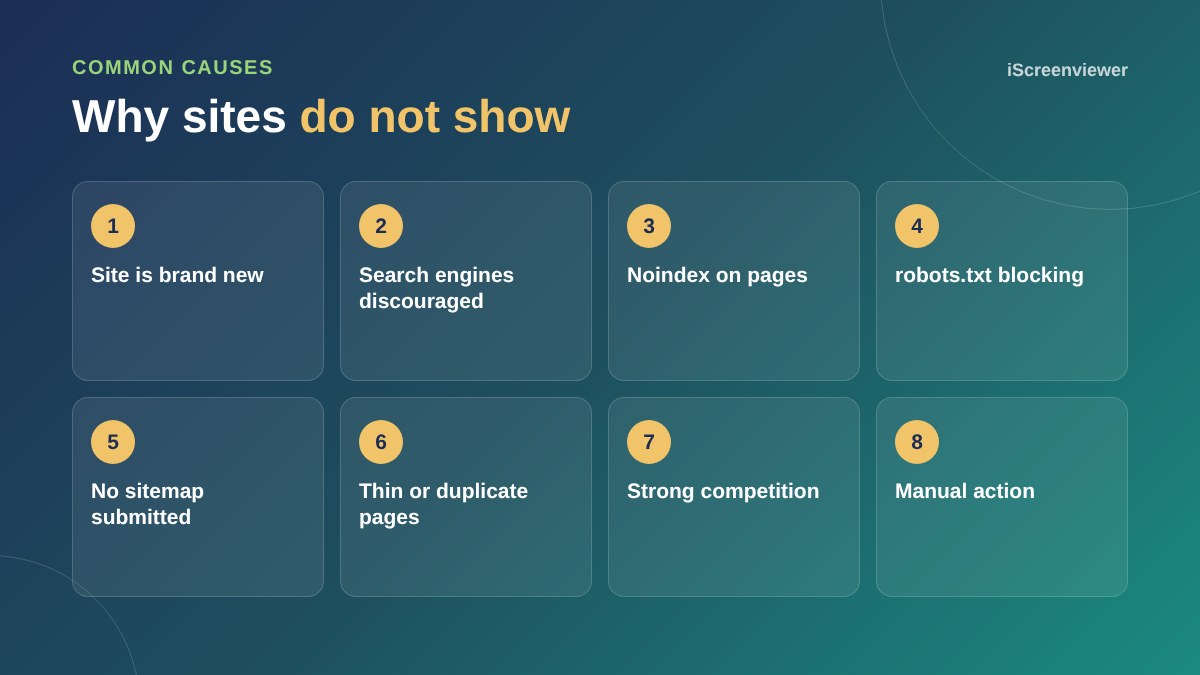
Check if you are indexed
The site: search shows roughly which pages Google has indexed. If you see none, focus on indexing. If you see pages, focus on rankings.
Set up Google Search Console
Search Console shows exactly which pages are indexed and why others are not. See the Google Analytics and Search Console setup guide.
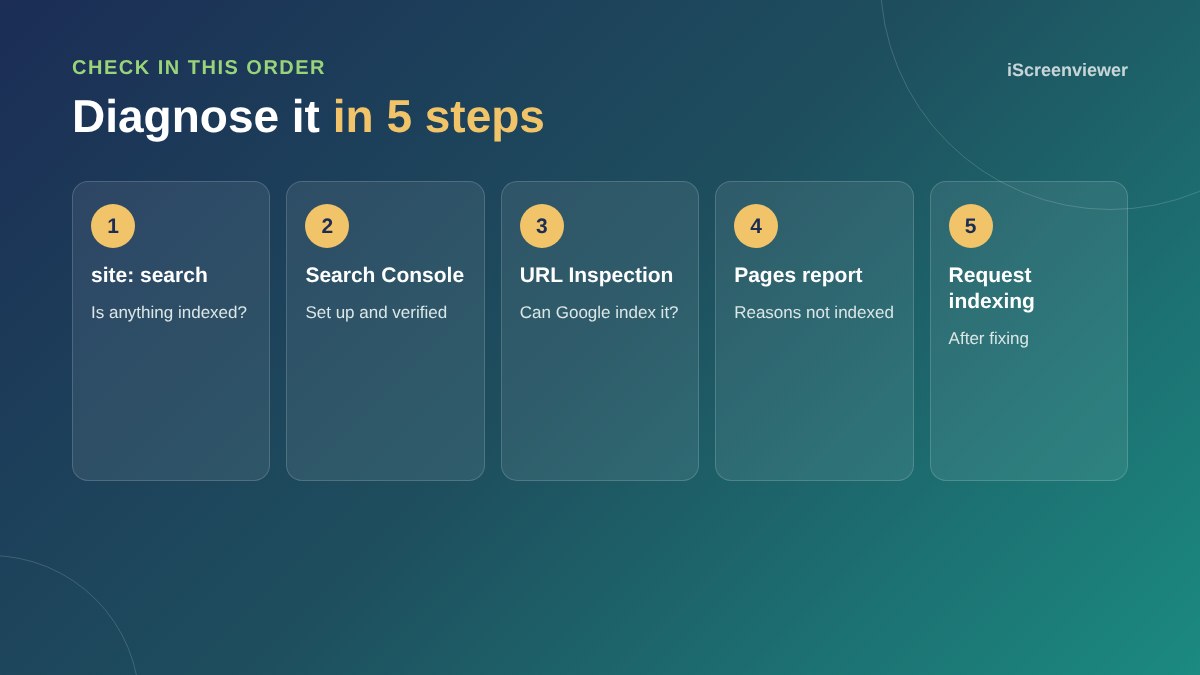
The most common culprits
- WordPress setting: Settings > Reading > Discourage search engines from indexing this site is ticked, often left on after a site launch
- Noindex tags: set by an SEO plugin on pages or the whole site
- robots.txt: blocking Google from the site or key folders
- No sitemap: Google has not been told which pages exist
- Brand new site: Google can take days or weeks to find it
When pages are indexed but not ranking
Check whether your page matches what people search for, whether it is better than what currently ranks, and whether other pages link to it. Search for your exact business name too: if you do not appear for that, set up a Google Business Profile.
Manual actions and security issues
Search Console's Manual actions and Security issues reports show if Google has penalised or flagged your site. A hacked site can drop out of results. See signs your WordPress site has been hacked.
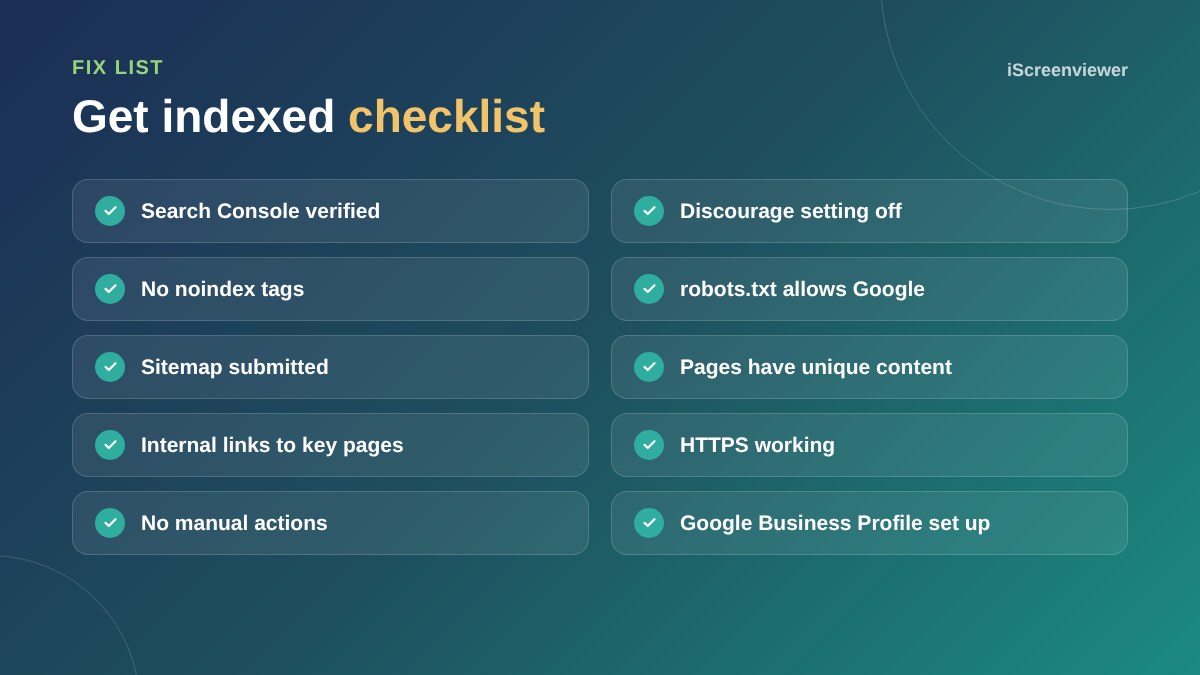
New website checklist
If your site has just launched, verify it in Search Console, submit your sitemap, request indexing for your home page and main service pages, and link to your website from your Google Business Profile and social profiles. These steps help Google discover the site faster.
Ranking takes time
Being indexed is the first step. Ranking well for competitive searches takes helpful content, a technically sound site and links from other websites. Focus first on specific searches you can realistically win, such as a service in your area, and build from there.
Want it fixed for you?
The Google Search Console Setup and Indexing Fix package finds why your pages are not indexed and fixes it.
Frequently asked questions
How long does it take for a new website to show on Google?
Often a few days to a few weeks. Submitting a sitemap in Search Console helps.
Why is my website not showing up when I search my business name?
The site may not be indexed yet, may be blocked from indexing, or another business may have a similar name. A Google Business Profile helps too.
How do I check if Google has indexed my site?
Search site:yourdomain.com.au, or use the Pages report in Google Search Console.
What does noindex mean?
A tag that tells search engines not to include a page in their results.
Can I pay Google to index my site?
No. Indexing is free. Paid ads are separate and do not affect indexing.
Should I use Request indexing in Search Console?
Yes, after fixing an issue or publishing an important page, but it does not guarantee immediate indexing.