

To use video without slowing your website, host longer videos on YouTube or Vimeo and only load the player when someone clicks, show a lightweight poster image first, keep background videos short, compressed and muted, and use an image instead on mobile where it makes sense. Test your page speed before and after adding video.
Why video slows websites
Video files are large, and embedded players load extra scripts even before anyone presses play. A single standard YouTube embed can add noticeable weight to a page.
Load the player on click
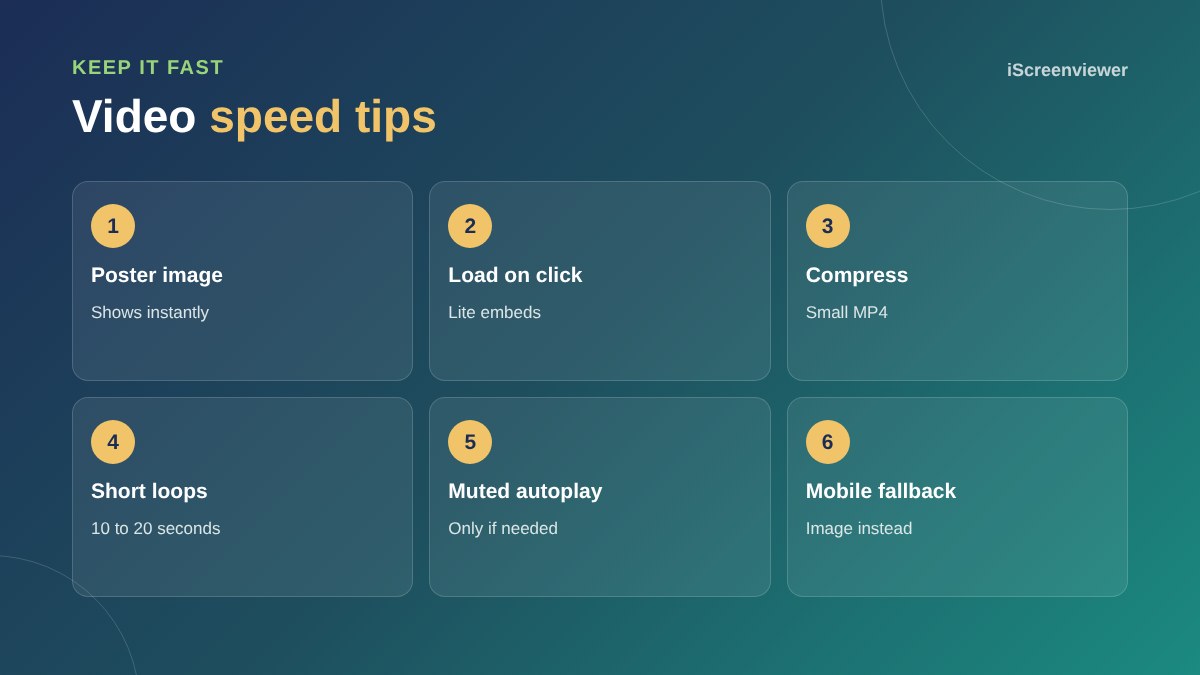
A lite embed shows a thumbnail and play button, and only loads the full player when clicked. Visitors get the same experience, without the upfront cost.
Background and hero videos
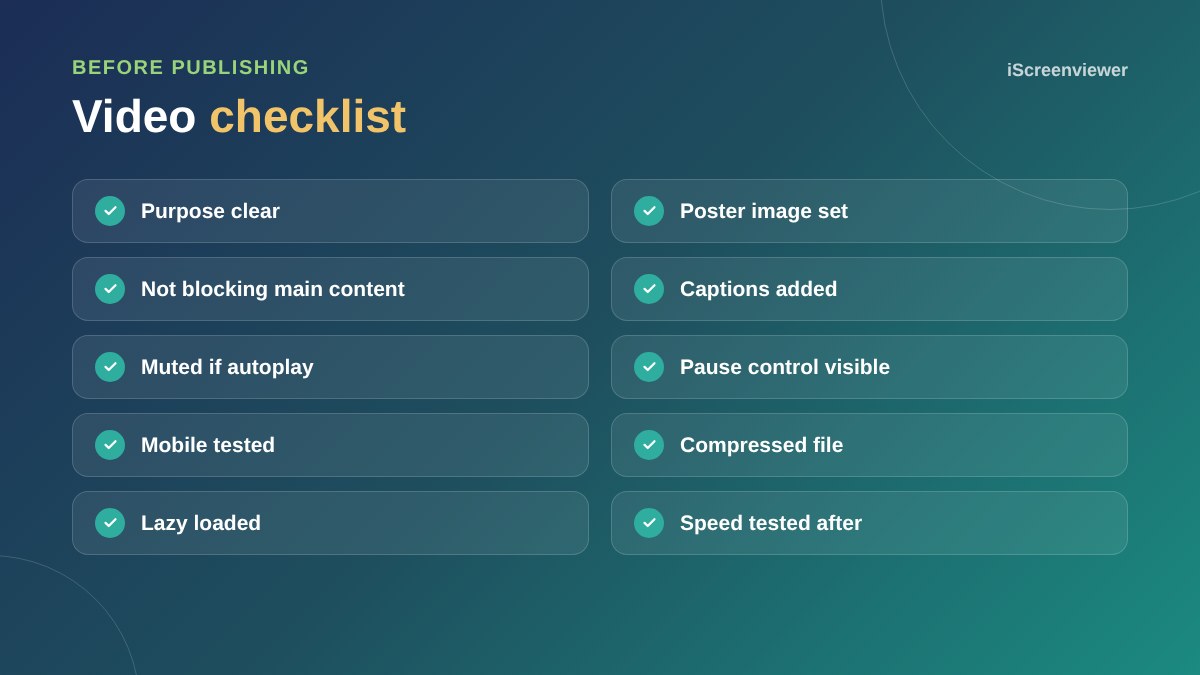
Keep them short, silent and compressed, ideally a few megabytes at most. Always include a poster image so something appears instantly, and give visitors a way to pause motion.
Mobile
On phones, a large hero video can delay the main content and use mobile data. Consider showing a still image on small screens.
Accessibility
Add captions to videos with speech, avoid flashing content and do not autoplay with sound.
SEO for video
Give important videos their own context on the page: a heading, a short description and a transcript or summary. This helps search engines understand the video and helps visitors who prefer to read.
Measure the impact
Run PageSpeed Insights before and after adding video. If Largest Contentful Paint gets worse, look at the poster image and how the video loads.
For more speed fixes, see how to speed up a WordPress website. Looking for footage? See drone footage for real estate in Sydney.
Choosing the right format
For self-hosted clips, MP4 with H.264 works almost everywhere, and WebP or AVIF poster images keep the first view light. Export at the size the video is actually displayed, not full 4K, and remove the audio track from silent background loops to save space.
Where video adds the most value
Video works best where it answers a question words cannot: showing a product in use, a property from the air, a venue's atmosphere or how a service works. Avoid video for decoration alone, where a photo would do the job with a fraction of the weight.
Need video that looks great and loads fast?
Drone Footage delivers web-ready 4K video and photos, and Website Speed Optimisation makes sure your pages stay fast.
Frequently asked questions
Does video slow down a website?
It can, especially large files and embedded players that load before anyone presses play.
Should I host video on YouTube or my own server?
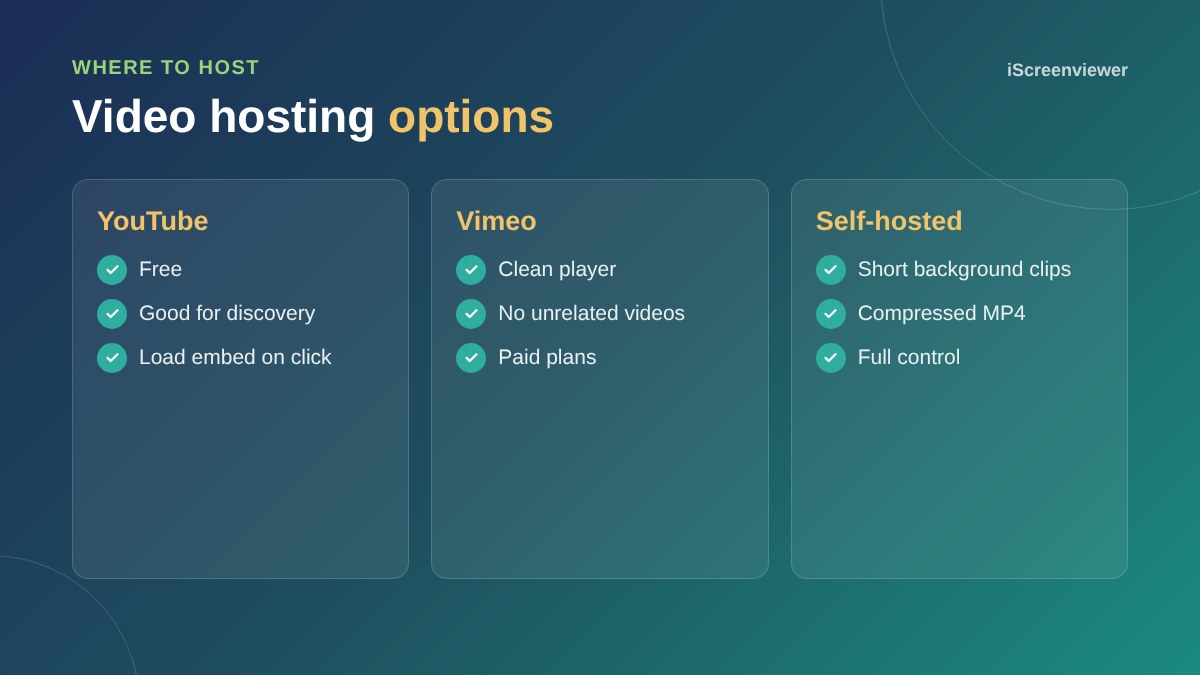
Host longer videos on YouTube or Vimeo, and only short background clips on your own server.
Is autoplay video bad?
Autoplay with sound is. Short, muted, compressed background loops can work if they do not slow the page.
What is a lite YouTube embed?
A lightweight thumbnail that loads the full YouTube player only when clicked.
Should I show video on mobile?
Often yes for click-to-play video, but consider replacing large background videos with an image.
Do videos need captions?
Yes for videos with speech. Captions help accessibility and people watching without sound.