

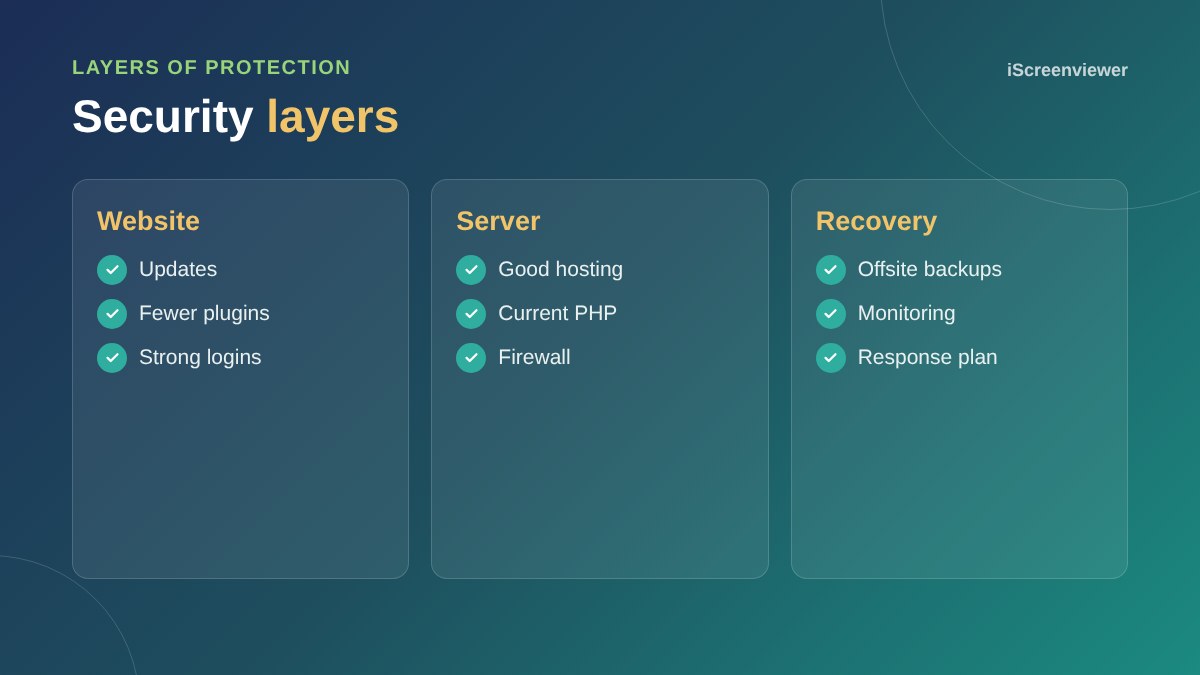
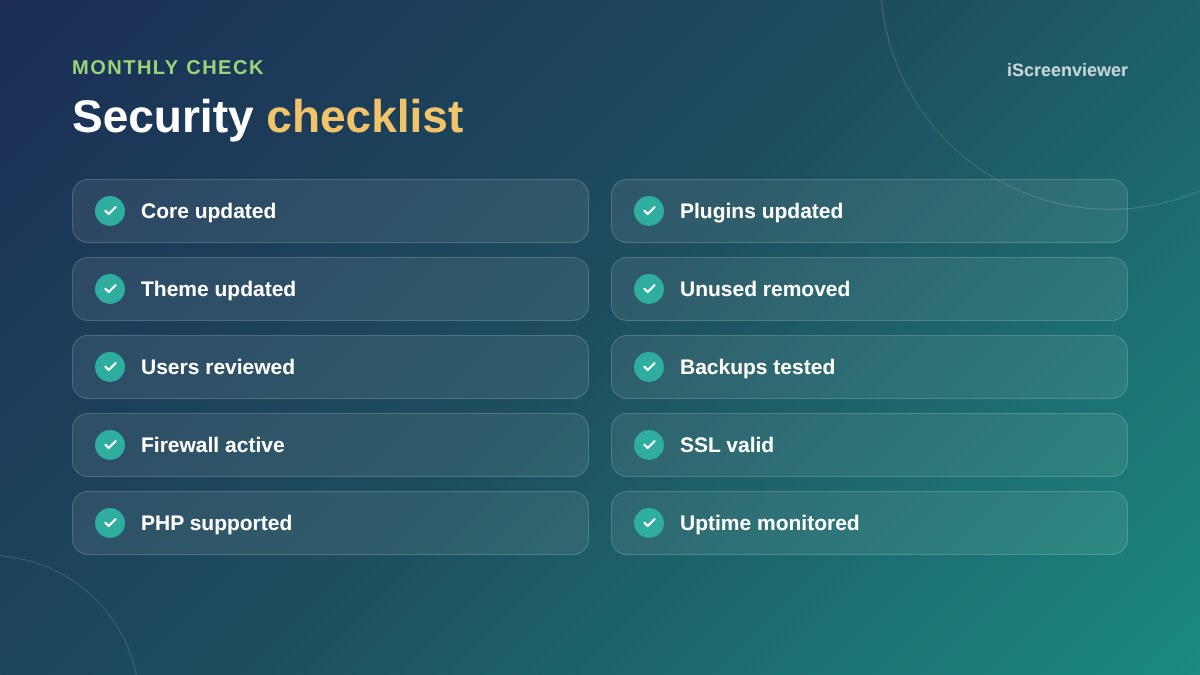
Most WordPress hacks are preventable. Keep WordPress, plugins and themes updated, delete anything you do not use, use unique passwords with two-factor login, limit login attempts, give users only the access they need, run a firewall, keep daily offsite backups and use good hosting with a current PHP version. Check these monthly and your site will be far safer than most.
Updates
Outdated plugins are the most common way into WordPress sites. Update regularly, ideally after testing on a staging site, and remove plugins that are no longer maintained. See why WordPress updates matter.
Plugins and themes
Every plugin is code someone could exploit. Use well-reviewed, actively maintained plugins, delete what you do not use and never install nulled premium plugins.
Logins and users
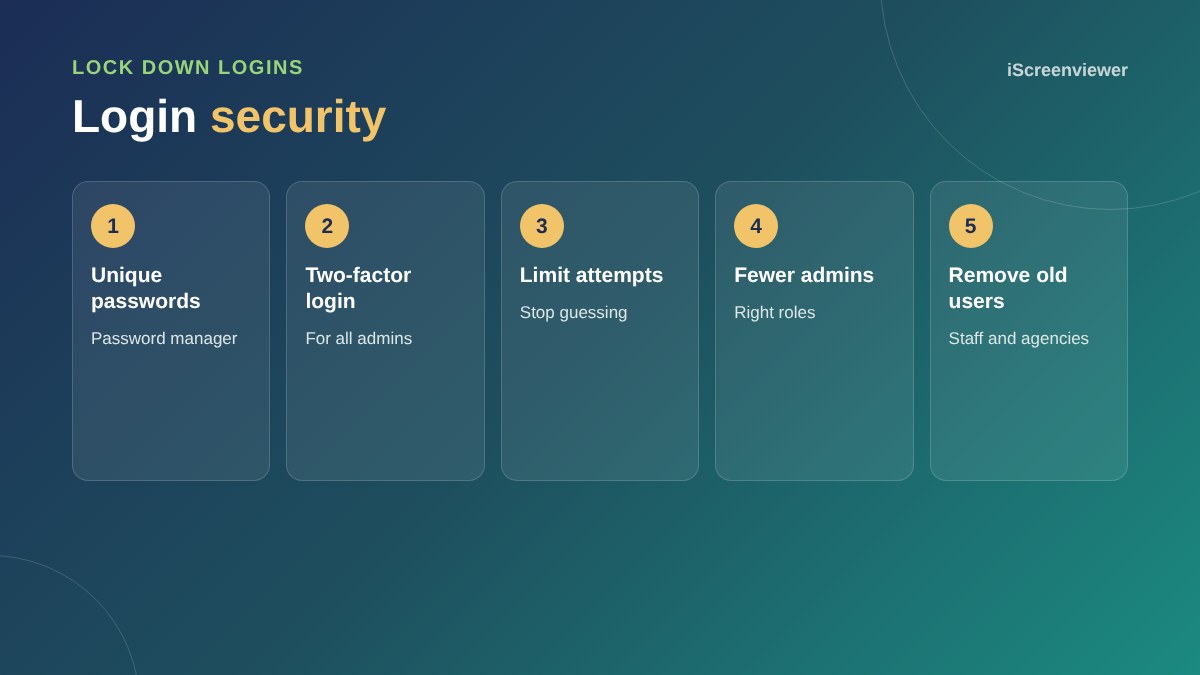
Use a password manager, switch on two-factor login for every administrator, limit login attempts and remove accounts for former staff, contractors and agencies.
Firewall and hosting
A web application firewall blocks many attacks before they reach your site. Services like Cloudflare add protection at the network level. Choose hosting that isolates sites, runs supported PHP versions and offers malware scanning.
Backups
Keep daily backups stored away from your hosting, and test restoring them. See how to back up your WordPress website properly.
Monitoring
Set up uptime monitoring and security alerts, and make sure Google Search Console sends alerts to an inbox you check.
Have a plan
Know who to call and what to do if something goes wrong: where backups are, who has hosting access and how to put the site into maintenance mode. A simple written plan saves hours in an emergency.
File and server hardening
- Disable file editing in the WordPress dashboard
- Set correct file permissions so files cannot be changed by the web server unnecessarily
- Block PHP from running in the uploads folder
- Hide WordPress version information
- Use SFTP or SSH rather than plain FTP
Watch for warning signs
New admin users you did not create, unexpected redirects, spam pages in Google and sudden slowdowns are all signs of a problem. If you notice any of these, act quickly. See how to remove malware from WordPress.
Security for online stores
WooCommerce stores handle customer data and payments, so security matters even more. Use a reputable payment gateway so card details never touch your server, keep order data backed up and limit who can access orders and customer information.
Want your site secured for you?
The WordPress Security Hardening and Backups package works through this checklist and sets up backups and monitoring.
Frequently asked questions
How do most WordPress sites get hacked?
Through outdated plugins or themes, weak or reused passwords and poorly secured hosting.
Do I need a security plugin?
A reputable security plugin or firewall helps, but updates, strong logins and backups matter most.
How often should I update WordPress?
Check for updates at least weekly and apply security updates promptly.
Is two-factor login necessary?
For administrators, yes. It stops most password-based attacks.
How often should I back up my site?
Daily for most business sites, and more often for busy online stores.
Is WordPress secure?
WordPress core is well maintained. Most problems come from outdated plugins, weak passwords and poor hosting.