



WordPress Two-Factor Authentication Setup protects your admin area even if a password is stolen, for a fixed price of A$99. Stolen and guessed passwords are one of the most common ways WordPress sites get hacked. I set up two-factor login with an authenticator app for admins and editors, so logging in needs a code from their phone as well.
At a glance
- Price: A$99 fixed (AUD, GST applies for Australian customers)
- Turnaround: 1 business day
- Platforms: WordPress (any theme)
- Service area: Delivered online for businesses in Australia, New Zealand, the United States and Canada
What's included
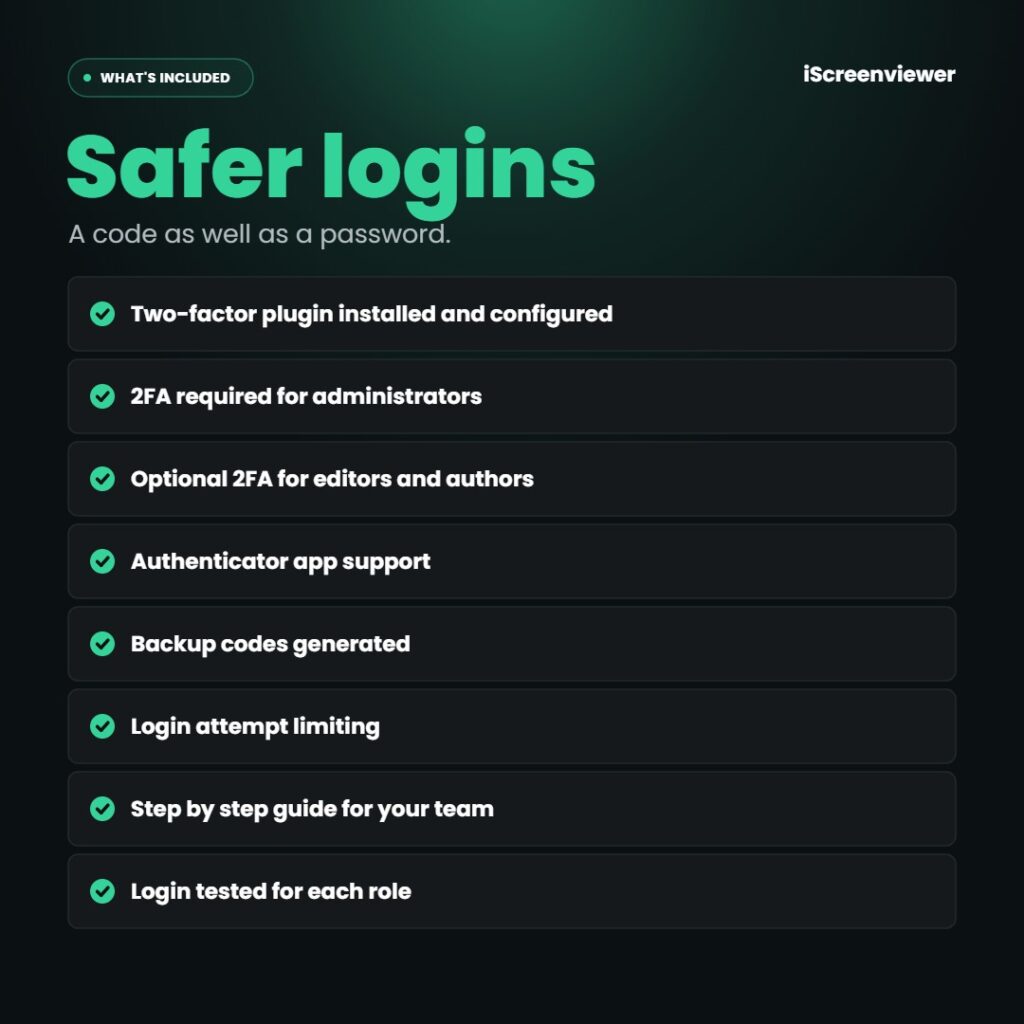
- Two-factor plugin installed and configured
- 2FA required for administrators
- Optional 2FA for editors and authors
- Authenticator app support
- Backup codes generated
- Login attempt limiting
- Step by step guide for your team
- Login tested for each role
What's not included
A full security review is not included. See WordPress Security Hardening and Backups.
Who it's for
WordPress sites with several admin users, or any business that wants stronger login security.
Delivery
Completed within 1 business day of receiving WordPress admin access.
How it works
- Order the setup. I contact you within one business day.
- Planned. Users and roles agreed.
- Set up. 2FA and backup codes.
- Tested. Each role logs in.
Work is completed by Mark Serdina, a Sydney-based Shopify, WordPress and SEO developer.
Want an audit trail of admin activity? See WordPress Activity Log Setup.
New to ordering? Read how it works and the Shop FAQ, or book a free 15-minute consultation.
Frequently asked questions
What is two-factor authentication?
A second login step where you enter a code from your phone as well as your password.
Which app do I need?
Any authenticator app, such as Google Authenticator, Microsoft Authenticator or 1Password.
What if I lose my phone?
Backup codes let you log in, and an admin can reset your 2FA.
Do customers need 2FA?
No. It is set up for staff accounts, not shop customers.













Reviews
There are no reviews yet.