

The most common signs a WordPress site has been hacked are a security warning in Google or Chrome, spam pages appearing in Google search results, visitors being redirected to other websites, admin users you did not create, and your hosting company suspending the site. If you see any of these, act quickly, because the longer malware stays on a site, the more damage it does to your rankings and reputation.
Some hacks are obvious. Many are designed to stay hidden, showing spam only to Google or only to mobile visitors. Here are 10 signs to check for, and what to do if you find one.
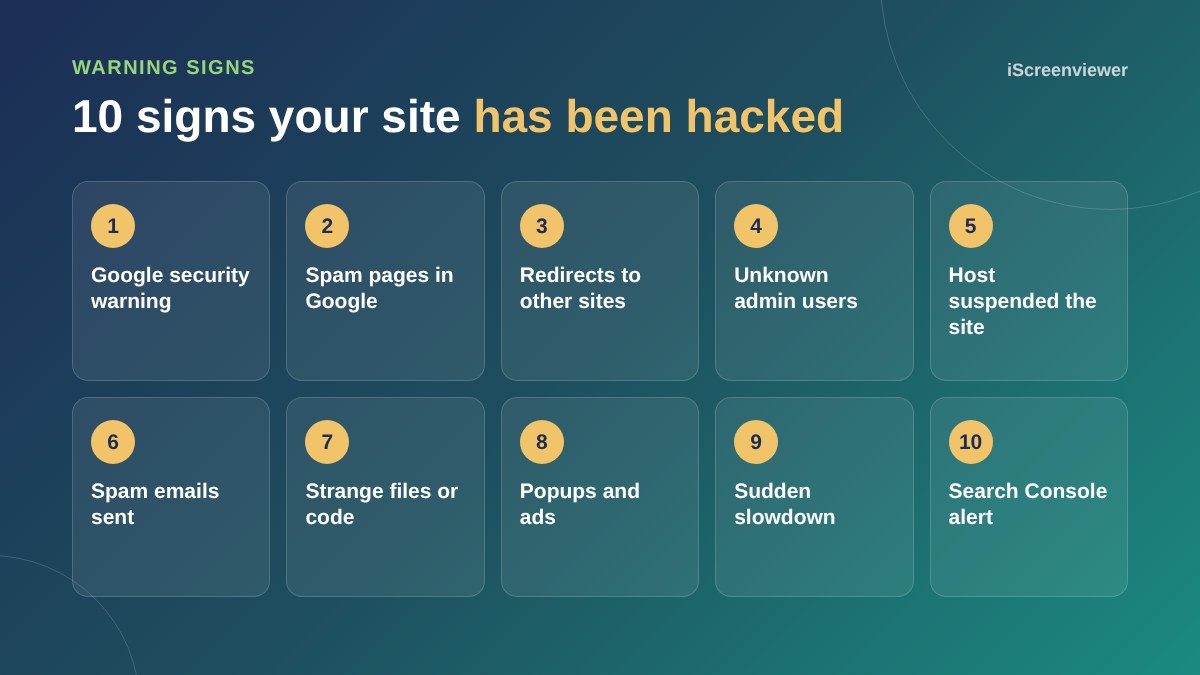
1. Google or Chrome shows a security warning
A red Deceptive site ahead screen in Chrome, or This site may be hacked under your result in Google, means Google has detected malware or spam. Visitors and sales drop almost immediately.
2. Spam pages appear in Google
Search Google for site:yourdomain.com.au. If you see pages about pharmaceuticals, casinos, replica goods or titles in Japanese characters that you did not create, your site is serving spam. This is often called the Japanese keyword hack.
3. Visitors are redirected to other websites
Some hacks redirect only mobile visitors, or only people arriving from Google, so you may not notice when you type your address directly. Test from a phone using mobile data and by clicking your site in Google.
4. Unknown admin users
Check Users in WordPress and filter by Administrator. Any admin account you do not recognise is a serious warning sign. Attackers often create one as a back door.
5. Your host suspends the site
Hosting companies scan for malware and spam sending. If your host suspends your account or emails you about malicious files, take it seriously and ask for the list of files they found.
6. Spam emails sent from your domain
If customers report odd emails from you, or your emails start landing in spam, a hacked site may be sending mail in bulk through your hosting.
7. Strange files or code
PHP files inside wp-content/uploads, unfamiliar files in your root folder, recently changed core files or long blocks of scrambled code in theme files are all red flags.
8. Popups, ads or links you did not add
Injected scripts can show ads, fake update popups or hidden links in your footer. View your page source and look for scripts loading from domains you do not recognise.
9. A sudden slowdown
Malware can use server resources to send spam or attack other sites. A sudden spike in CPU usage or a site that is suddenly slow, with no changes from you, is worth investigating.
10. A Search Console security alert
Google Search Console has a Security issues report and emails site owners when it finds a problem. This is often the earliest warning you will get, so make sure Search Console is set up and the alerts go to an inbox you check.
What to do if your site is hacked
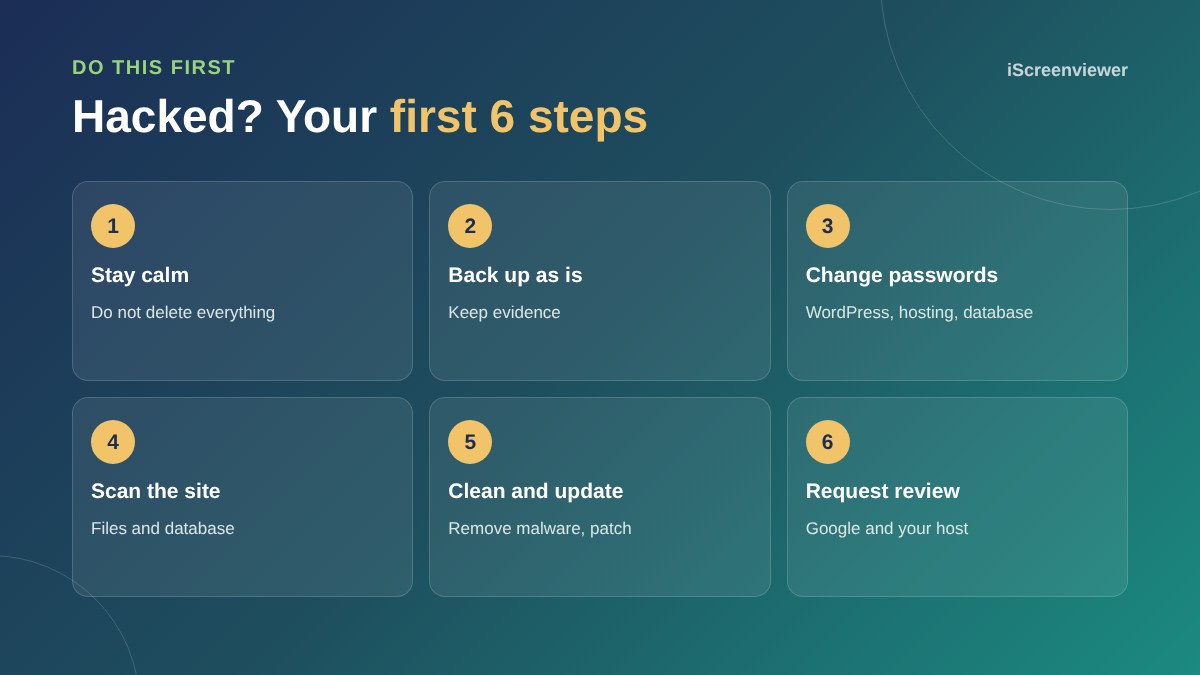
- Do not panic or delete everything. You may lose content and the evidence of how the attacker got in.
- Take a backup of the site as it is, so nothing is lost while you clean it.
- Change every password: WordPress users, hosting, FTP or SFTP, database and email.
- Scan the files and database with a reputable security scanner and compare core files against a clean copy of WordPress.
- Remove the malware, unknown users and back doors, then update WordPress, themes and plugins and delete anything unused.
- Request a review in Google Search Console and let your host know the site is clean.
Cleaning a site properly is more than deleting the obvious files. Most reinfections happen because a back door was missed or the original weakness, usually an outdated plugin, was not fixed. If you have been hit more than once, read common WordPress problems and how to fix them and consider putting a firewall such as Cloudflare in front of your site.
How to stop it happening again
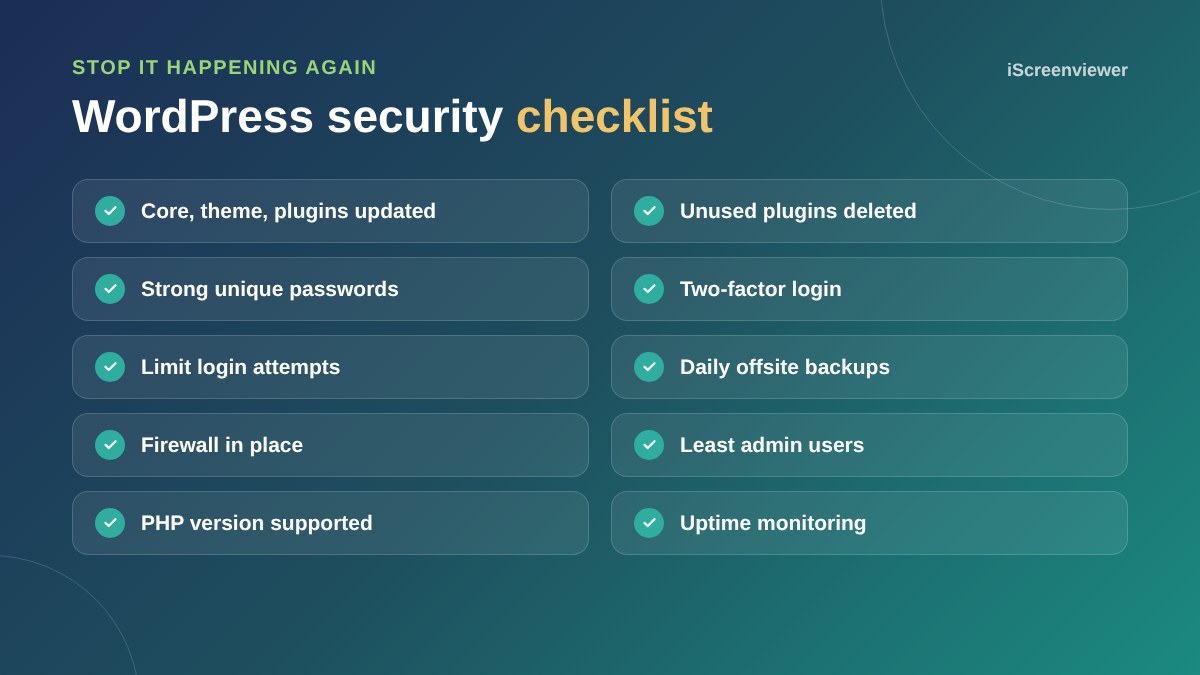
Keep everything updated, delete plugins you do not use, use strong unique passwords with two-factor login, limit login attempts and keep daily backups stored away from your hosting. Ongoing website support and maintenance takes care of this for you.
Need your site cleaned up today?
The Malware Cleanup: Entire Site package removes the infection, closes the back doors, updates and hardens your site and helps you get Google warnings removed, for a fixed price.
Frequently asked questions
How do I check if my WordPress site is hacked?
Search Google for site:yourdomain, check for unknown admin users, test your site on a phone using mobile data, look at Google Search Console's Security issues report and run a malware scan.
Can a hacked WordPress site be fixed?
Yes. Most hacked sites can be cleaned without losing content. The key is removing every back door and fixing the weakness that let the attacker in.
Why does my site only redirect on mobile?
Many hacks target only mobile visitors or people arriving from Google, so the site owner does not notice. Test from a phone on mobile data, not your office Wi-Fi.
Will restoring a backup fix a hack?
Only if the backup is from before the hack and you then fix the weakness, such as an outdated plugin. Otherwise the site is usually reinfected quickly.
How long does it take Google to remove a hacked warning?
After you clean the site and request a review in Search Console, Google usually reviews it within a few days.
How did my WordPress site get hacked?
The most common causes are outdated plugins or themes, weak or reused passwords, nulled premium plugins and poorly secured hosting.