

A technical SEO audit checks whether Google can find, crawl, understand and index your website. Start with Google Search Console's Pages report to see what is and is not indexed, then check robots.txt, your XML sitemap, redirects and broken links, HTTPS, Core Web Vitals, mobile usability, canonical tags, structured data and internal linking.
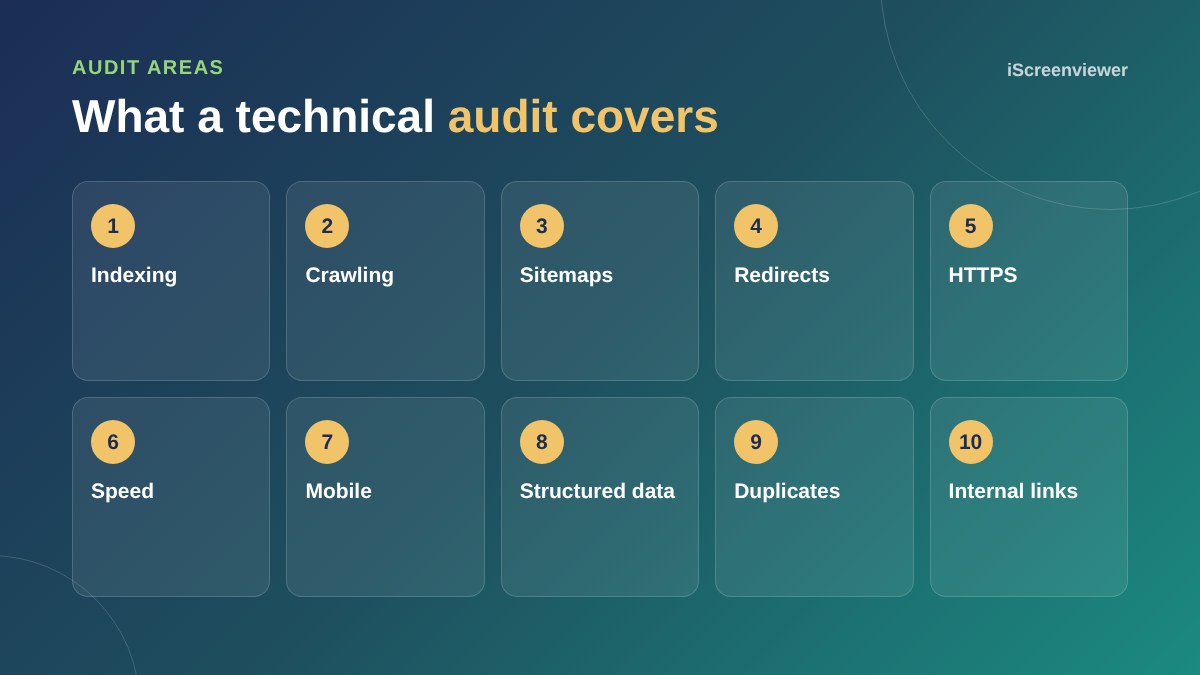
1. Indexing
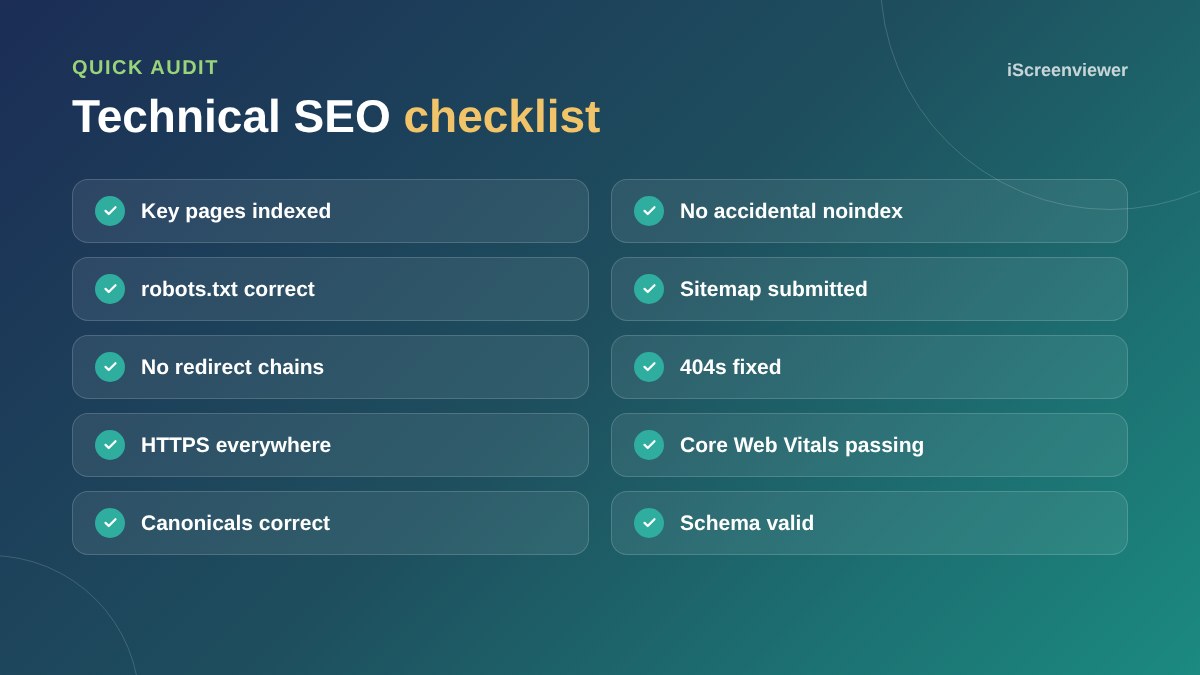
In Search Console, open the Pages report. Check that your important pages are indexed and read the reasons others are not. Use URL Inspection for individual pages.
2. Noindex and robots.txt
Make sure no important page has a noindex tag and robots.txt is not blocking key sections. On WordPress, check that Discourage search engines is not ticked under Settings > Reading.
3. XML sitemap
Submit your sitemap in Search Console and make sure it only lists pages you want indexed.
4. Redirects and broken links
Fix broken internal links, avoid chains of several redirects and make sure old URLs redirect to the most relevant new page.
5. HTTPS
Every page should load securely, and http versions should redirect to https.
6. Speed and Core Web Vitals
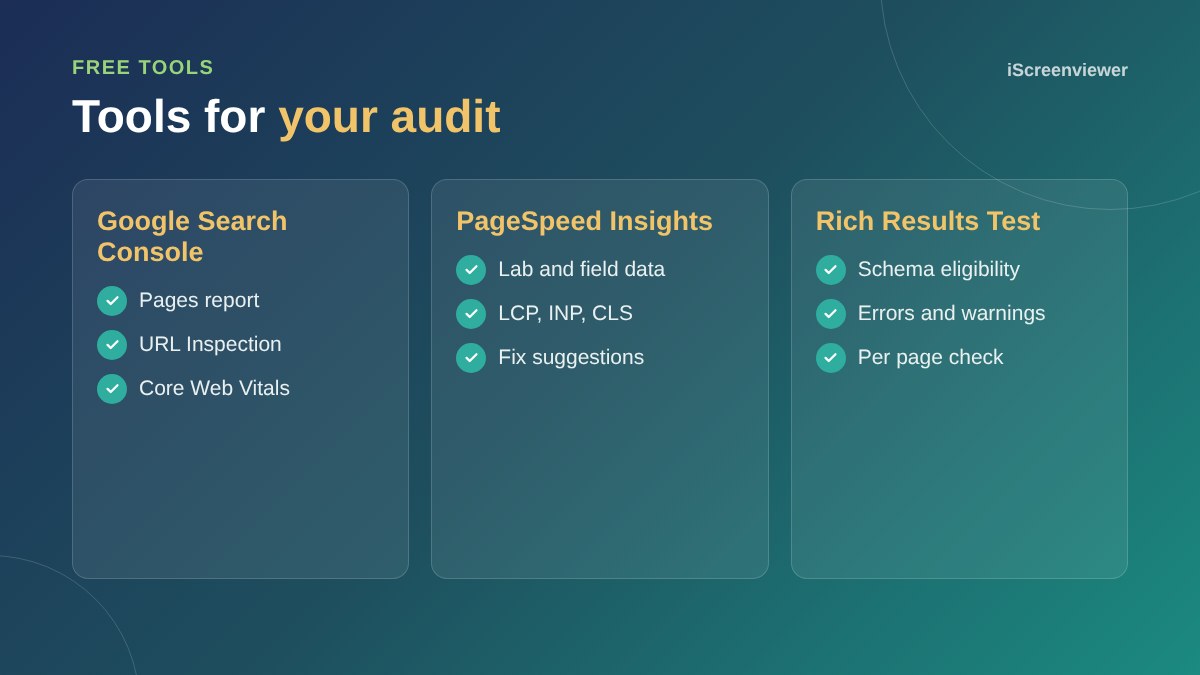
Check the Core Web Vitals report in Search Console and test key pages in PageSpeed Insights. See how to speed up a WordPress website.
7. Mobile
Google indexes the mobile version of your site, so content and links must be the same on mobile. See how to check your website works on mobile.
8. Duplicates and canonicals
Check that each page has a correct canonical tag, especially on stores with filters and product variants.
9. Structured data
Validate your schema with the Rich Results Test. See schema markup for small business.
10. Internal links
Important pages should be reachable within a few clicks from the home page and linked from related content.
After a redesign or migration
Technical problems often appear after a new website launches: missing redirects from old URLs, a noindex setting left on from staging, or a changed URL structure. Run this checklist straight after any launch or migration, then again a few weeks later. See how to migrate a WordPress website without downtime.
Prioritise your fixes
Not every warning matters equally. Fix anything that stops important pages being indexed first, then speed and mobile problems, then duplicates and structured data. Keep a simple list with the issue, the affected pages and the date fixed, so you can track progress in Search Console.
Want an audit done for you?
The SEO and Analytics Health Check covers all of these checks, with a prioritised list of fixes.
Frequently asked questions
What is a technical SEO audit?
A review of the technical factors that affect whether search engines can crawl, understand and index your site.
How often should I do a technical SEO audit?
At least once a year, and after any redesign, migration or major change.
What tools do I need?
Google Search Console, PageSpeed Insights and the Rich Results Test cover most checks for free.
What are Core Web Vitals?
Google's measures of loading speed (LCP), responsiveness (INP) and visual stability (CLS).
Why are my pages not indexed?
Common reasons include noindex tags, robots.txt blocks, duplicate content, thin content or Google not finding the page yet.
Can technical SEO fix low rankings on its own?
It removes barriers, but content quality and authority also matter.