


Schema markup is code that describes your business and pages in a format search engines and AI tools can read without guessing. Most small business websites need Organization or LocalBusiness schema on the home page, Product or Service schema on what you sell, Article schema on blog posts and BreadcrumbList schema for site structure. It is added as JSON-LD and should always match what visitors can see on the page.
Schema does not guarantee higher rankings, but it can make you eligible for rich results such as product prices and star ratings, and it gives search and AI systems clear facts about who you are, where you are and what you offer.
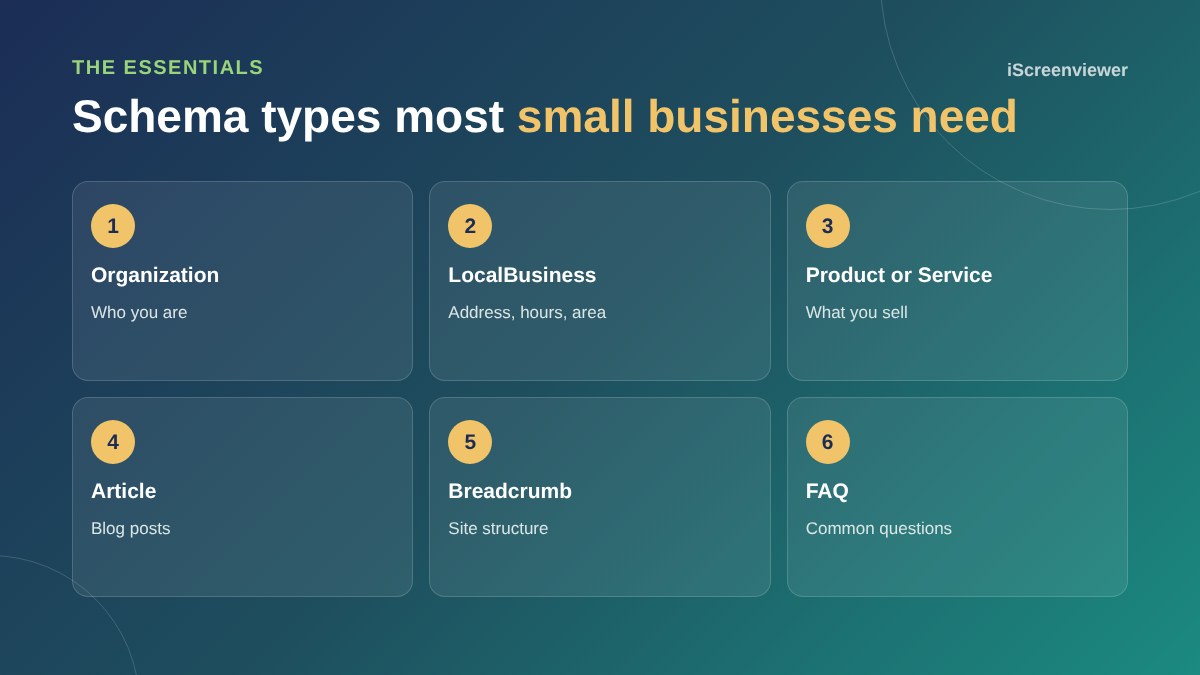
Organization and LocalBusiness
This is the most important schema for most small businesses. It includes your business name, logo, address, phone, opening hours, service area and links to your social profiles. If customers visit you, use a specific LocalBusiness type such as Dentist or Plumber. If you work online only, Organization is enough.
Product and Service
Online stores should have Product schema with name, image, price, currency and availability on every product page. WooCommerce and most Shopify themes add this automatically, but it is worth checking the details are correct, especially prices including GST. Service businesses can describe services with Service schema.
Article and BreadcrumbList
Article schema tells search engines the headline, author and publish date of a blog post. BreadcrumbList schema shows where a page sits in your site, which can appear in search results instead of a long URL.
FAQ schema
Since 2023, Google shows FAQ rich results mainly for well-known government and health websites. FAQ schema is still useful because it gives search engines and AI tools clear question and answer pairs, but do not expect the expandable FAQ boxes to appear for a typical business site.
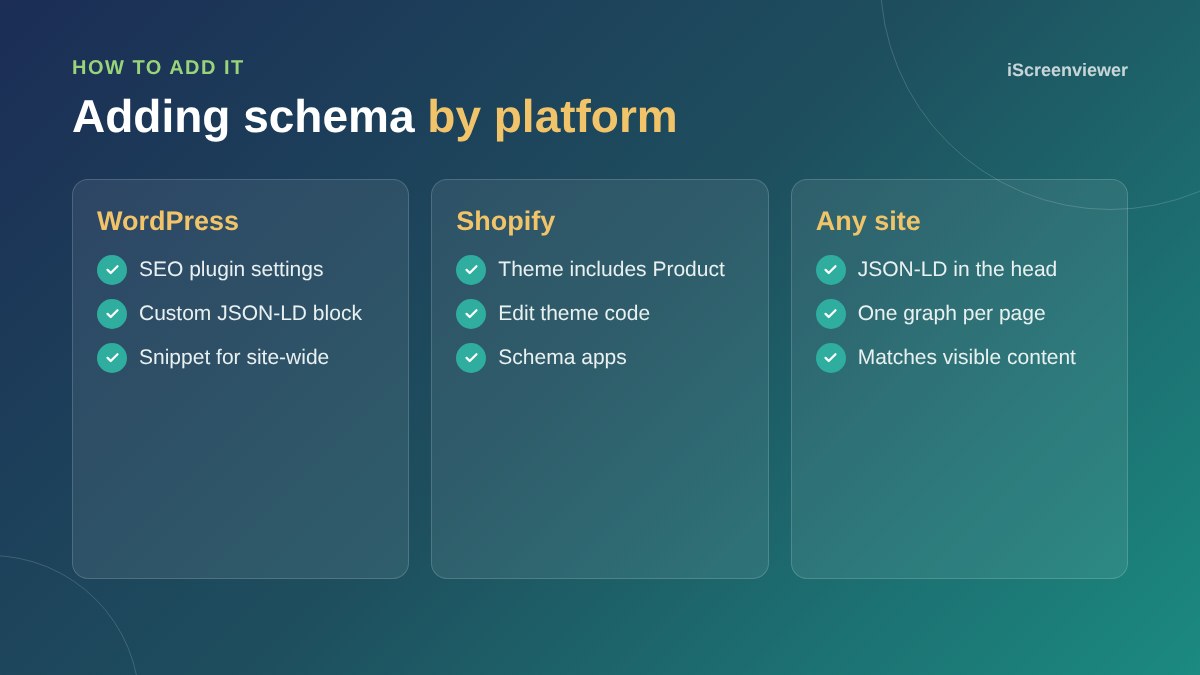
How to add schema
On WordPress, SEO plugins add basic Organization, Article and Breadcrumb schema, and you can add custom JSON-LD for anything else. On Shopify, themes include Product schema and you can edit the theme or use an app for more. On any platform, keep all schema for a page connected in one graph so it is not duplicated.
Rules to follow
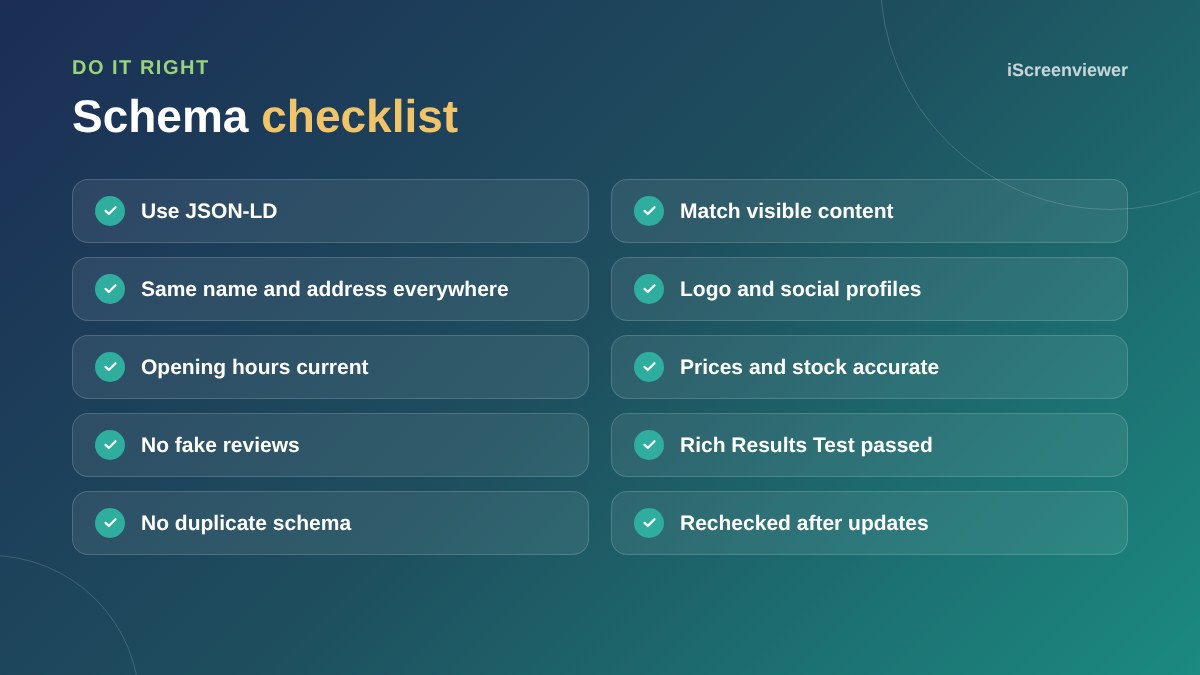
- Only mark up information that is visible on the page
- Do not add review stars for your own business from your own website, as Google does not show self-serving reviews for local businesses
- Keep your name, address and phone the same as your Google Business Profile
- Update schema when prices, hours or details change
How to test
Use Google's Rich Results Test to check eligibility for rich results and the Schema Markup Validator to check the code. In Google Search Console, the Enhancements reports show schema errors across your whole site.
Schema and AI search
AI search tools work best with clear, consistent facts about your business. Schema, together with well-written pages and a complete Google Business Profile, helps them describe you accurately. Read the AI search visibility guide for the bigger picture.
Want schema set up for you?
The Keyword Planning, Schema and AI Search Visibility package adds and tests the right schema for your business, alongside keyword planning.
Get help with SEO and AI search →
Frequently asked questions
What is schema markup?
Schema markup is structured data code, usually JSON-LD, that describes your business, products and pages in a format search engines and AI tools can read.
Does schema markup improve rankings?
Not directly, but it can make pages eligible for rich results and helps search engines understand your content, which can improve clicks.
Which schema should a small business add first?
Start with Organization or LocalBusiness on your home page, then Product or Service schema on what you sell.
Can I add review stars with schema?
Google does not show star ratings for reviews a local business publishes about itself on its own site. Product reviews from customers can be eligible.
How do I check my schema is working?
Use Google's Rich Results Test and the Schema Markup Validator, then watch the Enhancements reports in Search Console.
Is JSON-LD better than microdata?
Google recommends JSON-LD because it is easier to add and maintain without changing your page HTML.