

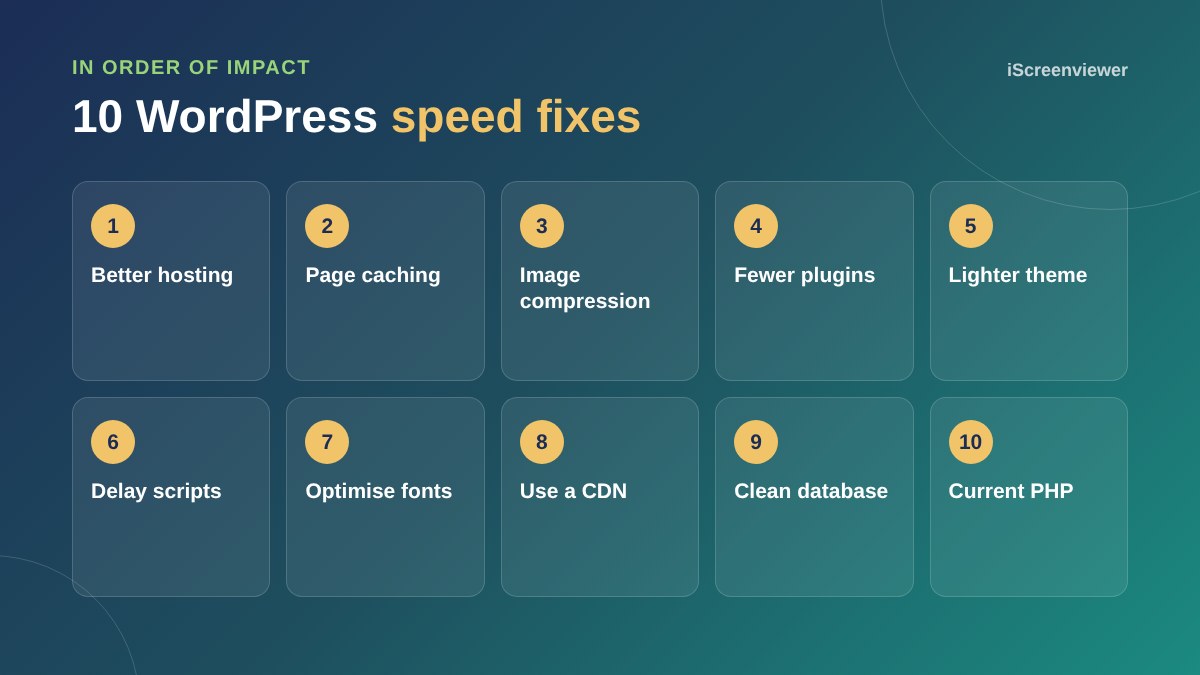
To speed up a WordPress website, start with good hosting and page caching, then compress and resize images, remove plugins you do not need, use a lightweight theme, delay non-essential scripts, optimise fonts, add a CDN, clean the database and run a current PHP version. Measure with PageSpeed Insights before and after each change so you know what helped.
1. Hosting
Slow servers make everything slow. If your time to first byte is high even on simple pages, better hosting is the biggest single fix. See website hosting for small business.
2. Page caching
Caching serves ready-made pages instead of building each one from scratch. Use your host's cache or a reputable caching plugin, and exclude pages that must stay dynamic, such as cart and checkout.
3. Images
Resize images to the size they are displayed, compress them and serve WebP. Make sure lazy loading is on for images below the first screen, but not for the main hero image.
4. Plugins
Remove plugins you no longer use and replace heavy plugins with lighter ones. Some plugins load scripts on every page even when they are only needed on one.
5. Theme
Multipurpose themes and page builders can add a lot of code. A lighter or custom theme can make a big difference.
6. Scripts
Delay chat widgets, social embeds and tracking scripts until after the page loads or the visitor interacts.
7. Fonts
Use fewer font weights, host fonts locally and preload the main font to avoid text flashing or shifting.
8. CDN
A content delivery network serves files from locations close to your visitors and adds security. See why use Cloudflare.
9. Database
Clean out post revisions, spam comments and expired temporary data. Online stores should also clear old sessions. See why your WooCommerce store is slow.
10. PHP version
Newer supported PHP versions are faster and more secure. Test on staging, then upgrade.
Measure properly
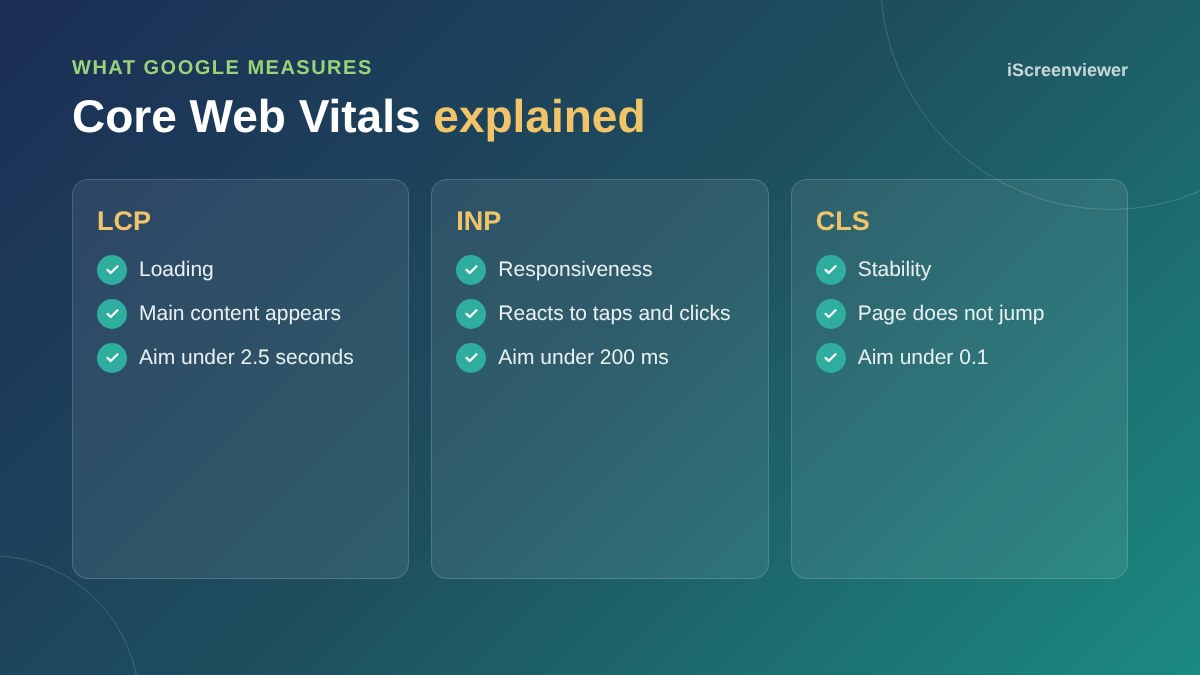
Use PageSpeed Insights for individual pages and the Core Web Vitals report in Google Search Console for real visitor data across your site. Test your most important pages, not just the home page.
Quick wins you can do today
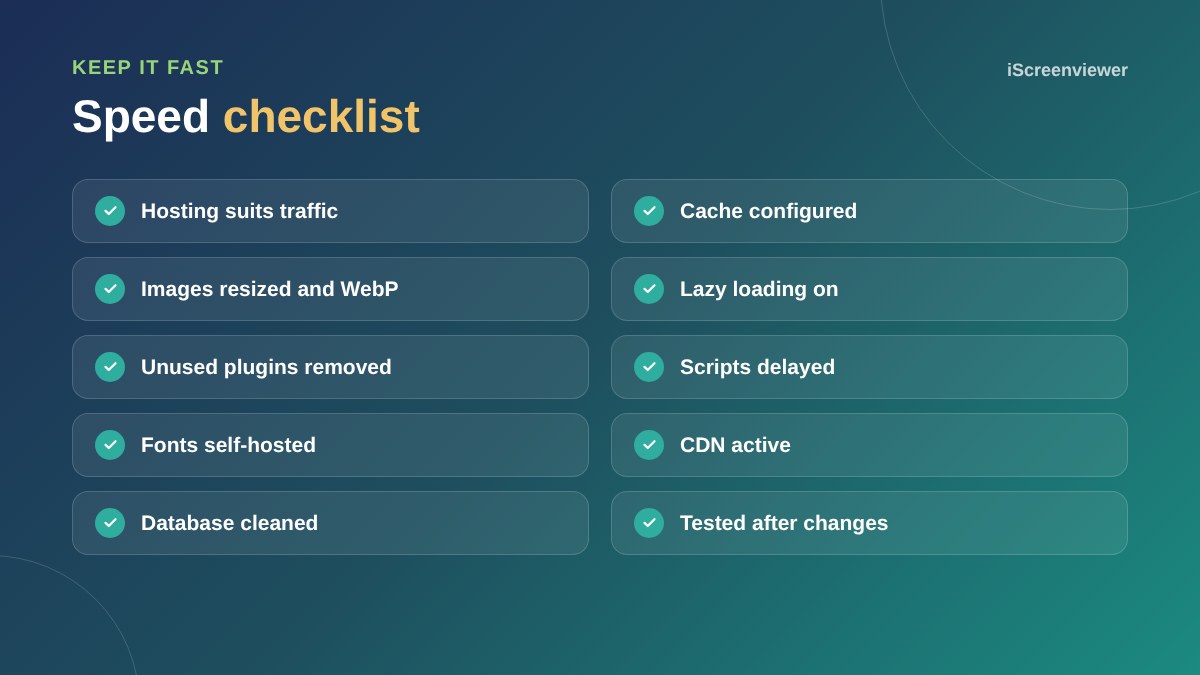
- Delete plugins that are deactivated or no longer needed
- Resize the largest images on your home page
- Remove sliders and autoplay videos from the first screen
- Turn on your host's built-in caching
- Check you are running a supported PHP version
When speed work needs a developer
Caching rules, script delays and theme changes can break forms, menus or checkout if done carelessly. If your site makes money, test changes on a staging copy first, or get help from someone who can measure and fix safely.
Want your site sped up?
The Website Speed Optimisation and Core Web Vitals package finds what slows your site and fixes it, with before and after results.
Frequently asked questions
Why is my WordPress site so slow?
Common causes are slow hosting, no caching, large images, too many plugins, a heavy theme and third-party scripts.
What is a good page load time?
Aim for the main content to appear within about 2.5 seconds on mobile.
Do caching plugins help?
Yes, page caching is one of the most effective speed improvements.
Does website speed affect SEO?
Page experience, including Core Web Vitals, is one of many signals Google uses, and speed strongly affects conversions.
Should I use a CDN?
For most business sites, yes. It speeds up delivery and adds security.
How do I test my website speed?
Use PageSpeed Insights and the Core Web Vitals report in Google Search Console.