

Boxing Day is one of the biggest sale days of the year in Australia. The problem for many small online stores is timing. The sale needs to go live on 26 December, right when most business owners want to be on a break.
The good news is that most of the work can be done before Christmas. With the right setup, your Boxing Day sale can launch automatically while you're enjoying the holidays.
This guide explains how to schedule a Boxing Day sale on Shopify or WooCommerce, what can be automated and what still needs a manual check.
Quick Answer: Can You Schedule a Boxing Day Sale in Advance?
Yes. On Shopify, you can create discounts with a start and end date so they activate automatically on 26 December. On WooCommerce, you can schedule sale prices on products and set coupon expiry dates. Banners and theme changes usually need an app, a plugin or a quick manual update, depending on your platform and plan. Set everything up and test it before Christmas.
| Task | Shopify | WooCommerce |
|---|---|---|
| Schedule the discount | Discount start and end dates | Scheduled sale prices or coupon expiry dates |
| Sale collection | Collection ready in advance | Category ready in advance |
| Sale banner | App, Shopify Plus scheduling or manual update | Plugin or manual update |
| Product SEO | Update before the sale | Update before the sale |
| Testing | Preview and test before Christmas | Test on staging or with a test coupon |
1. Plan Your Boxing Day Offer
Before touching your store, decide:
- Which products or collections are included.
- The discount, such as a percentage off, dollar amount or free shipping.
- The start and end dates and times.
- Whether the sale continues into the New Year.
- Any exclusions, such as new arrivals or gift cards.
Make sure any "was" prices or discount claims are genuine, in line with Australian Consumer Law.
2. Create the Sale Collection or Category
Create a Boxing Day sale collection on Shopify or a sale category on WooCommerce, and add the products that will be discounted.
You can keep this collection hidden from your main menu until the sale starts, or prepare the menu link and add it on the day.
3. Schedule the Discount
On Shopify
Shopify discounts, including discount codes and automatic discounts, can have a start date and time and an end date and time. Set the start to 26 December and the end to the last day of your sale.
Check that the discount applies only to the right collection or products and that minimum order rules are correct.
On WooCommerce
WooCommerce lets you schedule sale prices for individual products using the sale price date fields, so the reduced price starts and ends automatically.
Coupons can be restricted to specific products or categories and given an expiry date. For more advanced scheduling, such as sitewide sales starting at a set time, a plugin may be needed.
4. Schedule or Prepare the Sale Banner
Banners are usually part of your theme, so they don't schedule as easily as discounts.
Options include:
- A scheduling app or plugin that swaps content at a set time.
- Shopify Plus scheduling features, where available.
- Preparing the banner in a duplicate or unpublished Shopify theme, then publishing it on the day.
- A quick manual update on the morning of 26 December.
If you'll be away, choose an option that doesn't depend on you being at a computer.
5. Update SEO on Your Sale Products
Shoppers search for terms like "Boxing Day sale" plus a product or brand. Updating titles, meta descriptions and image alt text on your top sale products can help them appear for these searches.
Remember to remove time-sensitive sale wording once the sale ends. See my Shopify SEO checklist for more product SEO tips.
6. Test Everything Before Christmas
Testing is what makes a scheduled sale safe. Before you finish for the year, check:
- The discount applies to the correct products at the correct time.
- Discount combinations with other offers behave as expected.
- The sale collection and banner links work.
- The checkout works on mobile and desktop.
- The sale ends when it should.
On Shopify, preview an unpublished theme to check the banner. On WooCommerce, test on a staging site or with a test coupon.
7. Plan How the Sale Ends
Make sure the discount has an end date, and plan when the banner and sale wording will come down. An old "Boxing Day sale" message in February makes a store look neglected.
Common Boxing Day Sale Mistakes
- Setting up the sale on 26 December instead of before Christmas.
- Discounts with the wrong start time or time zone.
- Banners linking to an empty or hidden collection.
- No end date on the discount.
- Sale wording left on product pages for weeks.
Want Your Boxing Day Sale Set Up and Scheduled for You?

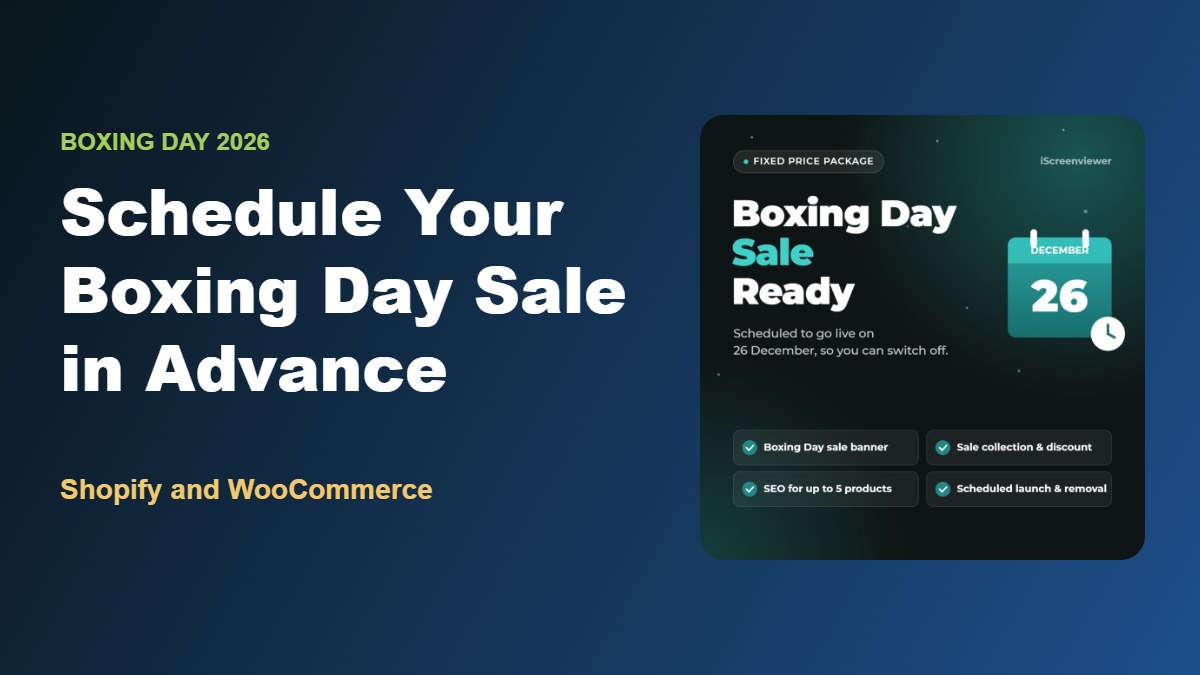
My Boxing Day Sale Ready Package sets up and schedules your Boxing Day sale in advance for a fixed price of A$349.
It includes a Boxing Day sale banner on your home page, one sale collection or category with a discount set up and tested, SEO updates for up to 5 sale products, sale changes scheduled to go live on 26 December and come down when the sale ends where your platform supports scheduling, and a mobile check of your home page, sale collection and checkout before launch.
It works for Shopify and WooCommerce stores. Order by 19 December to have your sale scheduled in time.
View the Boxing Day Sale Ready Package
Getting ready for the whole season? See how to get your Shopify store ready for Christmas and the Black Friday checklist.
Related Articles
- Fixed-Price Website Packages for Shopify, WooCommerce and WordPress
- Black Friday Checklist for Shopify and WooCommerce Stores
- How to Get Your Shopify Store Ready for Christmas 2026
- SEO and Analytics Health Check: 10 Signs Your Website Needs an Audit
- How to Write Product Listings That Rank on Google
- Common WordPress Problems and How to Fix Them
Frequently Asked Questions About Scheduling a Boxing Day Sale
Can Shopify schedule a sale automatically?
Yes. Shopify discounts can have start and end dates, so they activate and expire automatically. Banners and theme content usually need an app, Shopify Plus scheduling or a manual update.
Can WooCommerce schedule a sale automatically?
Yes. WooCommerce supports scheduled sale prices on individual products and coupon expiry dates. Scheduling sitewide sales or banner changes may need a plugin.
What time zone does my sale use?
Shopify and WooCommerce use the time zone set in your store settings. Check it's set to your local Australian time zone before scheduling the sale.
When should I set up my Boxing Day sale?
Ideally before Christmas, so everything can be tested and scheduled while you're still working. Mid December is a good target.
How long should a Boxing Day sale run?
Many Australian retailers run Boxing Day sales for a few days up to a week or more, sometimes continuing into New Year sales. Choose a length that suits your stock and margins, and always set an end date.
Will a Boxing Day sale affect my SEO?
Not negatively, as long as sale wording is removed afterwards and product URLs don't change. Using the same sale collection URL each year can help it rank for seasonal searches.