

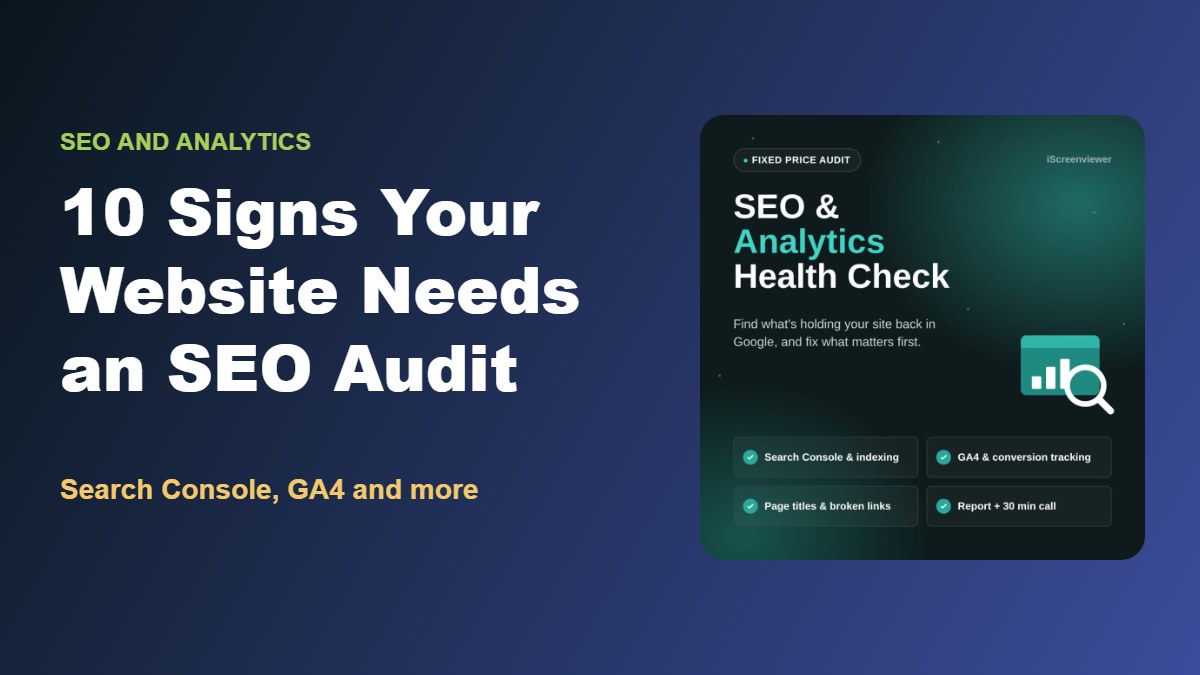
Your website might look great, but is Google finding it? And can you trust the numbers in Google Analytics?
Many Australian businesses run their websites for years without checking whether pages are indexed, whether tracking is working or whether small technical problems are holding back their search visibility.
An SEO and analytics health check answers those questions. In this guide, I'll explain what a website SEO audit covers, the warning signs that your site needs one and how to act on the results.
Quick Answer: What Is an SEO and Analytics Health Check?
An SEO and analytics health check is a review of how well your website can be found in Google and whether your tracking data is accurate. It typically checks Google Search Console for indexing and sitemap issues, confirms that Google Analytics 4 (GA4) is recording key events and conversions, reviews page titles and meta descriptions, and finds broken links and redirect problems. The result is a prioritised list of fixes.
| Area checked | Why it matters |
|---|---|
| Google Search Console | Shows whether Google can find and index your pages |
| Sitemap status | Helps Google discover new and updated pages |
| GA4 setup | Confirms visitor data is being recorded correctly |
| Conversion tracking | Shows which pages lead to sales, enquiries and calls |
| Page titles and meta descriptions | Affect how your pages appear and get clicked in search |
| Broken links and redirects | Cause errors for visitors and wasted crawling |
10 Signs Your Website Needs an SEO and Analytics Check
1. Your Traffic Has Dropped and You Don't Know Why
A sudden or gradual fall in visitors can be caused by indexing problems, website changes, tracking issues or algorithm updates. A health check helps separate real drops from broken tracking.
2. Important Pages Aren't Appearing in Google
If a service, product or location page doesn't appear when you search for it, it may not be indexed. Search Console shows whether Google has found it and why it may be excluded.
3. You've Never Set Up Google Search Console
Search Console is free and shows your search impressions, clicks, queries and technical issues. Without it, you're missing the most useful SEO data available.
4. You're Not Sure GA4 Is Working
Since Universal Analytics was retired, many websites have incomplete or incorrectly configured GA4 setups. Common problems include missing data, duplicate tracking and internal traffic being counted.
5. You Can't See Which Pages Generate Enquiries or Sales
If you can't tell which pages lead to form submissions, calls or purchases, your conversion tracking needs attention. This data is essential for deciding where to invest.
6. You've Recently Redesigned or Migrated Your Website
New websites often change URLs, remove pages or break tracking. Without proper redirects, rankings built over years can be lost. Read about redesigning without losing SEO rankings.
7. Your Search Results Look Messy
Duplicate page titles, missing meta descriptions or titles that cut off in search results can reduce clicks, even when pages rank well.
8. Visitors Are Hitting Broken Links
Broken internal links and outdated redirects frustrate visitors and waste Google's crawling time.
9. You've Changed Platforms or Hosting
Moving to Shopify, WooCommerce or new hosting can affect sitemaps, redirects, tracking scripts and site speed.
10. You Don't Know What to Fix First
Most websites have more potential improvements than time. A prioritised list based on impact and effort helps you focus on what matters.
What an SEO Health Check Should Cover
A useful website SEO audit should include:
- Google Search Console review: indexing errors, page coverage and sitemap status.
- GA4 setup check: key events and conversion tracking for sales, forms and calls.
- Indexing and crawl issues: problems that stop pages appearing in search results.
- Page titles and meta descriptions: reviewed across key pages.
- Broken links and redirects: errors that affect visitors and search engines.
- Prioritised recommendations: ranked by impact and effort.
For online stores, it's also worth reviewing product and collection SEO. My Shopify SEO checklist covers that in detail.
How to Act on the Results
An audit is only useful if the findings get fixed. Start with:
- Critical issues: pages that should be indexed but aren't, broken tracking and major errors.
- Quick wins: improved titles and meta descriptions on high-impression pages.
- Ongoing improvements: content updates, internal links and performance.
Recheck Search Console a few weeks after fixes to confirm Google has processed the changes.
Get a Fixed-Price SEO and Analytics Health Check
My SEO and Analytics Health Check is a fixed-price audit for A$399.
It includes a Google Search Console review of coverage, indexing errors and sitemap status, a GA4 setup check including key events and conversion tracking for sales, forms and calls, a review of indexing and crawl issues, a page title and meta description review across your key pages, broken link and redirect checks, a prioritised report ranking each issue by impact and effort, and a 30-minute consultation to walk through the findings and next steps.
View the SEO and Analytics Health Check
Need help with the fixes afterwards? See my fixed-price website packages or get in touch.
Related Articles
- Fixed-Price Website Packages for Shopify, WooCommerce and WordPress
- Black Friday Checklist for Shopify and WooCommerce Stores
- How to Get Your Shopify Store Ready for Christmas 2026
- How to Schedule a Boxing Day Sale on Shopify or WooCommerce
- How to Write Product Listings That Rank on Google
- Common WordPress Problems and How to Fix Them
- How to Get Your Business Found in AI Search: Keyword Planning, Schema and AI Visibility
- How to Set Up Google Analytics 4 and Google Search Console (Step-by-Step Guide)
Frequently Asked Questions About SEO Health Checks
What is a website SEO audit?
A website SEO audit reviews the technical and on-page factors that affect how your site appears in search engines, such as indexing, page titles, broken links and site structure, and recommends improvements.
How often should I check my website's SEO?
Review Search Console monthly and run a more thorough health check at least once or twice a year, and after any redesign, migration or major change.
What is Google Search Console used for?
Google Search Console shows how your website performs in Google Search, including search queries, impressions, clicks, indexing status, sitemaps and technical issues.
How do I know if GA4 conversion tracking is working?
Check that key events such as purchases, form submissions and calls appear in GA4 reports and match what actually happened on your website. A health check can confirm this.
Will an SEO audit improve my rankings?
The audit itself doesn't change rankings, but fixing the issues it finds, such as indexing problems, weak titles and broken links, can improve visibility and clicks.
Do I need access to Search Console and GA4 for an audit?
Yes. Access to Google Search Console and Google Analytics 4 allows a much more accurate review. If they aren't set up, that's usually the first thing to fix.