

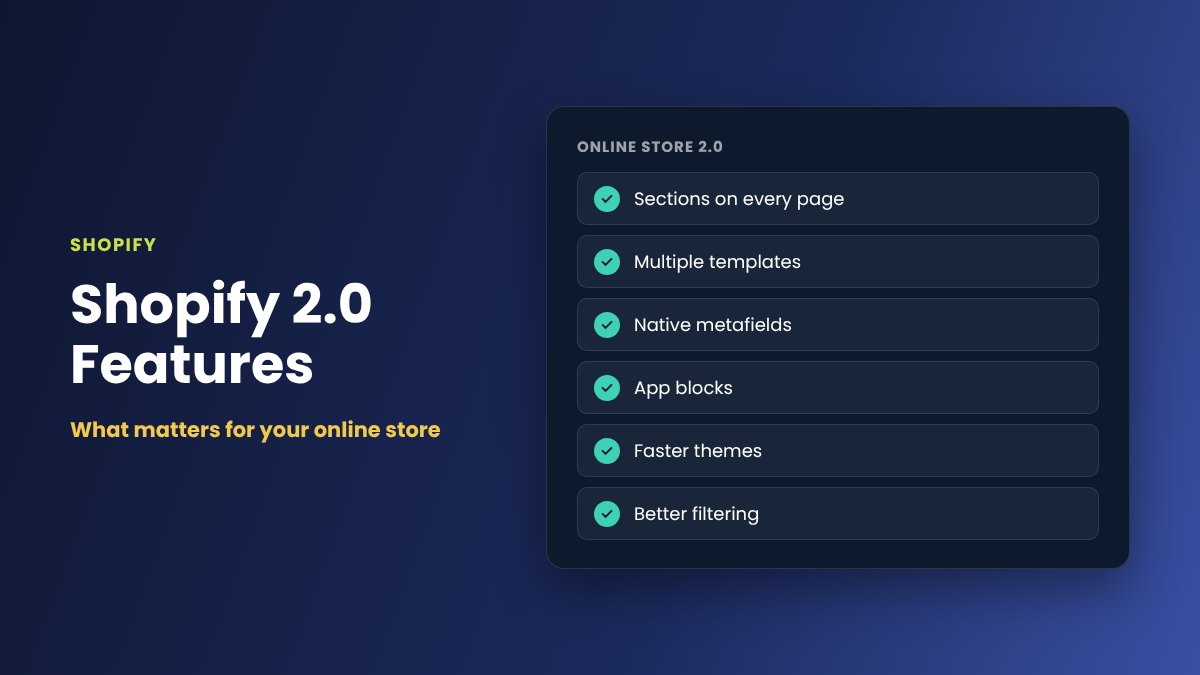
When Shopify announced Online Store 2.0, it was the biggest change to the way Shopify themes work since the platform launched. Most people simply call it Shopify 2.0.
For store owners, the update changed how much control you have over your own website. Many tasks that once needed a developer can now be done directly in the theme editor, while developers gained better tools for building faster, more flexible stores.
If your store is still running on an older theme, or you are planning a new Shopify build, it is worth understanding which Shopify 2.0 features actually matter for your business.
What Is Shopify 2.0?
Shopify 2.0 (officially called Online Store 2.0) is a rebuilt theme architecture for Shopify stores. It changes how pages are structured, how content is stored and how apps connect to your theme.
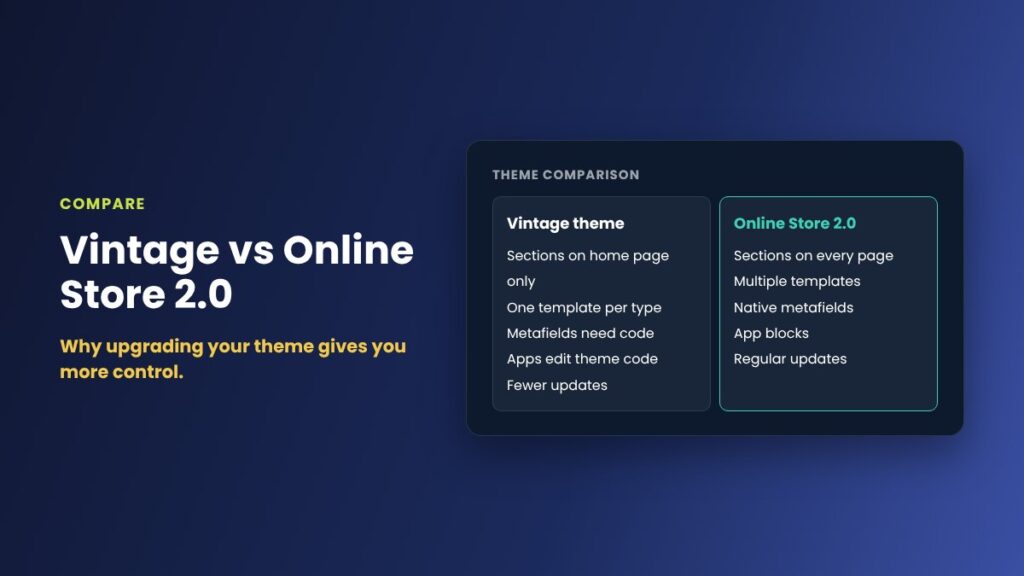
Older themes are now referred to by Shopify as "vintage" themes. They still work, but they cannot use most of the features described below. New themes in the Shopify Theme Store are built on the Online Store 2.0 architecture.
1. Sections on Every Page
In vintage themes, drag and drop sections were mostly limited to the home page. Product pages, collection pages and standard content pages had fixed layouts that usually required code changes to adjust.
With Shopify 2.0, sections can be added, removed and reordered on almost every page of your store. This means you can:
- Add a testimonials or FAQ section to product pages
- Place promotional banners on collection pages
- Build richer About, landing and campaign pages without editing code
- Reorder content to suit different products or seasons
For most store owners, this is the single most useful change in Shopify 2.0.
2. Multiple Templates for Different Pages
Shopify 2.0 makes it easy to create multiple templates for the same page type. For example, you might use one product template for clothing, another for accessories and a third for gift cards.
Each template can have its own layout and sections, and you can assign the right template to each product or page from the Shopify admin. This gives you the flexibility of custom page designs without maintaining separate code for each one.
3. Metafields Without the Workarounds
Metafields let you store extra information about products, variants, collections and other content. Examples include ingredients, care instructions, size guides, technical specifications or delivery notes.
Before Shopify 2.0, using metafields usually meant installing an app or adding custom code to the theme. Now metafields can be defined and edited directly in the Shopify admin, and connected to your theme using dynamic sources.
This means a product page can automatically display the right specifications or care instructions for each product, without anyone editing the theme. Shopify has since extended this approach with metaobjects, which make it possible to manage structured content such as team members, store locations or ingredient lists.
4. App Blocks and Cleaner App Integrations
Many Shopify apps used to work by injecting code into theme files. When an app was removed, leftover code often remained in the theme, which could slow the site down or cause display problems.
Shopify 2.0 introduced app blocks and theme app extensions. Compatible apps now appear as blocks that you can add, move or remove in the theme editor, just like any other section.
For store owners, this means:
- Installing and positioning apps is easier
- Removing an app no longer leaves code behind in your theme
- Theme updates are less likely to break app functionality
5. Faster, More Modern Themes
Alongside Shopify 2.0, Shopify released Dawn, a free reference theme built for speed and accessibility. Dawn and many newer themes rely on simpler code, less JavaScript and modern performance practices.
Faster page loads improve the shopping experience, particularly on mobile, and can support better search engine visibility. Moving from an older theme to a well built 2.0 theme is often one of the most effective ways to improve store performance.
6. Better Product Filtering and Search
Shopify 2.0 brought native filtering to collection and search pages. Customers can filter products by availability, price, product type, vendor, variant options such as size or colour, and metafield values.
Using Shopify's free Search & Discovery app, store owners can control which filters appear, add synonyms and recommend related products. For stores with larger catalogues, this can make a noticeable difference to how quickly customers find what they want.
7. Improved Tools for Developers
Shopify 2.0 also changed how developers work, which benefits store owners indirectly through more reliable builds and easier maintenance. Key improvements include:
- GitHub integration, so theme code can be version controlled and changes tracked
- Shopify CLI for local theme development and previewing changes safely
- Theme Check, which helps identify errors and performance issues in theme code
- JSON templates, which separate page structure from code and make themes easier to update
For businesses working with an agency or developer, these tools make it easier to test changes before they go live and reduce the risk of problems on the live store.
Should You Upgrade to a Shopify 2.0 Theme?
If your store is still running a vintage theme, upgrading is usually worthwhile. You will gain more control over your content, cleaner app integrations and access to the latest Shopify features.
However, upgrading is not as simple as clicking a button. Moving to a new theme typically involves:
- Choosing a 2.0 theme that suits your products and brand
- Rebuilding customisations from your existing theme
- Moving content into sections, templates and metafields
- Checking that your apps support app blocks
- Testing the store thoroughly before publishing the new theme
Planning the move carefully helps protect your search rankings, keeps your customer experience consistent and avoids disruption to sales.
A Shopify 2.0 upgrade is a good opportunity to review your store's structure, remove apps you no longer use and improve page speed at the same time.
Final Thoughts: What Matters Most in Shopify 2.0
For most store owners, the features that matter most in Shopify 2.0 are sections on every page, flexible templates, metafields with dynamic sources and cleaner app integrations. Together, they give you more control over your store without relying on code changes for everyday updates.
Faster themes, better filtering and improved developer tools add further value, especially for growing stores with larger catalogues.
Need Help With a Shopify 2.0 Upgrade?
At iScreenviewer, I work directly with Australian businesses to build, improve and maintain eCommerce websites.
Whether you are moving from a vintage theme, planning a new Shopify store or need help setting up sections, templates and metafields, I can help you plan the move and make sure your store is set up to perform.
Explore my website development and eCommerce services or get in touch to discuss your Shopify project.
Fixed-Price Packages That Can Help

Prefer to have it done for you? These fixed-price packages cover the work in this guide, with no hourly billing:
- Custom Shopify or WordPress Theme: A$3,000
- Full Rebuild Shopify Website: A$1,500
- Shopify Quick Fix: A$199
Not sure which one you need? Book a free website consultation or request a custom quote.
Related Articles
- Is Your Shopify Store Outdated? 12 Signs It's Time for a Redesign in 2026
- Shopify SEO Checklist for Australian Online Stores in 2026
- Shopify vs WooCommerce: Which Is Better for Australian Small Businesses in 2026?
- How to Use Claude AI with Shopify to Manage and Grow Your Online Store
Frequently Asked Questions About Shopify 2.0
What is Shopify 2.0?
Shopify 2.0, officially called Online Store 2.0, is Shopify's theme architecture that adds sections on every page, multiple templates, native metafields and app blocks.
How do I know if my Shopify theme is 2.0?
In your Shopify admin, open Online Store, then Themes, and customise your theme. If you can add sections to product and collection pages, not just the home page, your theme supports Online Store 2.0.
Do vintage Shopify themes still work?
Yes, vintage themes still work, but they cannot use most Online Store 2.0 features and receive fewer updates from theme developers.
Is it worth upgrading to a Shopify 2.0 theme?
For most stores, yes. A 2.0 theme gives you more control without a developer, cleaner app integrations and usually faster page speeds.
Will upgrading my Shopify theme affect SEO?
Your URLs stay the same, but page content, headings and structured data can change. Check titles, meta descriptions and redirects before and after the switch.