

For many Australian online stores, the weeks before Christmas bring in more sales than any other time of year. Shoppers are searching for gifts, comparing delivery times and deciding quickly where to buy.
If your Shopify store isn't ready, those customers can easily go elsewhere. Gifts that are hard to find, unclear delivery dates or a clunky mobile checkout can all lose sales during the busiest season.
This guide explains how to get your Shopify store ready for Christmas 2026, from gift collections and banners to product SEO, shipping messages and conversion checks.
Quick Answer: How Do You Get a Shopify Store Ready for Christmas?
To get a Shopify store ready for Christmas, create a gift guide or Christmas collection, add a clear seasonal banner, update SEO on your top gift products, show Christmas delivery cut-off dates, check the mobile shopping and checkout experience, and plan your Boxing Day sale in advance. Start in early November so everything is live before the December rush.
| Area | What to prepare |
|---|---|
| Collections | A gift guide or Christmas collection, organised by price or recipient |
| Banner | A clear seasonal banner linking to your Christmas collection |
| Product SEO | Gift-focused titles, meta descriptions and image alt text |
| Delivery | Christmas shipping cut-off dates shown on site |
| Mobile | Fast, easy browsing and checkout on phones |
| Conversion | Clear prices, stock levels, trust signals and payment options |
| After Christmas | A Boxing Day sale planned and ready to launch |
1. Create a Christmas Gift Collection
A dedicated Christmas collection helps shoppers who don't know exactly what they want.
Popular ways to organise Christmas collections include:
- Gifts by price, such as "Gifts under $50" or "Gifts under $100".
- Gifts by recipient, such as "Gifts for him", "Gifts for her" or "Gifts for kids".
- Stocking fillers.
- Best sellers and top-rated products.
- Gift cards for last-minute shoppers.
In Shopify, you can create manual collections or automated collections based on tags, price or product type. Add a short, helpful description to each collection, which also helps with search visibility.
2. Add a Seasonal Banner
Your home page banner is the first thing visitors see. For Christmas, it should clearly point shoppers to your gift collection or Christmas offer.
Keep the message short, make sure it's readable on mobile and link it to the right collection. If you're running a promotion, include the offer and end date.
3. Update SEO on Your Top Gift Products
Shoppers search for terms like "gift for dad", "Christmas gift ideas Australia" or "personalised gifts". Updating the SEO on your most giftable products can help them appear for these searches.
Review:
- Product titles that describe the product clearly.
- SEO page titles and meta descriptions that mention gifting where relevant.
- Image alt text that describes each product.
- Collection descriptions that include natural Christmas search terms.
For a broader guide, read my Shopify SEO checklist for Australian online stores.
4. Show Christmas Delivery Cut-Off Dates
One of the most common questions before Christmas is "Will it arrive in time?"
Display your Christmas shipping cut-off dates clearly on your home page, product pages, cart and shipping policy. Base them on your carrier's published Christmas dates, such as those from Australia Post, plus your own processing time.
After the cut-off, promote gift cards, click and collect or express shipping where available.
5. Check the Mobile Shopping Experience
Most Christmas shoppers browse on their phones, often in short bursts. Test your store on a real mobile device and check that:
- The menu makes it easy to find gifts.
- Product images load quickly and look clear.
- Variant options such as size and colour are easy to select.
- The "Add to cart" button is visible without too much scrolling.
- Checkout works smoothly with Shop Pay, Apple Pay, Google Pay, PayPal or Afterpay where enabled.
6. Review Your Store for Conversions
Small improvements can make a big difference when traffic is high. Look at:
- Clear pricing: including any shipping costs before checkout.
- Stock levels: avoid selling out without updating listings.
- Trust signals: reviews, returns information and contact details.
- Gift options: gift wrapping, gift notes or gift cards if you offer them.
- Speed: remove unused apps and large images that slow the store down.
If your store has bigger design or usability problems, it may be time to plan a refresh in the new year. See 12 signs your Shopify store needs a redesign.
7. Plan Your Boxing Day Sale Early
Boxing Day is only a day after Christmas, and many store owners are on a break. Set up your Boxing Day banner, sale collection and discount before Christmas so it can go live on 26 December.
Read my guide on how to schedule a Boxing Day sale on Shopify or WooCommerce.
Common Christmas Mistakes to Avoid
- Launching Christmas collections too late in December.
- Not showing delivery cut-off dates.
- Banners and collections that are hard to use on mobile.
- Out-of-stock gifts still showing as available.
- Christmas messaging left up well into January.
Want Your Shopify Store Ready for Christmas?
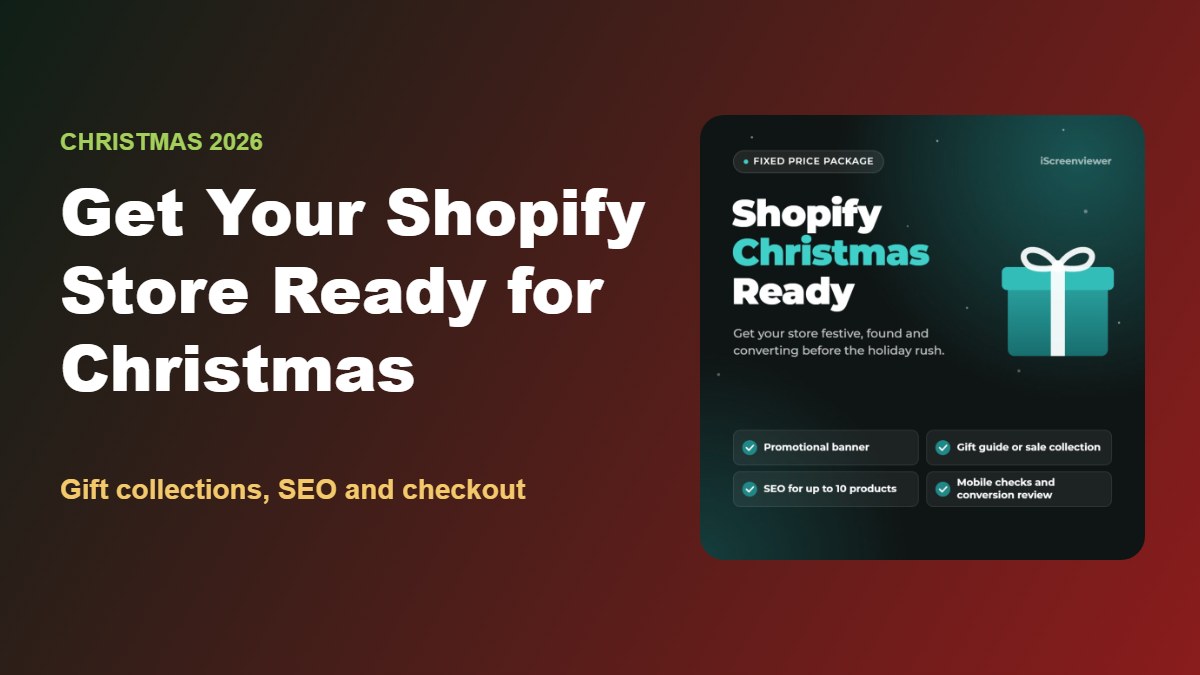
My Shopify Christmas Ready Package gets your store ready for Christmas and Boxing Day for a fixed price of A$599.
It includes a Christmas or Boxing Day promotional banner, one promotional collection such as a gift guide or sale collection, SEO updates for up to 10 products, mobile layout and usability checks, and a basic conversion review of your shopping and checkout experience with recommendations.
View the Shopify Christmas Ready Package
Running a Black Friday sale first? See the Black Friday checklist for Shopify and WooCommerce and the Black Friday Ready Package.
Related Articles
- Fixed-Price Website Packages for Shopify, WooCommerce and WordPress
- Black Friday Checklist for Shopify and WooCommerce Stores
- How to Schedule a Boxing Day Sale on Shopify or WooCommerce
- SEO and Analytics Health Check: 10 Signs Your Website Needs an Audit
- How to Write Product Listings That Rank on Google
- Common WordPress Problems and How to Fix Them
- Shopify 2.0 Features: What Matters for Your Online Store
Frequently Asked Questions About Christmas on Shopify
When should I start preparing my Shopify store for Christmas?
Start in early November. That gives you time to create gift collections, update product SEO and test everything before shoppers start buying in earnest in late November and December.
What should be in a Shopify Christmas gift guide?
Group products in ways that help shoppers decide, such as by price, recipient or category. Include best sellers, gift cards and a short description for each collection.
How do I show Christmas shipping cut-off dates on Shopify?
Add the dates to an announcement bar, your home page, product pages and your shipping policy. Base them on your carrier's published Christmas dates and your own processing time.
Should I offer gift cards at Christmas?
Yes. Gift cards are useful for last-minute shoppers after delivery cut-offs, and Shopify includes gift card functionality on its plans.
Do Christmas collections help SEO?
They can. A well-structured Christmas or gift collection with a helpful description can rank for seasonal searches, especially if you reuse the same URL each year.
Can I prepare for Christmas and Boxing Day at the same time?
Yes. Setting up your Boxing Day sale before Christmas means it can launch on 26 December without you needing to work on the day.